Ordalin
Submit a tool

Reviewed tool profile

ArtCraft

Open-source AI image and video studio where you stage shots on a 2D canvas or in 3D, then let models like Nano Banana and Seedance render them.

Sources checked

Visit website ↗
Pricing
The app is free and open source, and no subscription is required: you can bring your own compute and third-party subscriptions. Optional paid plans add monthly generation credits: Basic $10, Pro $35 and Max $60 per month at list price, with a limited-time 20% discount, plus custom Enterprise terms and one-time credit packs. Official source 1 ↗
Available as
Desktop app for macOS and Windows, plus a browser version at app.getartcraft.com that needs no install. Official source 1 ↗
Primary group
Image & Design

What it does

ArtCraft is an open-source studio for AI image and video generation that puts layout control before prompting. You block out a shot on a 2D canvas or in a 3D scene, pose characters and place the camera, then let a model such as Nano Banana or Seedance render it while keeping your composition. It runs as a desktop app on macOS and Windows or in the browser, and the source is on GitHub.

Official source 1 ↗

Features

  • 3D scene composition. A real-time 3D editor where you add objects and characters, pose characters and set camera height and focal length. When you generate, the model keeps your framing and pose, which helps keep several shots of one scene consistent. Official source 1 ↗
  • 2D canvas with structure-preserving generation. Sketch shapes, block in the background and lay out references on a 2D canvas; generation improves detail while keeping the structure you drew. Official source 1 ↗
  • Masked inpainting edits. Paint a mask, write a short instruction and regenerate only that region, for example to remove objects, swap a product's material or fix a portrait detail. Official source 1 ↗
  • Image to video. Turn a generated image or a photo into a short clip by picking a video model, duration and camera or subject motion, then adding a brief prompt. Official source 1 ↗
  • Image to location and 3D mesh. Place virtual actors into physical environments for single-location consistency across shots, and turn images into 3D meshes to position elements precisely. Official source 1 ↗
  • Mixed assets and background removal. Combine image cutouts, worlds and 3D meshes on one canvas, with built-in background removal for making cutout assets. Official source 1 ↗
  • Several hosted image and video models. Paid credits cover models including Nano Banana, Nano Banana Pro, GPT-Image-1.5, Seedance 2.0 and Kling 3.0 Pro. Official source 1 ↗

Pricing & free limits

Open source (no subscription)

$0free

The open-source app can be used without a subscription; you bring your own compute and third-party subscriptions. Official source 1 ↗

Basic

$10 (list); $8 with the current 20% offerper month; $96 billed yearly with the offer

1,000 credits a month, for example about 250 Nano Banana images or about 63 seconds of Seedance 2.0 video. Official source 1 ↗

Pro

$35 (list); $28 with the current 20% offerper month; $336 billed yearly with the offer

3,750 credits a month, for example about 938 Nano Banana images or about 234 seconds of Seedance 2.0 video. Official source 1 ↗

Max

$60 (list); $48 with the current 20% offerper month; $576 billed yearly with the offer

6,600 credits a month, for example about 1,650 Nano Banana images or about 413 seconds of Seedance 2.0 video. Official source 1 ↗

Enterprise

Customcontact sales

Everything in Max plus bespoke credit allocation, secure models, support SLAs and custom integrations. Official source 1 ↗

Billing details

Plans are billed monthly or yearly through Stripe and can be cancelled at any time. Credits are refunded if a generation fails. Official source 1 ↗

One-time credit packs top up an account without changing plan, and those credits never expire. Official source 1 ↗

The 20% discount is advertised as a limited-time offer, so list prices may apply later. Official source 1 ↗

Free access & limits

Free access and its limits were not established by the checked official sources.

Best for & limitations

Storyboards, thumbnails and product mockups drawn on the 2D canvas and rendered with the layout preserved. Official source 1 ↗

Shooting several consistent shots of one scene or location by staging it in 3D and keeping camera, framing and pose across renders. Official source 1 ↗

Clean-up and product edits such as removing cables or passers-by and changing colourways, logos or materials. Official source 1 ↗

Portraits and short clips of yourself from 4–8 reference photos, with pose, lighting and style controlled through the canvas or 3D scene. Official source 1 ↗

Product limitations were not established by the checked official sources.
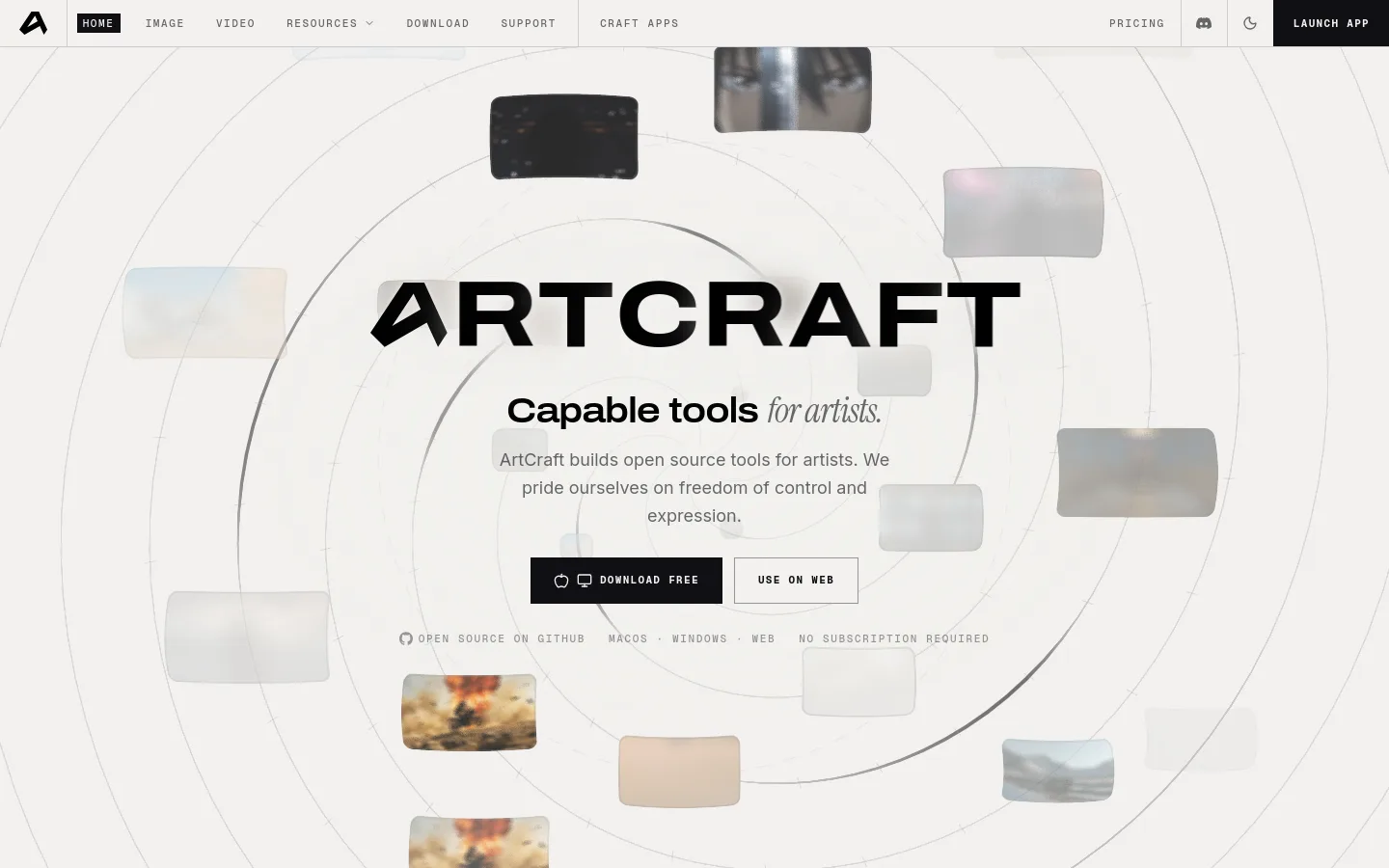
ArtCraft product screenshot
Website previewFixed desktop viewport · 1440 × 900

Similar tools

Published tools that share its categories.

Yeri AIWeb AI image and video generator that runs GPT Image, Nano Banana, Seedream, Seedance and Kling, with photo effects and editing tools.
Image & DesignFree planChecked Oct 7
Visit
Raphael AIBrowser-based AI image generator that combines Seedream, GPT Image, Nano Banana and other models, with a free watermarked basic mode.
Image & DesignFree planChecked Oct 7
Visit
PixfyCreate an AI character from text or a reference image and reuse it across outfits, poses, scenes, products, and brand mascots.
Image & DesignFree planChecked Oct 1
Visit
VirseCreate and edit commercial visual work on a canvas with multimodal AI models and aesthetic memory.
Image & DesignFree planChecked Aug 27
Visit
GeminiGoogle's AI assistant for chat, document summaries, Deep Research reports, writing, coding, and image, video and music generation.
Research & DataFree planChecked Oct 10
Visit
Spacely AIAI interior and exterior rendering that turns sketches, 3D models or room photos into photorealistic, editable designs.
Image & DesignFree planChecked Oct 9
Visit