
Ordalin
Submit a tool

Reviewed tool profile

Spacely AI

AI interior and exterior rendering that turns sketches, 3D models or room photos into photorealistic, editable designs.

Sources checked

Visit website ↗
Pricing
Freemium and credit-based. The Free plan costs $0, includes 40 trial credits and needs no credit card. Paid Personal (1 seat), Studio (up to 2 seats) and Agency (up to 5 seats) plans can be billed monthly or yearly, with yearly saving 20%; their prices did not appear in the fetched page text. Subscribers can buy one-time credit top-ups from $9 for 200 credits, and an Education plan costs $30 with 1,500 credits a month for academic email addresses. Official source 1 ↗ · Official source 2 ↗
Available as
Web app: Spacely's trust page lists the website as the full platform with all features and tools. · A SketchUp extension, free to install from the SketchUp Extension Warehouse, renders models without leaving SketchUp. · A Rhino extension is available from food4rhino. · The paid-plan comparison lists software integrations with SketchUp, Revit, AutoCAD and Rhino. Official source 1 ↗ Official source 1 ↗ · Official source 2 ↗ Official source 1 ↗ Official source 1 ↗
Primary group
Image & Design

What it does

Spacely AI is a browser-based AI rendering and editing tool for interiors, exteriors and landscapes. You upload a sketch, a 3D model or a photo of a room, and it returns a photorealistic render in under a minute while keeping your materials and geometry. You can then change lighting, materials and furniture without rebuilding the file. It is aimed mainly at interior designers, architects and realtors, and Spacely also pitches it to homeowners who want to see a space before building it.

Official source 1 ↗

Features

  • Realistic Render. Renders detailed sketches or 3D models with lifelike lighting and textures while keeping the original materials. It is marked as a Pro feature. Official source 1 ↗
  • Creative Interior, Exterior and Landscape. Turns sketches or clay models into styled interior, exterior or outdoor renders ready to present. Official source 1 ↗
  • Prompt-based editing. Auto Edit and Point and Edit change a design from a text description, with no manual masking. Official source 1 ↗
  • Empty the Room and Auto Furnish. Removes all furniture and decor from a room photo, or furnishes an empty room without changing its layout. Auto Furnish is a Pro feature. Official source 1 ↗
  • Style and lighting transfer. Applies the style of a mood board, or the lighting mood of a reference image, to a design; Lighting Control relights the scene from any direction. Official source 1 ↗
  • Multiple views and angles. Generates images of the same scene from several perspectives (Pro features). Official source 1 ↗
  • Post-processing tools. Upscales blurry images, widens a view, converts images to line art or material-ID maps, and exports in 4K. Official source 1 ↗
  • Image to Video and Image to 3D (beta). Beta tools create an 8-second architectural video from one or two frames, or a textured 3D model from a single image. Official source 1 ↗
  • Team Canvas. A shared canvas where teammates see each other's edits and renders in real time, with shared projects, shared credits and team access controls. Official source 1 ↗

Pricing & free limits

Free

$0free forever

40 trial credits. The pricing page lists access to all features, high-resolution download, private mode, a commercial license and watermark-free output. Official source 1 ↗

Personal

Not shown in the fetched page textmonthly or yearly (yearly saves 20%)

1 seat with basic features, the standard queue (results in about 5 minutes), credit stacking, a commercial license and integrations with SketchUp, Revit, AutoCAD and Rhino. Official source 1 ↗

Studio

Not shown in the fetched page textmonthly or yearly (yearly saves 20%)

Up to 2 seats with Pro features such as Realistic Render, Auto Furnish, Pro material settings and 4K download. Marked as the most popular plan. Official source 1 ↗

Agency

Not shown in the fetched page textmonthly or yearly (yearly saves 20%)

Up to 5 seats with Pro features, team collaboration and API integration, including a private API key. Official source 1 ↗

Education

$30credits refresh monthly; billing period not stated

Everything in Studio, with 1,500 fresh credits each month. It applies automatically to academic email addresses and is non-transferable. Official source 1 ↗

Billing details

Credit top-ups are one-time purchases that never expire, and only subscribers can buy them: 200 credits for $9 (about 100 renders), 1,000 for $35 (about 500 renders) and 5,000 for $150 (about 2,500 renders). Teams that need more can request a custom plan. Official source 1 ↗

Credit cost per render depends on the render options and the number of results. Official source 1 ↗

Companies can pay by bank or wire transfer in EUR, GBP or USD, and checkout supports more than 30 currencies. Official source 1 ↗

Free access & limits

The Free plan comes with a one-time grant of trial credits and needs no credit card. The pricing page lists 40 trial credits, while the app's sign-up prompt says 50 credits. Official source 1 ↗ · Official source 2 ↗ · Official source 3 ↗

Best for & limitations

Interior designers preparing mood boards, proposals and design options for clients. Official source 1 ↗

Architects communicating spatial intent during concept and schematic phases without full production renders. Official source 1 ↗

Realtors creating virtual visuals that help buyers understand a space. Official source 1 ↗

Homeowners previewing a redesign, for example by emptying a room and trying new furniture and styles before buying or building. Official source 1 ↗ · Official source 2 ↗
  • No mobile apps or browser extensions. Spacely says it has no iOS, Android or browser-extension apps, and several tools are supported only on the desktop version. Official source 1 ↗ · Official source 2 ↗
  • Pro tools and faster queues need higher tiers. Personal includes basic features and the standard queue (results in about 5 minutes). Studio and Agency add Pro features, and the comparison lists faster priority and lightning queues. Official source 1 ↗
  • Top-ups only with a subscription. Free users can't buy extra credits; top-ups are for subscribers only. Official source 1 ↗
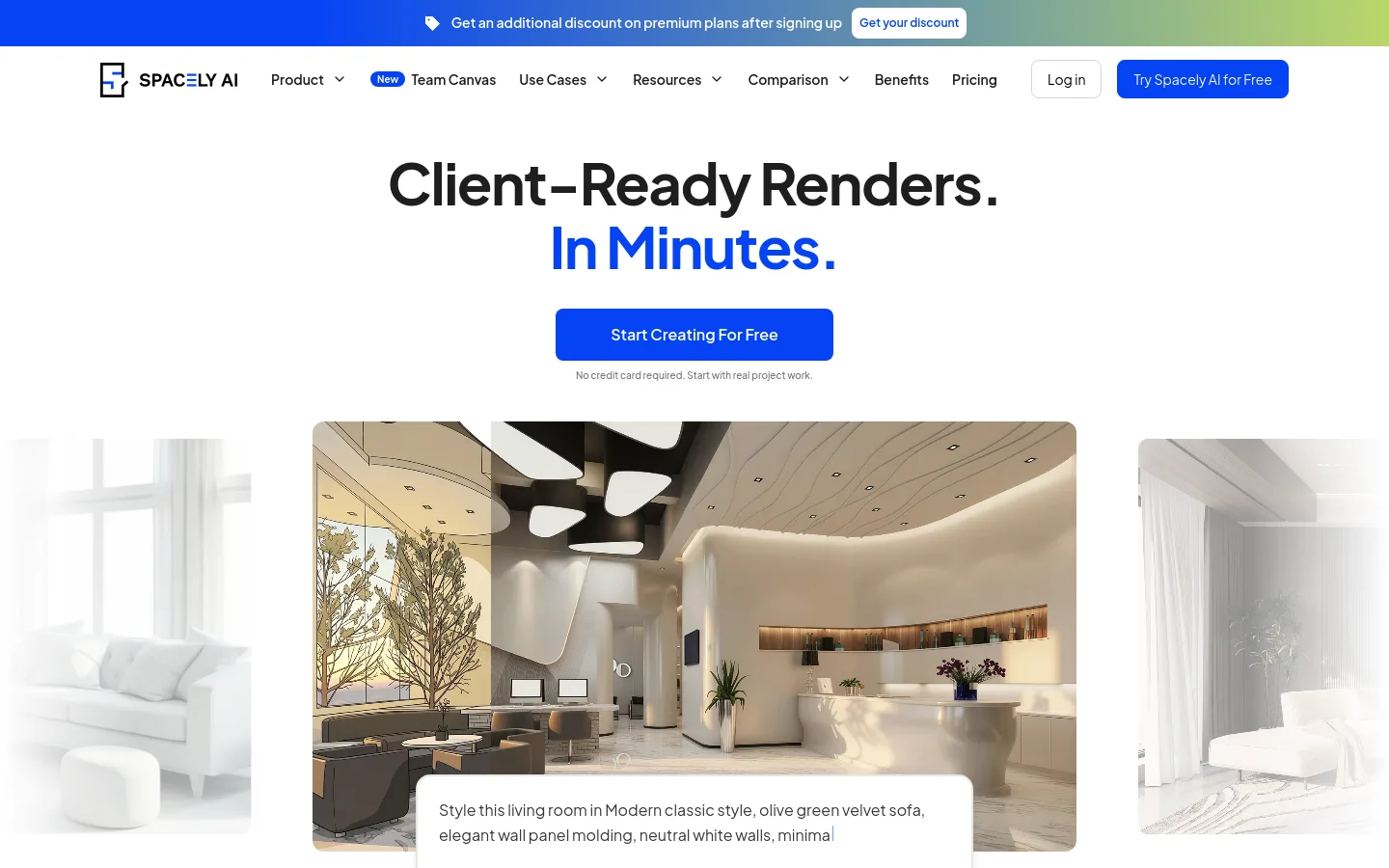
Spacely AI product screenshot
Website previewFixed desktop viewport · 1440 × 900

Similar tools

Published tools that share its categories.

Yeri AIWeb AI image and video generator that runs GPT Image, Nano Banana, Seedream, Seedance and Kling, with photo effects and editing tools.
Image & DesignFree planChecked Oct 7
Visit
Raphael AIBrowser-based AI image generator that combines Seedream, GPT Image, Nano Banana and other models, with a free watermarked basic mode.
Image & DesignFree planChecked Oct 7
Visit
PixfyCreate an AI character from text or a reference image and reuse it across outfits, poses, scenes, products, and brand mascots.
Image & DesignFree planChecked Oct 1
Visit
VirseCreate and edit commercial visual work on a canvas with multimodal AI models and aesthetic memory.
Image & DesignFree planChecked Aug 27
Visit