




Ordalin
Submit a tool

Code Animation Prompts

Both test runs delivered what we asked for: a 12-second 1080p MP4 at 30 fps, an editable HTML file and keyframes, in about four to five minutes and under $1 each at API prices. The styles are a strong starting point; the motion is still written by the agent, and the renderer's default setup downloads a browser into your shared cache.

Checked 2026-11-07
Tested 2026-11-07 with claude-opus-5-5

39 styles from the collection's own series

Stills from the A–G code samples, the M, K and Z series, the ready-made layouts and the R series. The collection has 196 stills in all; the Lemo-Opuscar styles are on their own page.

Code samples: Words · 5

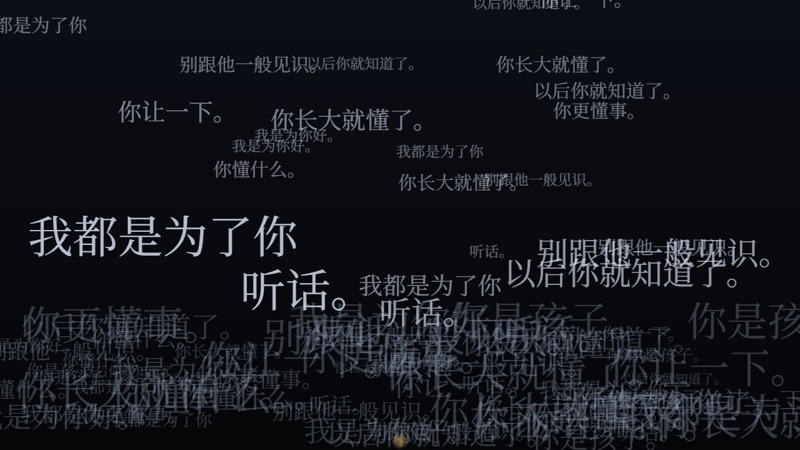
A1 · Falling Words style: Words
A1 · Falling WordsWords. Words fall like rain and pile up.
  • Lectures and nagging
  • Repeated words
  • Pressure
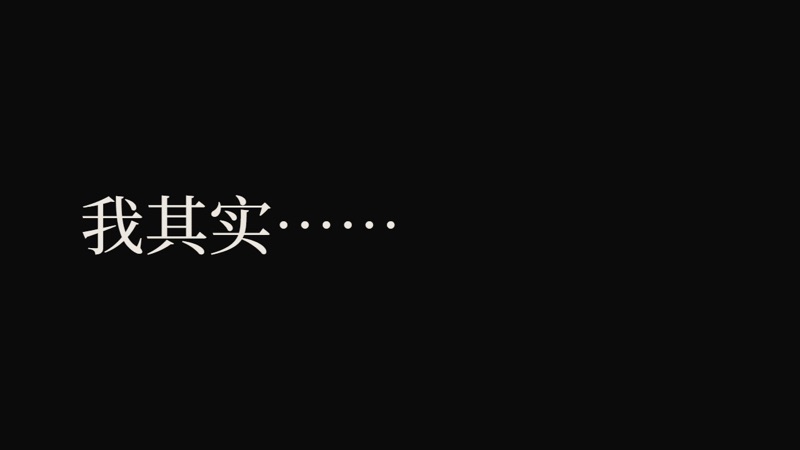
A2 · Cursor Typing style: Words
A2 · Cursor TypingWords. A lone cursor on black types word by word, then deletes.
  • Things left unsaid
  • Inner monologue
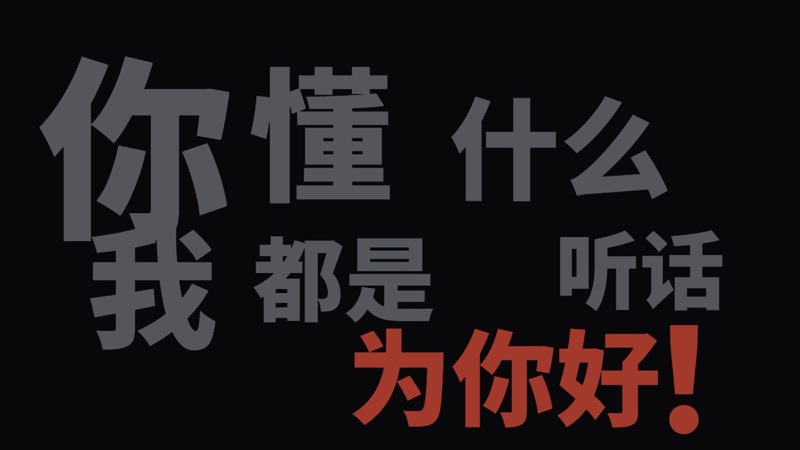
A3 · Word Impact style: Words
A3 · Word ImpactWords. Words slam onto the screen one at a time, on the beat.
  • Outbursts
  • Punchlines
  • Music-video choruses
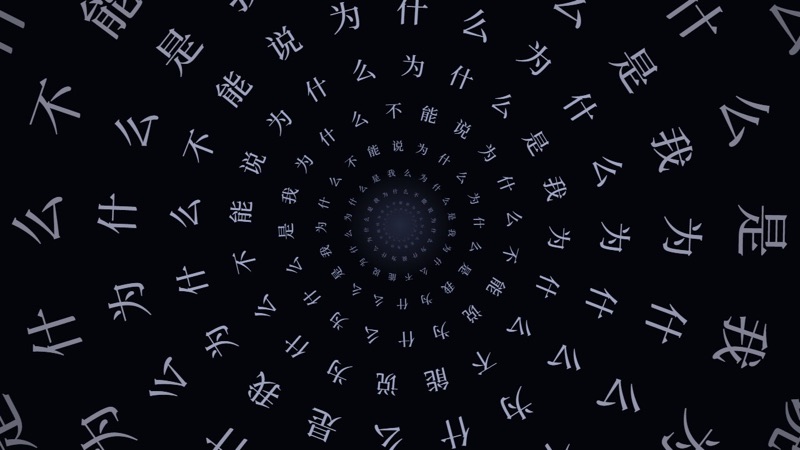
A4 · Word Tunnel style: Words
A4 · Word TunnelWords. Words form rings and the camera dives through them.
  • Overthinking
  • Going deeper
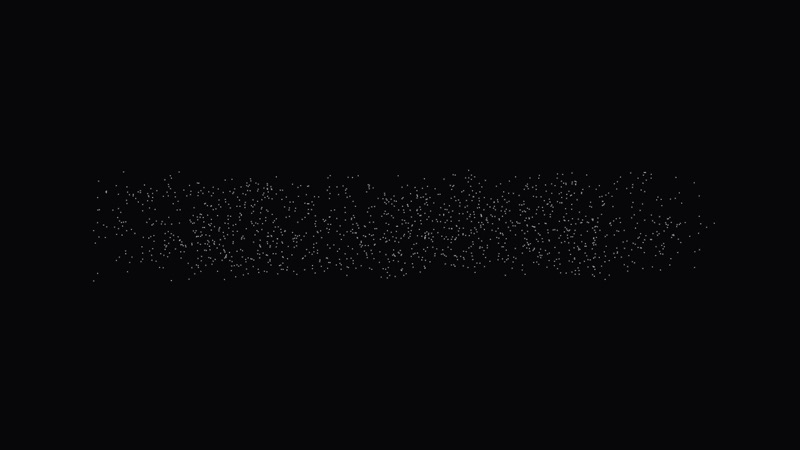
A5 · Words Scatter and Reform style: Words
A5 · Words Scatter and ReformWords. A sentence breaks into particles and re-forms as another.
  • A change of mind
  • Reframing

Code samples: Particles · 5

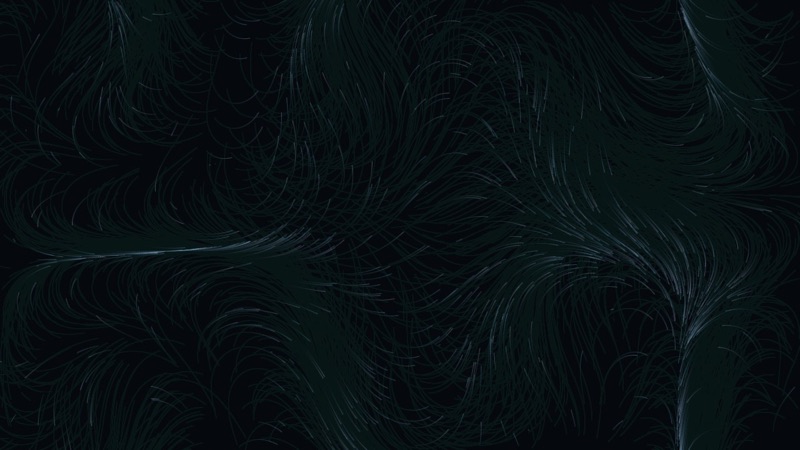
B1 · Flowing Threads style: Particles
B1 · Flowing ThreadsParticles. Countless fine lines drift on an invisible wind.
  • Thoughts
  • Emotions in motion
  • Calming down
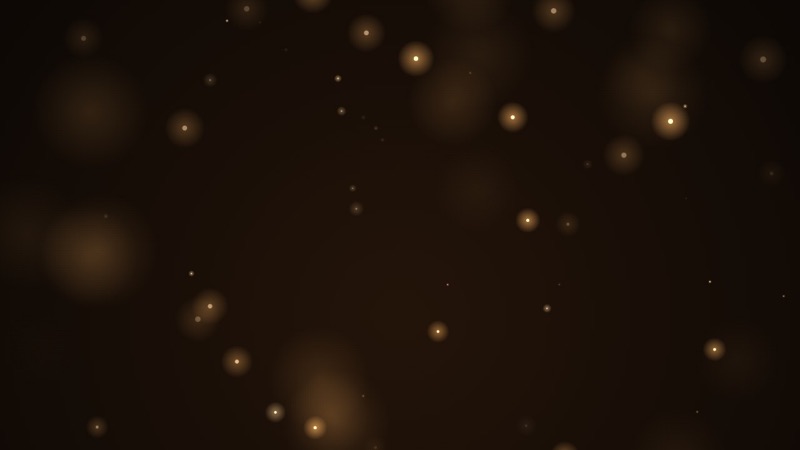
B2 · Firefly Dust style: Particles
B2 · Firefly DustParticles. Warm specks of light float slowly upwards, near and far.
  • Warmth
  • Memories
  • Finding the light
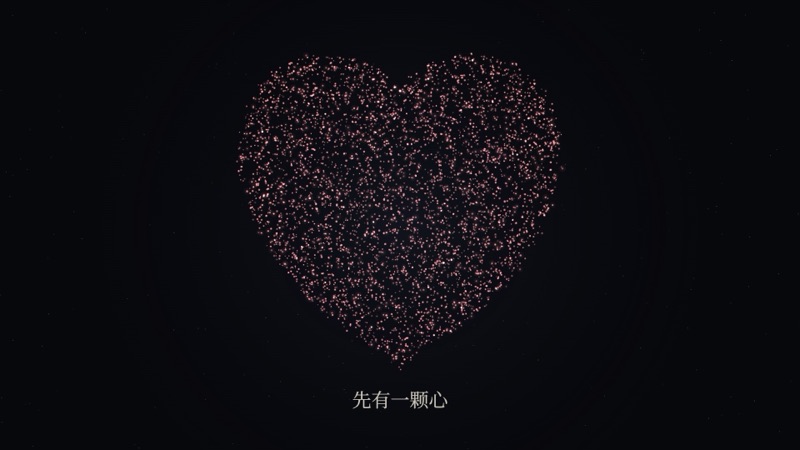
B3 · Particle Assembly style: Particles
B3 · Particle AssemblyParticles. Particles gather into a heart, a house, a person, then scatter.
  • Concrete things
  • Home
  • Relationships
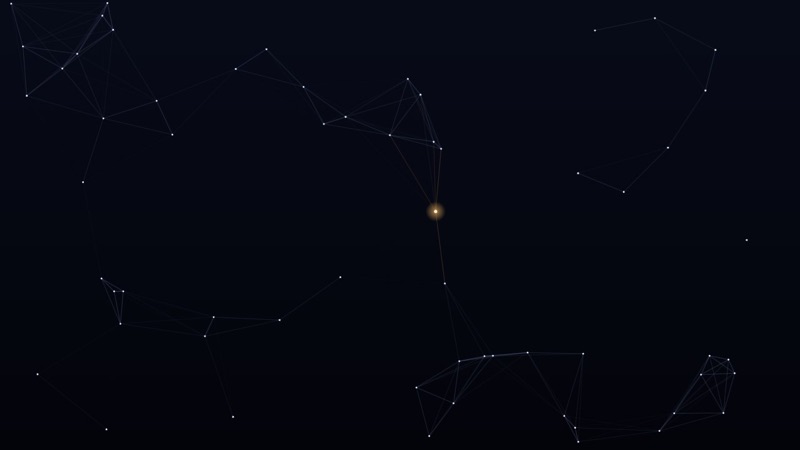
B4 · Constellation Links style: Particles
B4 · Constellation LinksParticles. Dots link into a web; the warm one in the middle is you.
  • Connections
  • Loneliness
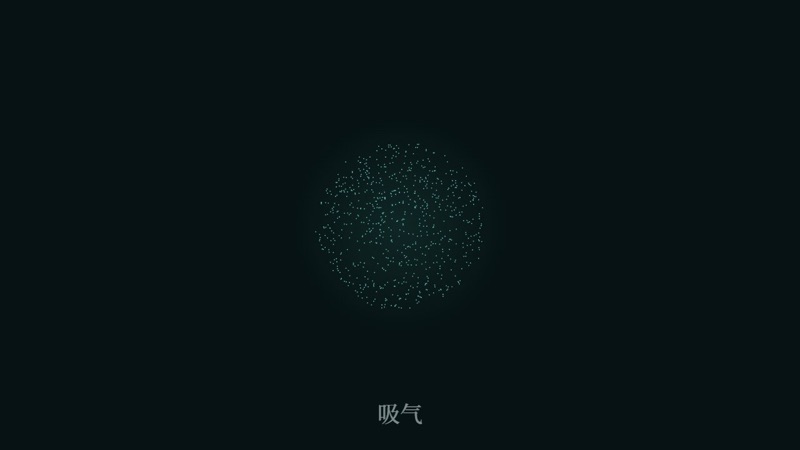
B5 · Breathing Circle style: Particles
B5 · Breathing CircleParticles. A ball of particles swells and shrinks with each breath.
  • Soothing
  • Slowing down
  • Meditation

Code samples: Line and Ink · 4

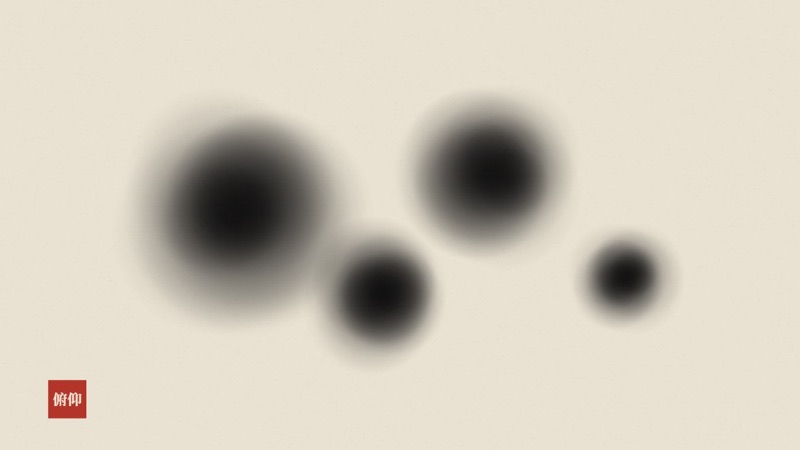
C1 · Ink Bloom style: Line and Ink
C1 · Ink BloomLine and Ink. Ink spreads across rice paper, blot by blot.
  • Chinese aesthetics
  • Memories
  • Grief
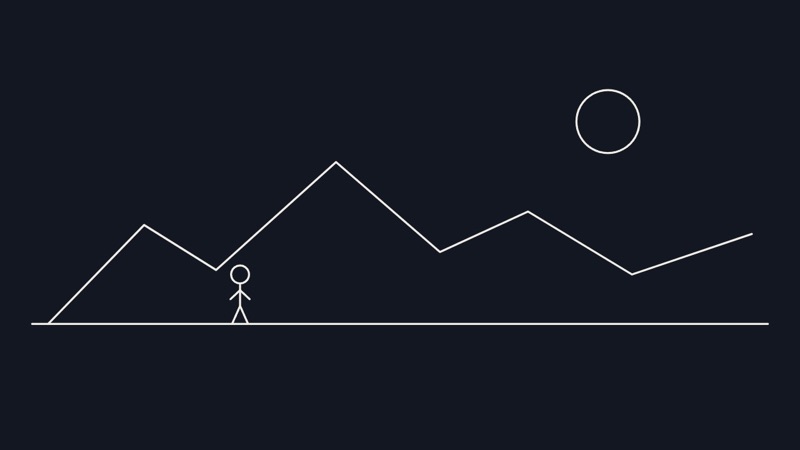
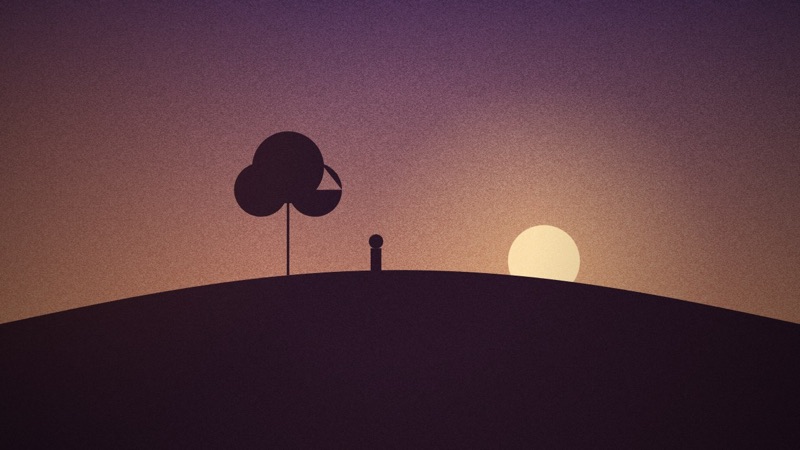
C2 · One Line style: Line and Ink
C2 · One LineLine and Ink. A single line slowly draws mountains, a sun and a small figure.
  • Outlining a person or an event
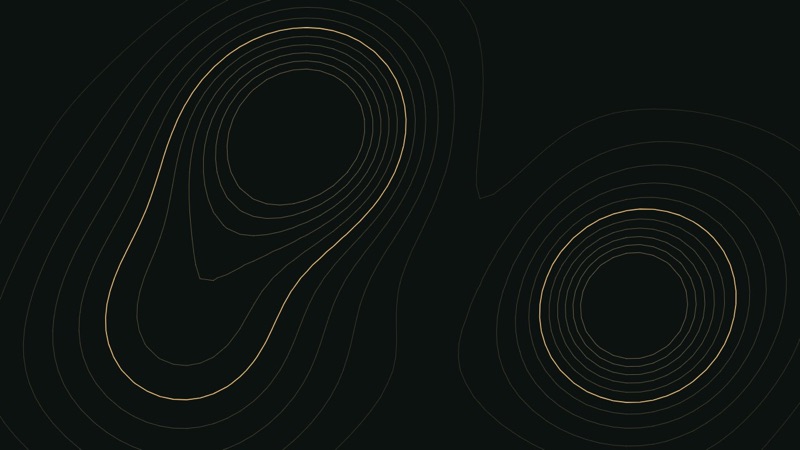
C3 · Contours of the Mind style: Line and Ink
C3 · Contours of the MindLine and Ink. Contour lines, like a map, rise and fall without end.
  • Mood swings
  • Inner landscape
C4 · Ripples style: Line and Ink
C4 · RipplesLine and Ink. One drop falls and rings spread out.
  • The impact of a remark
  • Aftermath

Code samples: Light and Weather · 4

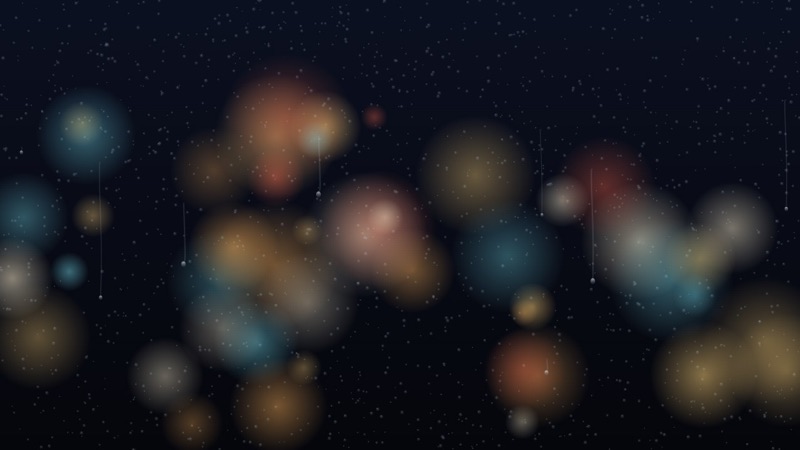
D1 · Rainy Window style: Light and Weather
D1 · Rainy WindowLight and Weather. Raindrops on glass, blurred night lights behind.
  • Waiting
  • Night
  • Missing someone
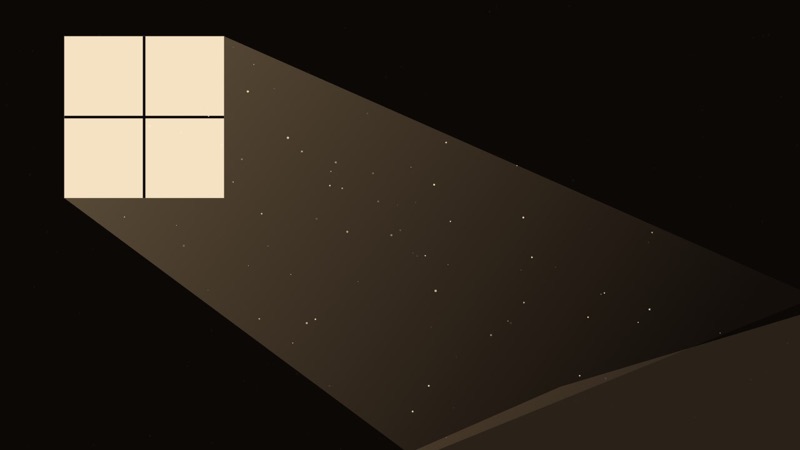
D2 · Window Light and Dust style: Light and Weather
D2 · Window Light and DustLight and Weather. A beam of light through a window, dust drifting in it.
  • Stillness
  • Time
  • Old houses
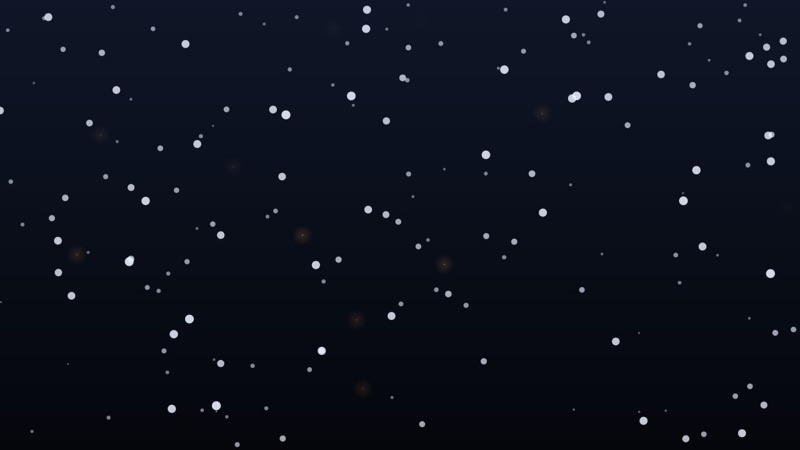
D3 · Snow and Embers style: Light and Weather
D3 · Snow and EmbersLight and Weather. Snow falls while a few embers drift upwards.
  • Goodbyes
  • Endings
  • Warmth in the cold
D4 · Daybreak style: Light and Weather
D4 · DaybreakLight and Weather. The sky warms from deep blue as the sun rises.
  • Endings
  • Hope
  • New starts

Code samples: Shapes and Paper · 3

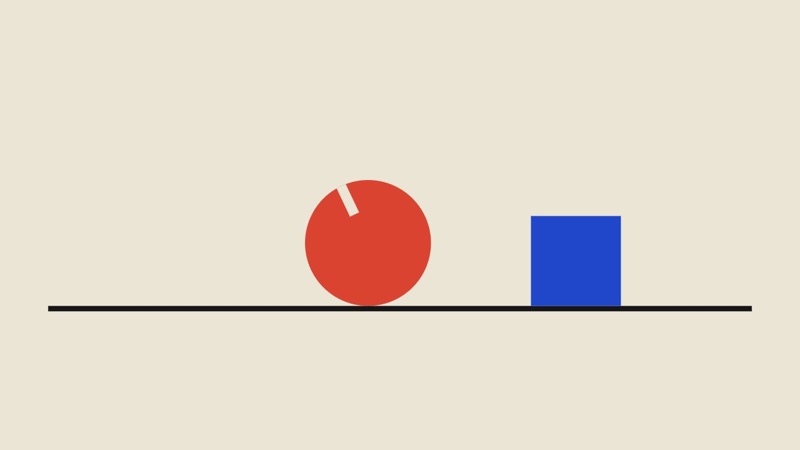
E1 · Minimal Geometry style: Shapes and Paper
E1 · Minimal GeometryShapes and Paper. Circles, squares and half-circles roll, drop and grow on flat colour.
  • Making complex things clear
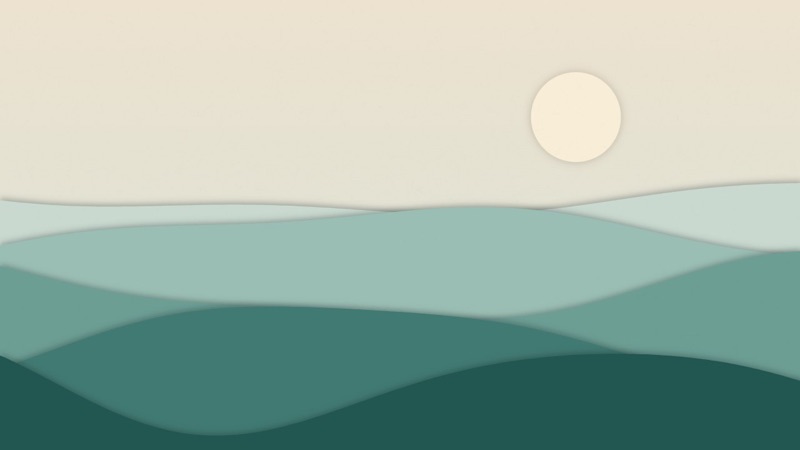
E2 · Layered Paper Cut-outs style: Shapes and Paper
E2 · Layered Paper Cut-outsShapes and Paper. Layers of paper with shadows move in parallax.
  • Childhood
  • Stories
  • Gentle passages
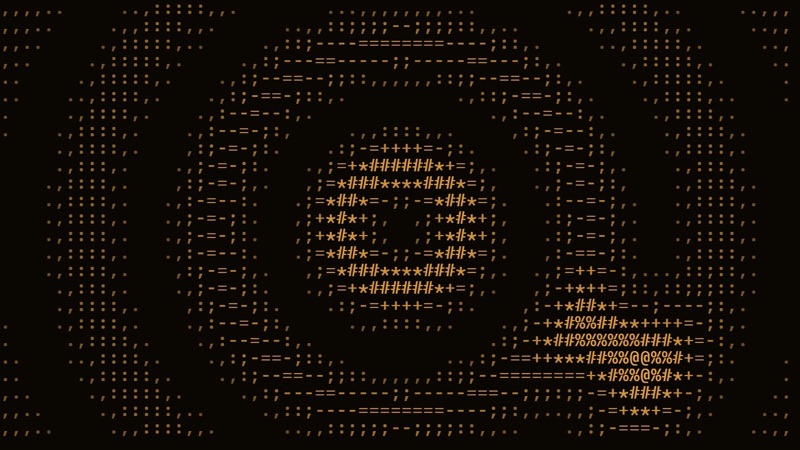
E3 · ASCII Art style: Shapes and Paper
E3 · ASCII ArtShapes and Paper. Every picture is built from characters, like an old computer screen.
  • Tech
  • Coolness
  • Memory fragments

Code samples: Explainers · 3

F1 · Growing Charts style: Explainers
F1 · Growing ChartsExplainers. Bars grow one by one, numbers tick up, then join into a line.
  • Data
  • Research findings
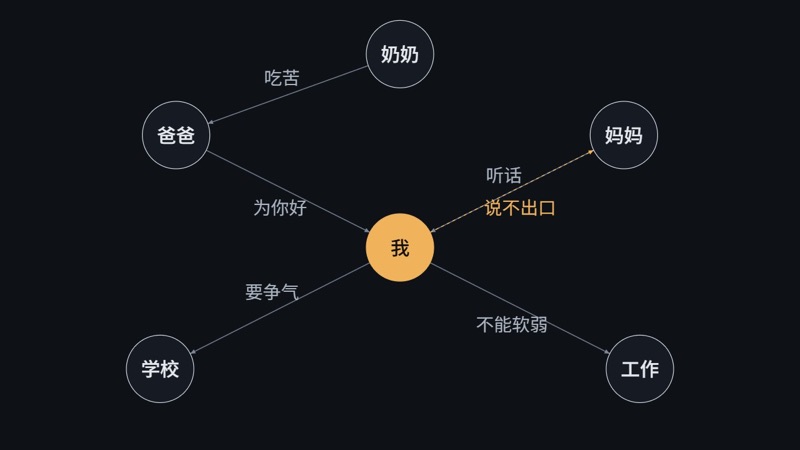
F2 · Relationship Map style: Explainers
F2 · Relationship MapExplainers. Arrows are drawn between people, each labelled with what was said.
  • Family dynamics
  • Cause and effect
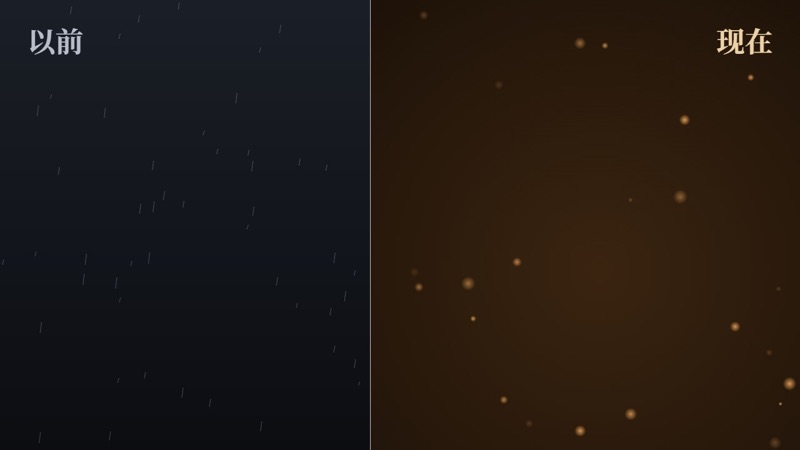
F3 · Split-screen Compare style: Explainers
F3 · Split-screen CompareExplainers. Then on the left, now on the right, a line in the middle.
  • Before and after
  • Parents and children

Code samples: Texture · 2

G1 · Old Film style: Texture
G1 · Old FilmTexture. Grain, flicker, scratches and light leaks at the edges.
  • Memories
  • Old times
  • A unified look for a whole film
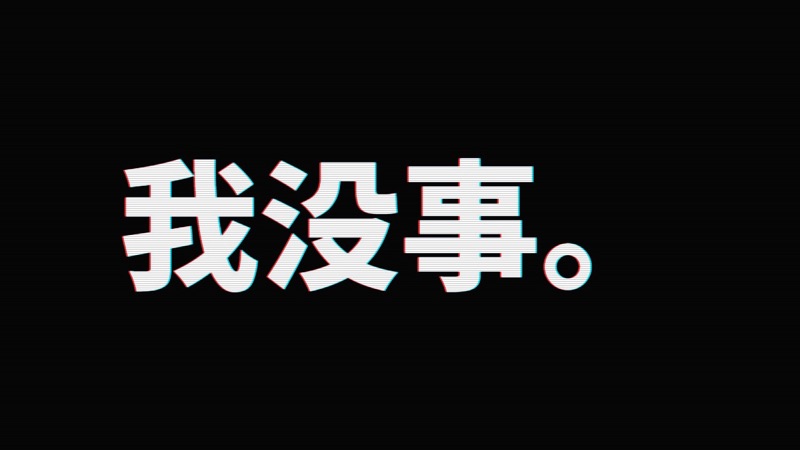
G2 · Signal Glitch style: Texture
G2 · Signal GlitchTexture. The image shifts, colours split, a sudden flash.
  • Breakdowns
  • Chaos
  • Interruptions

Motion styles · 1

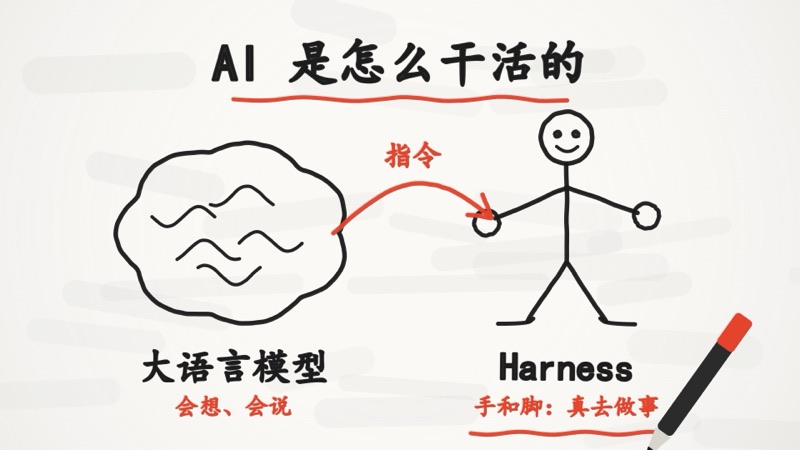
M1 · Whiteboard Explainer style: Motion styles
M1 · Whiteboard ExplainerMotion styles. On white, a hand or pen draws as it explains: lines first, then colour.
  • Concepts
  • How things work

Cartoon looks · 3

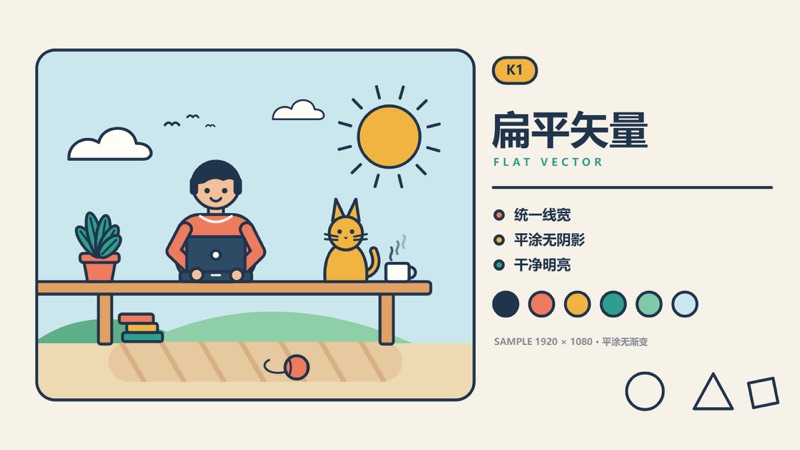
K1 · Flat Vector style: Cartoon looks
K1 · Flat VectorCartoon looks. Even line weight, flat fills without shadows, clean bright colours.
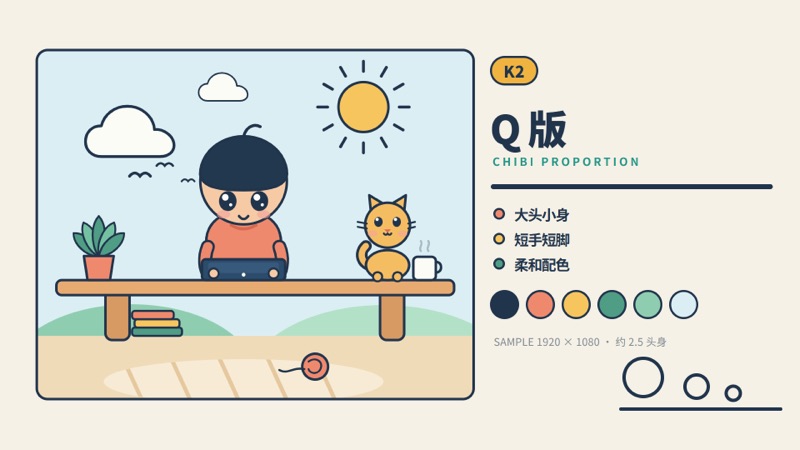
K2 · Chibi style: Cartoon looks
K2 · ChibiCartoon looks. Big head, small body, short limbs, big eyes, soft colours.
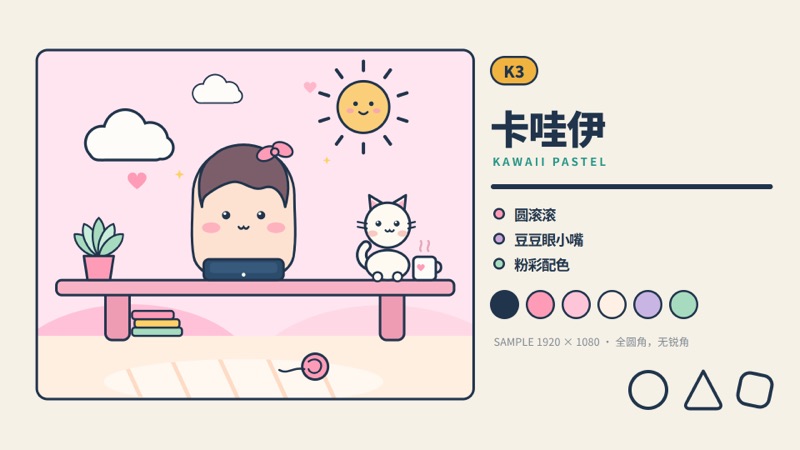
K3 · Kawaii style: Cartoon looks
K3 · KawaiiCartoon looks. Round and chubby, dot eyes, tiny mouth, pastel pinks.

Chinese styles · 1

Z5 · Paper-cut style: Chinese styles
Z5 · Paper-cutChinese styles. Red paper with cut-out holes and folk patterns.

Ready-made layouts · 1

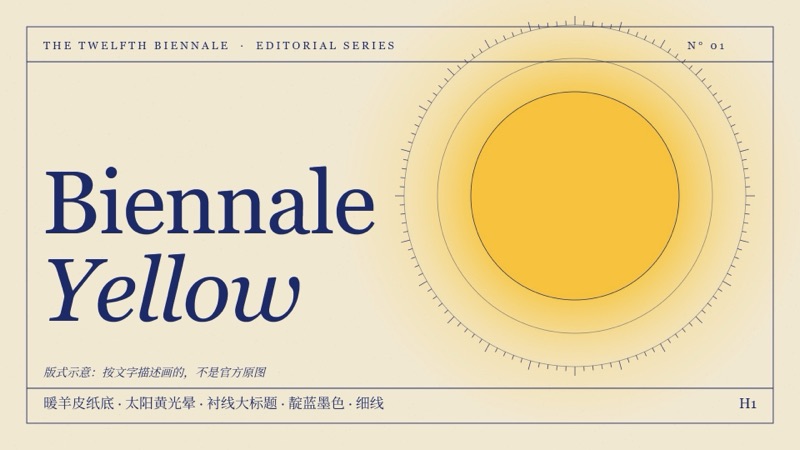
H1 · Biennale Yellow style: Ready-made layouts
H1 · Biennale YellowReady-made layouts. Warm parchment ground, a sun-yellow glow, large serif headlines, indigo ink and hairlines.

Learned from references: cyberpunk · 7

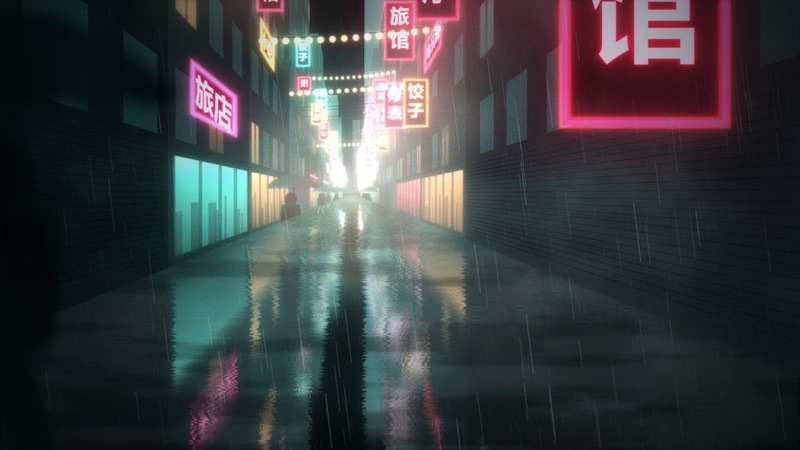
R1 · Neon Rainy Night, Cinematic style: cyberpunk
R1 · Neon Rainy Night, Cinematiccyberpunk. A narrow rainy street in one-point perspective, hung with vertical signs; cyan fog thickens into the distance, warm light at the end, reflections fill half the frame.
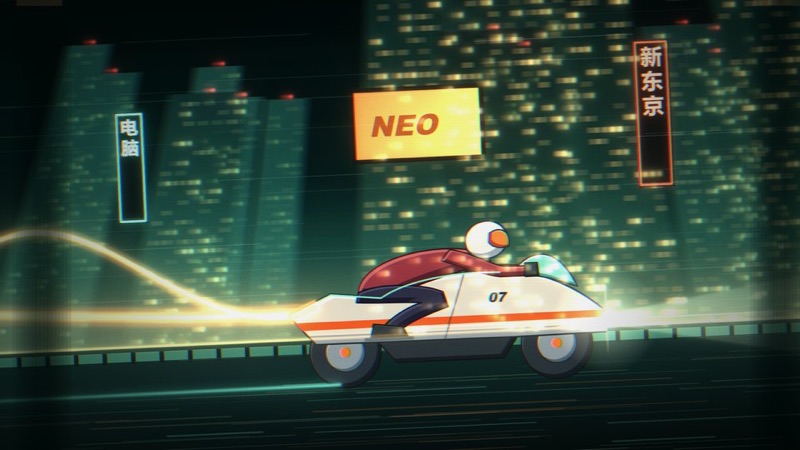
R2 · 80s–90s Retro Anime style: cyberpunk
R2 · 80s–90s Retro Animecyberpunk. Cel-painted riders race along an elevated road at night under towering buildings, tail lights streaking, like an old VHS tape.
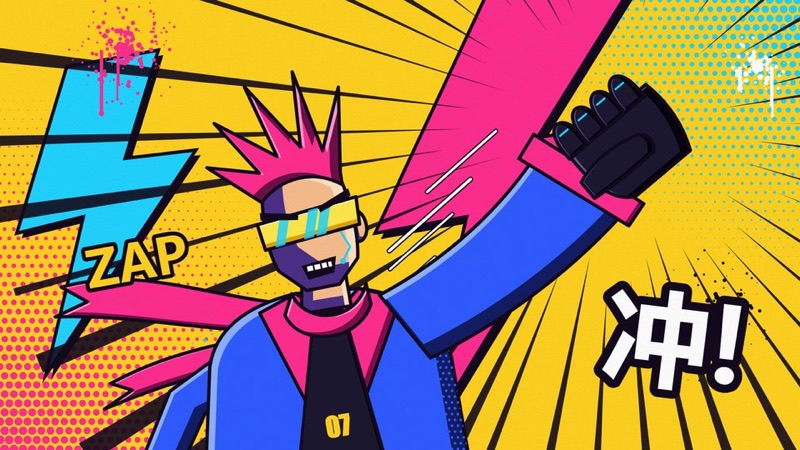
R3 · American Comic, Street Graffiti style: cyberpunk
R3 · American Comic, Street Graffiticyberpunk. Yellow ground split by magenta and cyan lightning, halftone dots, spray paint and speed lines; a thick-outlined figure punches out of the frame beside a big sound effect.
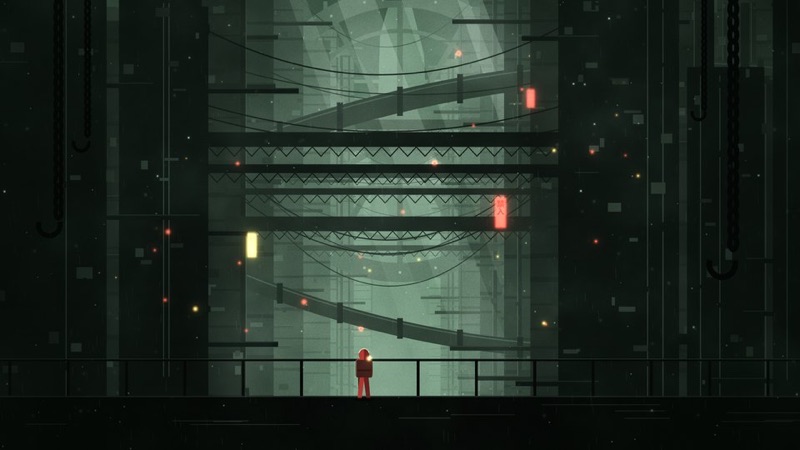
R4 · Industrial Doom, Dark Sci-fi style: cyberpunk
R4 · Industrial Doom, Dark Sci-ficyberpunk. Almost all green: huge machinery layered into fog, a giant ring, shafts of light from above, and a small figure in red with a backpack on a walkway.
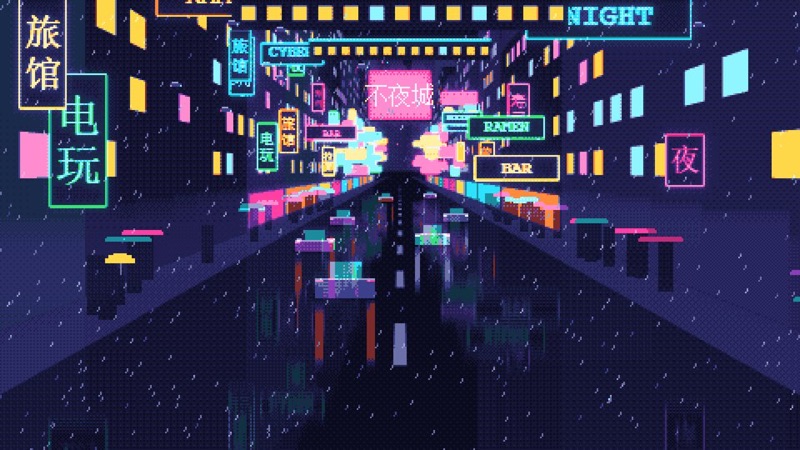
R5 · Pixel Cyber, Retro Game style: cyberpunk
R5 · Pixel Cyber, Retro Gamecyberpunk. A top-down street full of signs, a footbridge across it, a giant screen at the end, people with umbrellas, cars and flying cars in pixel rain.
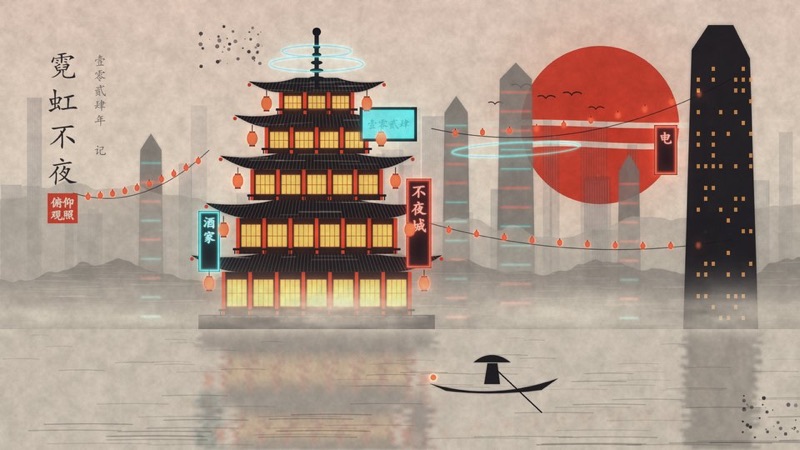
R6 · Eastern Cyber Fantasy style: cyberpunk
R6 · Eastern Cyber Fantasycyberpunk. Paper-coloured sky, a big red sun and a line of cranes; a five-storey pagoda with neon signs and a cyan hologram halo, ink-wash towers behind, a small boat and its inky reflection.
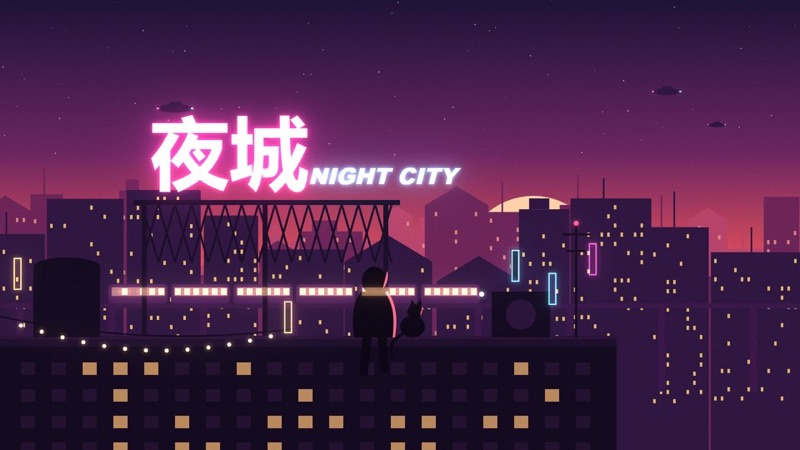
R7 · Flat Illustration, Dusk Rooftop style: cyberpunk
R7 · Flat Illustration, Dusk Rooftopcyberpunk. A wide dusk gradient over three flat layers of city skyline, a big neon sign on a roof, a person and a cat on the ledge, a light-rail train passing behind.

Stills from Code Animation Prompts, curated by Fuyang Guanzhao and packaged by XiaoyeCodes; K1 to K3 contributed by Strange Leo. Shown under the collection's free-to-share terms. The collection also includes Lemo-Opuscar by LemoLab (MIT), mg-styles-15 by Vincentwei1021 (MIT) and code-video by Bae-ChangHyun (MIT).

What our test produced

B3 · Particle Assembly12.0 s MP4 at 1080p30, 5,000 particles, three stages
Time
4.5 min
Cost
$0.76
Turns
23
Z5 · Paper-cut12.0 s MP4 at 1080p30, layered paper-cut title
Time
3.8 min
Cost
$0.85
Turns
25
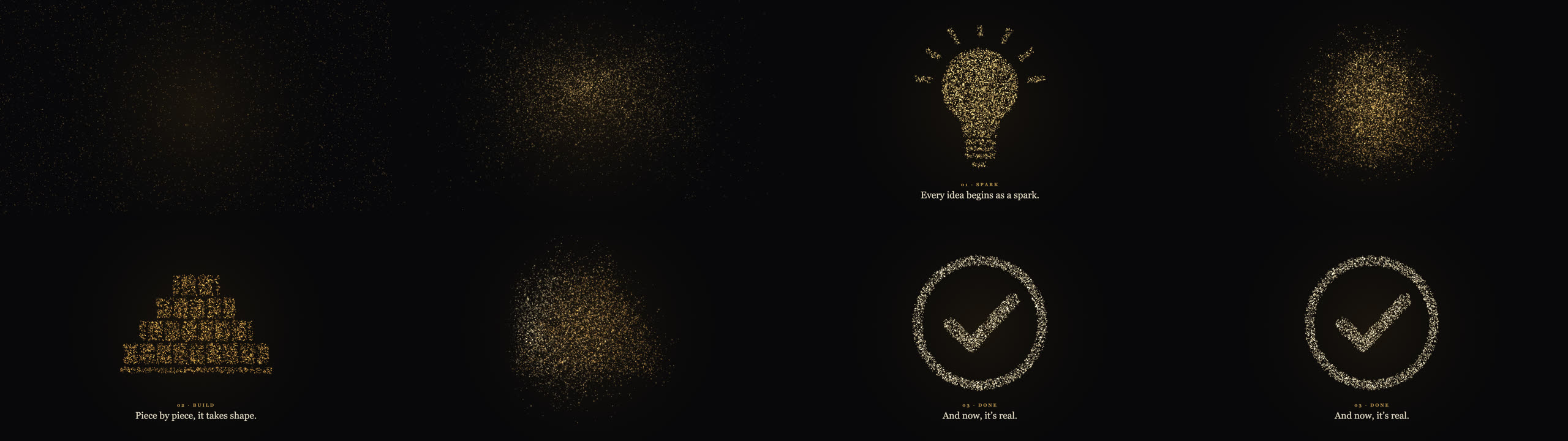
Eight keyframes of the B3 test clip: gold particles drift in, form a light bulb with rays, scatter, rebuild as a stepped wall of bricks, then gather into a circled checkmark with the caption And now, it's real
B3, eight keyframes from 0 to 12 seconds. The particles form a light bulb (01 · Spark), break and rebuild as a wall of bricks (02 · Build), then settle into a circled checkmark (03 · Done).
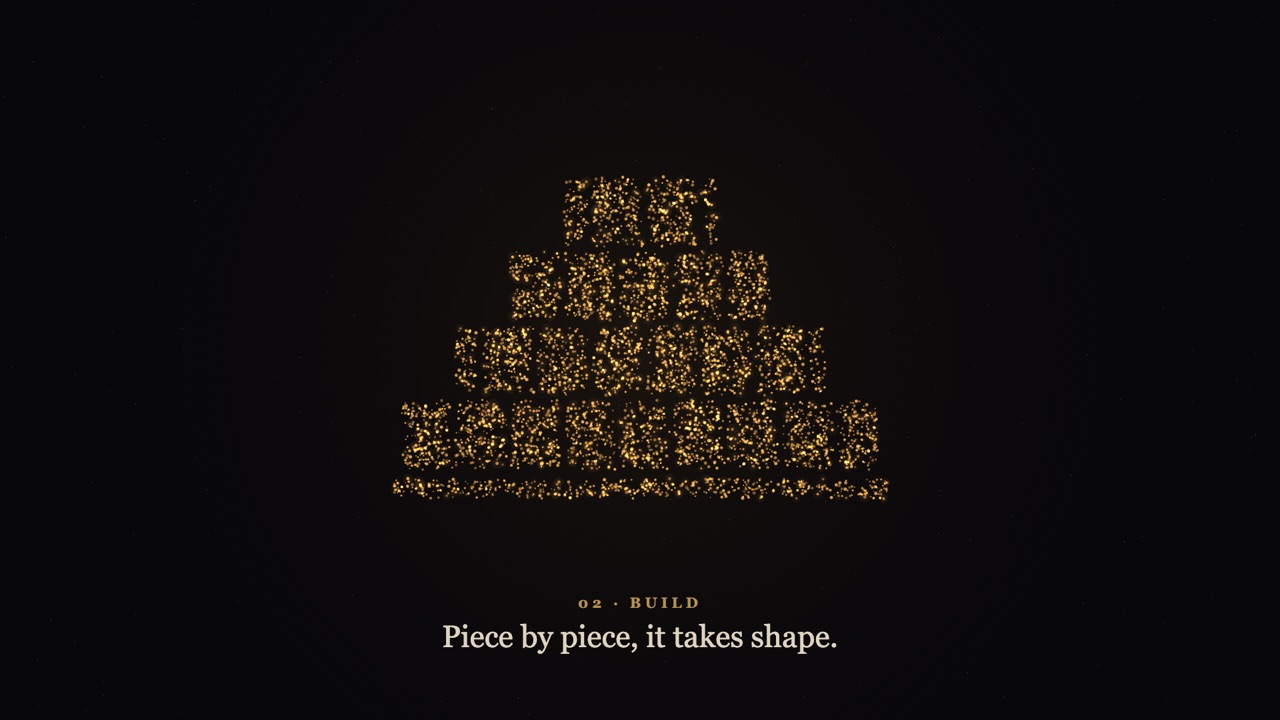
Frame at 7 seconds of the B3 clip: warm gold particles forming a stepped brick wall on a dark background, captioned 02 · Build, Piece by piece, it takes shape
B3 at 7 seconds. The brick shape is the noisiest of the three; the bulb and the checkmark read more cleanly.
Eight keyframes of the Z5 test clip: red paper pieces slide in over cream rice paper, a round paper-cut medallion unfolds, and two red strips with cut-out lettering appear
Z5, eight keyframes. Layers of red paper slide in with soft shadows, a round paper-cut medallion opens in the centre, and the line arrives on two red strips.
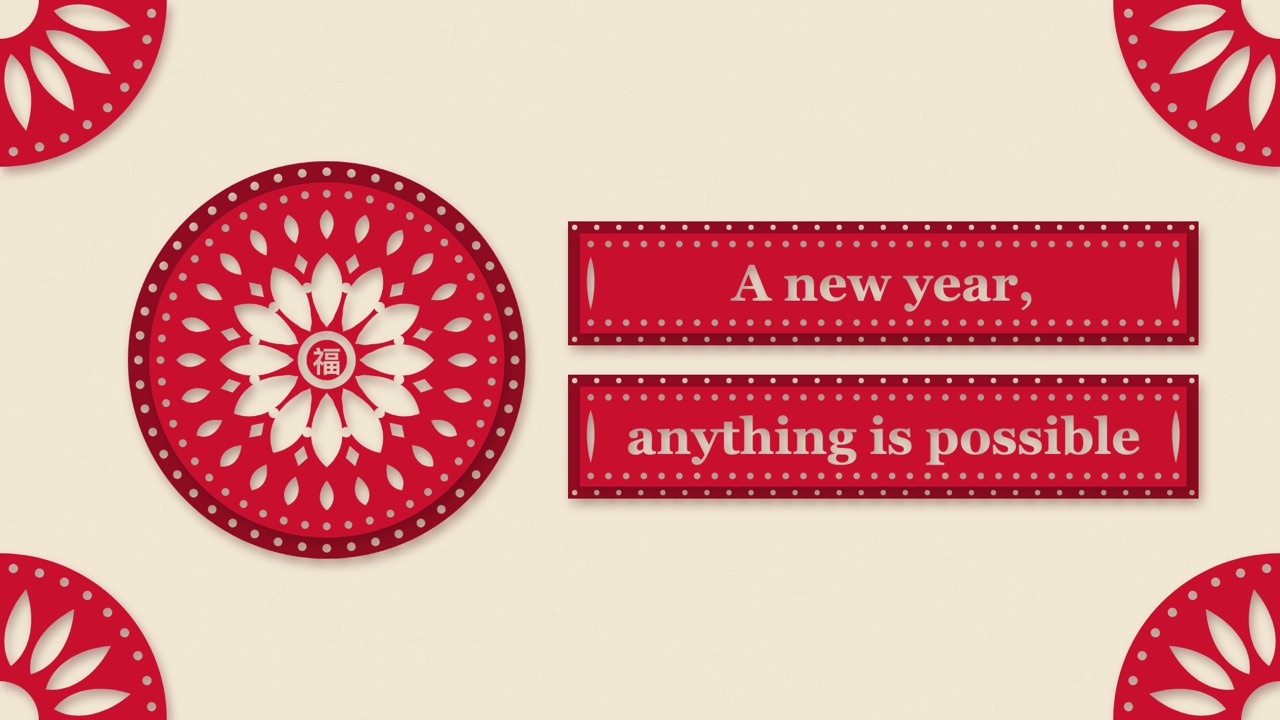
Final frame of the Z5 clip: a red paper-cut medallion with the character fu, meaning good fortune, in the centre, corner ornaments, and two red strips reading A new year, anything is possible
Z5, final frame. The agent chose the good-fortune character for the centre and a serif face for the English line on its own.

Best for

  • Short motion pieces such as title cards, openers, word animations and particle shapes
  • People who want to browse a style by its picture, then ask for it by code
  • Claude Code or Codex users who are fine running Python and FFmpeg locally

Not the best fit for

  • Finished films with music and sound; the renderer adds no audio, and the skill gives style direction rather than a full film workflow
  • Readers who need the prompts in English; the style prompts and guides are written in Chinese, although the agent works fine from English requests
  • Reselling: the licence asks that the collection is never packaged into a paid course or paid skill

How it works

  1. 1

    Pick a style by code

    Every style has a short code and its own Markdown prompt: what moves, how, and in what order. The series are A–G code samples (26), M motion styles (40), K cartoon looks (38), Z Chinese styles (15), H ready-made layouts (12), R styles learned from references (7), plus imported packs: L Lemo-Opuscar (59), O the 98 Best Picture looks from Lemo-Opuscar's OPUSCAR 98, V mg-styles-15 (15) and X code-video (31). An offline picker page in the repository lets you search, tick styles and copy a list for the agent.

  2. 2

    Or ask for suggestions

    If you have not chosen, describe the topic, audience, length and aspect ratio. The README's example asks for three numbered candidates with how each would move, and a recommendation.

  3. 3

    The agent writes the animation

    The skill gives the agent the style prompt, a starter HTML page and the rules for export: the page exposes a renderAt(t) function and stops its own timers when opened with ?export=1, so every frame is drawn at an exact time and particles use a fixed seed.

  4. 4

    Render to MP4

    render_video.py serves the page on a local port, screenshots each frame in headless Chromium through Playwright and encodes H.264 with FFmpeg. It adds no sound; you can pass your own audio file. Searching styles needs only Python's standard library.

Try it

  1. 1
    Install for Claude Code
    git clone https://github.com/XiaoyeCodes/code-animation-prompts.git
    cd code-animation-prompts
    python scripts/install_skill.py --target claude

    Copies the skill to ~/.claude/skills/code-animation-prompts. Use --target codex for ~/.agents/skills, or --target both. It stops if a skill of that name already exists. The README also has a one-step prompt you can paste into the agent instead.

  2. 2
    Install the renderer, inside a virtual environment
    python -m venv .venv && . .venv/bin/activate
    python -m pip install playwright
    PLAYWRIGHT_BROWSERS_PATH=$PWD/.pw python -m playwright install chromium
    ffmpeg -version

    The README's own commands omit the venv and the browser path. Without PLAYWRIGHT_BROWSERS_PATH, Playwright downloads Chromium into a cache shared by every project on the machine, which both our runs did.

  3. 3
    Ask for a clip
    Use the code-animation-prompts skill to make a 12-second landscape animation in style B3 (particle assembly). Theme: "Turning an idea into reality", shown in three stages: spark, build, done. 1920×1080, 30 fps, dark background with warm gold particles, English captions, no sound. Deliver an editable HTML file, keyframe previews and an MP4.

    This is the README's Codex example in English, and our first test. In Claude Code you can also start with /code-animation-prompts.

Key facts

Author
Fuyang Guanzhao (curator) and XiaoyeCodes (skill packaging)
Licence
Free to use and share, not to resell; third-party packs keep their MIT licences
Version checked
Not stated
Works with
Claude Code and Codex
Language
Prompts and guides in Chinese; on-screen text in the language you ask for
What it produces
Animations written in HTML and JavaScript in one of 341 styles, rendered to silent MP4 with Playwright and FFmpeg
Install
Clone the repository and run python scripts/install_skill.py --target claude (or --target codex)

From the skill’s own repository. “Not stated” means the repository does not say.

Our test

Code Animation Prompts is a free collection of 341 animation style prompts, packaged as an agent skill for Claude Code and Codex. The styles were gathered by the Bilibili creator Fuyang Guanzhao (pinyin of the channel name) and packaged by XiaoyeCodes, who added the skill, a style search tool and a renderer that turns an HTML animation into an MP4. You name a style by its code, such as B3 for particle assembly or Z5 for paper-cut, describe the clip, and the agent reads that style's prompt and writes the animation in HTML and JavaScript. Nothing is generated by a video model. It is a compilation: 157 of the 341 entries come from Lemo-Opuscar, and two other open-source style packs supply 46 more. Below are 39 of the stills from the collection's own series, and the two clips we made from the README's own example briefs.

2026-11-07 · Claude Code 2.1.319, headless (claude -p), skill installed in the project's .claude/skills · claude-opus-5-5 · repository commit 2e6396a
What we asked

Two runs, each from one of the README's own examples translated into English. B3: a 12-second particle-assembly animation on "Turning an idea into reality" in three stages, spark, build and done, with warm gold particles on a dark ground and English captions. Z5: a 12-second paper-cut New Year opener reading "A new year, anything is possible", with red paper, cream rice paper and layered shadows. Both at 1920×1080 and 30 fps, no sound, delivered as an editable HTML file, keyframes and an MP4, with any Python packages in a local virtual environment.

What we tested

We installed the skill from commit 2e6396a into a fresh project folder and gave Claude Code on Claude Opus 5.5 two briefs, one run each. Both are the README's own examples, translated into English: the B3 particle brief written for Codex, and the Z5 paper-cut New Year opener written for Claude Code. We asked for an editable HTML file, keyframes and an MP4 every time, and told the agent to keep any Python packages in a local virtual environment.

What we found

  • Both runs delivered. Each produced an MP4 of exactly 12.000 seconds at 1920×1080 and 30 fps with no audio track, an HTML file with the main settings in one config block, and a set of keyframes. B3 took 4.5 minutes and $0.76 at API prices, Z5 3.8 minutes and $0.85.
  • The agent checked its own work. In the B3 run it looked at its contact sheet, found the captions too faint and fixed them before the final render. The Z5 run rendered the same frame twice to confirm the export was deterministic.
  • The style prompts carry the look. B3 came out as 5,000 gold particles that form a light bulb, a wall of bricks and a checkmark; Z5 as layered red paper with soft shadows. The brick shape in B3 was the least readable of the three.
  • One setup problem in both runs. The rendering guide tells you to run python -m playwright install chromium. Inside a virtual environment that still downloads Chromium and an FFmpeg build into the cache Playwright shares across the machine. Both agents noticed and removed what they had added, but setting PLAYWRIGHT_BROWSERS_PATH avoids it.
  • The agent fills gaps on its own. Asked for an English line, the Z5 run added the good-fortune character as the centrepiece and picked the font itself. That fits the brief, but check the details if you need exact branding.

A compilation, credited

Code Animation Prompts is honest about being a compilation, and the README credits every source. Just under half of the 341 entries come from Lemo-Opuscar, 46 from mg-styles-15 and code-video, and the rest from the collection's own series. What XiaoyeCodes adds is the packaging: the skill instructions, the search tool, the offline picker, the starter page and the renderer.

FAQ

What is Code Animation Prompts?

A free collection of 341 animation style prompts, each a Markdown description of how a clip should look and move, packaged as an agent skill for Claude Code and Codex. The skill helps the agent pick a style, plan the shots, write the animation in HTML and JavaScript and render it to MP4. 196 of the styles have a reference still; the other 145 are text only.

Who made it?

The style prompts were gathered by the Bilibili creator Fuyang Guanzhao (pinyin of the channel name), and XiaoyeCodes turned them into an installable skill with tools and documentation. Strange Leo contributed K1 to K3. The collection also brings in three MIT-licensed packs: Lemo-Opuscar by LemoLab, mg-styles-15 by Vincentwei1021 and code-video by Bae-ChangHyun.

How is it related to Lemo-Opuscar?

157 of the 341 entries come from Lemo-Opuscar: the 59 L-series styles and the 98 O-series looks from its OPUSCAR 98 film. Lemo-Opuscar itself is a full film workflow with music, sound and narration, which this collection does not include. If those are the styles you want, see our Lemo-Opuscar page at /skills/lemo-opuscar.

Does it use AI video generation?

No. The agent writes the animation as a web page, and the renderer screenshots it frame by frame and encodes the frames with FFmpeg. Searching the styles needs no API key or paid image service; you only pay for the agent's own usage.

What do I need on my computer?

Python 3.10 or newer, FFmpeg on your PATH, and for rendering the Playwright package with its Chromium browser. Set PLAYWRIGHT_BROWSERS_PATH to a folder in your project if you don't want the browser in Playwright's shared cache.

Do the prompts work from English?

Yes, in our test. The prompts and guides are in Chinese, but both of our English requests got English captions and a clip in the named style. The style codes are the same in any language.

Is it free, and can I use the clips commercially?

The collection is free to use and share, but the licence asks that it is never repackaged and sold as a paid course, paid skill or other paid content. The third-party packs keep their own licences, and the repository does not relicense everything as MIT. Check LICENSE.md in the repository for your case.

Repository

  1. github.comgithub.com/XiaoyeCodes/code-animation-prompts ↗