What it does
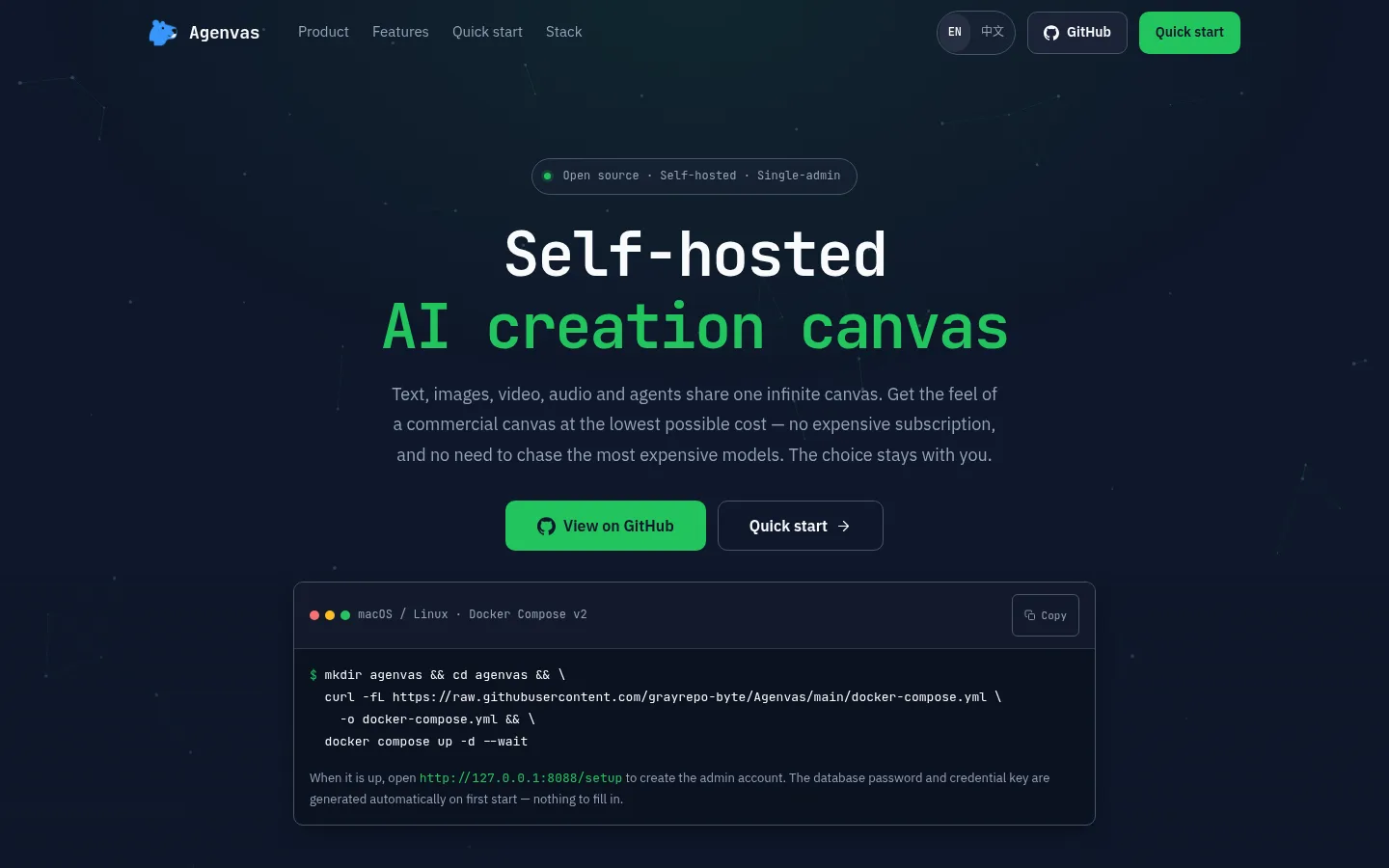
Agenvas is a free, MIT-licensed AI creation canvas you host yourself with Docker. Text, images, video, audio and an agent share one infinite canvas: every asset is a card you can drag, connect and auto-arrange, and each card runs its own generation with version history. You connect your own models: any OpenAI-compatible endpoint for text and the agent, and media adapters such as GPT Image, Google Nano Banana, Seedance, Kling, Veo, ComfyUI workflows and RunningHub for images, video and audio. It is developed on GitHub by a single maintainer (@Grayrepo) and is still an unreleased development build.
Official source 1 ↗ · Official source 2 ↗ · Official source 3 ↗Features
- Infinite canvas of cards. Every text, image, video, audio and agent asset is a card on one canvas. Drag, box-select, connect and auto-arrange cards, upload local media, and let cards reference each other, so a prompt card can feed images that feed a video. Official source 1 ↗
- Per-card multimodal generation with versions. Each card runs its own text, image, video or audio generation with queueing, cancellation, regeneration and full version history. Video starts from text or an image with optional reference media; audio generates speech and sound effects that can reference text and images on the canvas. Official source 1 ↗
- Director chat agent with approval. A director chat in the corner reads the current canvas, edits text and places cards. Media it proposes to generate runs only after you approve or reject the proposals, in a batch, in the conversation. Skills, including built-in short-drama Skills, extend what it can do. Official source 1 ↗ · Official source 2 ↗
- Bring your own models and workflows. Text and the agent use any OpenAI-compatible endpoint with your model IDs and keys. Media adapters cover GPT Image, Google Nano Banana, Volcano Ark Seedance and Seed Audio, Kling, Wan, Seedream 5.0 and Google Veo/Omni, and you can import ComfyUI API workflows or RunningHub V2 workflows and AI apps. Official source 1 ↗ · Official source 2 ↗
- Image tools on the canvas. Annotate, crop, rotate, mirror, upscale and extract depth from an image card, and run AI edits where the connected model supports them. Official source 1 ↗
- Reusable assets and templates. Project resources, a personal asset library, prompt templates, media styles and mixed reference inputs are saved once and reused across projects. Official source 1 ↗
- Self-hosted administration. The administrator configures models and publishes which capabilities users see, chooses local or OSS / COS / S3 storage, and can review task and call records and export project manifests. API keys are encrypted at rest and kept out of logs. Official source 1 ↗
Pricing & free limits
All features, self-hosted with Docker Compose. No membership tiers or usage threshold. Model and media generation is paid to the providers whose API keys you connect. Official source 1 ↗ · Official source 2 ↗
Billing details
Generation costs are charged by the providers you connect, not by Agenvas. The canvas shows an estimated cost before you run a card. A job that ends in an UNKNOWN state must be retried by hand and may be charged twice, and cancelling does not guarantee that the provider stops or refunds the job. Official source 1 ↗
Free access & limits
The software has no usage cap or membership tier; limits come only from your own server and the providers you connect. Official source 1 ↗
Best for & limitations
Write the script as text cards, generate shots as image cards, turn them into video and add voice-over as audio cards, then ask the director chat for changes, such as moving the opening shot to dusk, and approve the images and audio it proposes. The built-in short-drama Skills help with this workflow. Official source 1 ↗ · Official source 2 ↗
Deploy Agenvas on your own computer or server with one Docker command, create the admin account, add your own model keys, and pay only for what you generate instead of a canvas subscription. Official source 1 ↗
Import and map your published ComfyUI API workflows, or RunningHub workflows and AI apps, so they run as cards alongside hosted image and video models. Official source 1 ↗
- Unreleased development build. Agenvas is an unreleased MVP development build. No version is security-supported; fixes land on the main branch on a best-effort basis, with no backports, response times or production support. Official source 1 ↗
- Built for a single administrator. It is designed for one self-hosting administrator, who configures the models and publishes the capabilities other users can see. It is not a hosted team workspace. Official source 1 ↗
- Needs your own model keys and setup. Nothing generates out of the box: you add an OpenAI-compatible endpoint for text and the agent, set up media connections for images, video and audio, and an administrator must run the tool-calling diagnostic before the agent can be used. Official source 1 ↗
- Public deployment takes extra work. To use it from the internet you need HTTPS, a reverse proxy and secure cookies, and setup should be finished on a controlled network first. Seedance video references also need a publicly reachable media relay. Official source 1 ↗
- You handle backups. You are responsible for backing up the database, media, configuration and encryption keys before updates. Running docker compose down -v deletes data and secrets, and project manifest exports do not replace backups. Official source 1 ↗




 Submit a tool