



Ordalin
Submit a tool

Reviewed tool profile

ComfyUI

A free, open-source node-based app for building AI image, video, audio and 3D workflows, with an optional hosted cloud.

Sources checked

Visit website ↗
Pricing
Freemium. ComfyUI on your own computer is free and open source. Comfy Cloud gives new users 5 free runs on its GPUs, then costs $20 a month for Standard, $35 for Creator and $100 for Pro ($16, $28 and $80 a month billed yearly), with credits spent only while a workflow runs. Team plans cost $200 to $2,500 a month. Official source 1 ↗ · Official source 2 ↗

Available as
Comfy Desktop, a one-click installer for Windows and macOS. · Portable and manual installs on Windows, Linux and macOS, with NVIDIA, AMD, Intel, Apple Silicon and Ascend GPUs. · Comfy Cloud in the browser, on any computer and without a GPU. · A server API and official Python and TypeScript SDKs, plus an MCP connection for AI agents. Official source 1 ↗ Official source 1 ↗ Official source 1 ↗ Official source 1 ↗
Primary group
Image & Design

Also consider

See all 6 similar tools ↓

What it does

ComfyUI is a free, open-source app for building AI image, video, audio and 3D generation as a graph of connected nodes. Every model, setting and processing step sits on an infinite canvas where you can see and change it, and you can start from a community template instead of a blank graph. It runs on your own computer, fully offline if you want, under the GPL-3.0 licence. Comfy Org also sells Comfy Cloud, an official hosted version that runs the same workflows in the browser on its GPUs, and a paid API for deploying workflows.

Official source 1 ↗ · Official source 2 ↗ · Official source 3 ↗ · Official source 4 ↗

Features

  • Node-graph canvas. You build each generation as a graph of nodes on an infinite canvas: models, samplers, masks and outputs are separate steps you can inspect and adjust. Graphs save as JSON, and a generated file can bring back the full workflow and seed that made it. Official source 1 ↗ · Official source 2 ↗
  • Open and partner models. ComfyUI runs open-source models such as Wan, Flux and LTX locally, and can fine-tune and customise them. Partner nodes add closed models such as Nano Banana, Seedance and Hunyuan3D, paid with Comfy credits. Official source 1 ↗ · Official source 2 ↗ · Official source 3 ↗
  • Images, video, audio and 3D. Besides generation, it has built-in nodes for inpainting, outpainting, masks and compositing, upscaling, frame interpolation, segmentation and depth estimation. Official source 1 ↗
  • Community extensions. More than 5,000 community extensions add over 60,000 nodes, installed from inside the app with ComfyUI Manager. Extensions connect it to Photoshop, Nuke, Blender and Houdini. Official source 1 ↗
  • Runs offline on modest hardware. The local app needs no internet connection after setup, and its core downloads nothing unless you ask. Comfy says weight streaming lets the biggest open models run on as little as 4 GB of VRAM and 8 GB of RAM. Official source 1 ↗ · Official source 2 ↗
  • Comfy Agent. Describe what you want and Comfy Agent plans, builds and runs the workflow on the canvas with you. It works on any Comfy Cloud account and spends Comfy credits once the free credits for new users run out. Official source 1 ↗ · Official source 2 ↗
  • App Mode. A complex workflow can be shown as a simple app screen. On Comfy Cloud, teams share these as App Mode links that others can run without training. Official source 1 ↗ · Official source 2 ↗
  • Comfy Cloud. The hosted version runs on 96 GB Blackwell RTX 6000 Pro GPUs with more than 900 preinstalled models. Workflows move between the local app and Cloud unchanged, and every model on Cloud is cleared for commercial use. Official source 1 ↗ · Official source 2 ↗ · Official source 3 ↗
  • Workflows as an API. The Developer Platform deploys a ComfyUI workflow as a production API, billed by the GPU second, and official Python and TypeScript SDKs call it from your own app. Official source 1 ↗ · Official source 2 ↗ · Official source 3 ↗

Pricing & free limits

Comfy Cloud Standard

$20Per month, or $16/month billed yearly

30-minute limit per workflow run, top-up credits anytime. Yearly billing includes 50,400 credits, which Comfy puts at about 4,560 five-second Wan 2.2 videos. Official source 1 ↗

Comfy Cloud Creator

$35Per month, or $28/month billed yearly

Everything in Standard, plus importing your own models and LoRAs. Yearly billing includes 88,800 credits. Official source 1 ↗ · Official source 2 ↗

Comfy Cloud Pro

$100Per month, or $80/month billed yearly

Everything in Creator, plus runs of up to an hour. Yearly billing includes 253,200 credits. Official source 1 ↗

Comfy Cloud Team

$200–$2,500Per month, set by a credit commitment

Up to 50 members sharing one credit pool, with role-based permissions and concurrent runs. Official source 1 ↗

Billing details

Cloud credits are spent only while a workflow runs on a GPU and on partner-node models; building or editing a workflow costs nothing. Official source 1 ↗

Plan credits reset each billing cycle and don't roll over; top-up credits last a year from purchase. Official source 1 ↗

You can cancel anytime and keep the plan until the paid period ends. Refunds are reviewed case by case through a support ticket. Official source 1 ↗

The workflow API is billed by the GPU second, from $1.75 an hour for a 48 GB RTX PRO 6000 slice, plus $0.20 per GB a month for model storage. Official source 1 ↗

Free access & limits

The local app is free with no feature limits. Comfy Cloud gives new users 5 free runs on its GPUs and free Comfy Agent credits. Official source 1 ↗ · Official source 2 ↗

Best for & limitations

Generate images, video and audio with open models on your own GPU, offline, without paying per generation. Official source 1 ↗

Build a repeatable generation pipeline once, then hand it to others as an App Mode screen. Official source 1 ↗ · Official source 2 ↗ · Official source 3 ↗

Run heavy workflows on Comfy Cloud when your own computer has no suitable GPU. Official source 1 ↗ · Official source 2 ↗

Put a ComfyUI workflow behind an API for your own app. Official source 1 ↗ · Official source 2 ↗
  • Needs a good GPU and some setup locally. Comfy strongly recommends a dedicated GPU, models need a lot of disk space, and installing community custom nodes can take some technical knowledge. Official source 1 ↗ · Official source 2 ↗
  • Comfy Cloud doesn't run every custom node. Only the most-used community custom nodes are preinstalled on Cloud, so some local workflows won't run there until support is added. Official source 1 ↗
  • Cloud run time limits. Each Cloud workflow run stops after 30 minutes, or 1 hour on Pro. Official source 1 ↗
  • Comfy Agent can't use your own LLM key. Comfy picks the model for Comfy Agent, and bringing your own LLM key is not supported yet. Official source 1 ↗
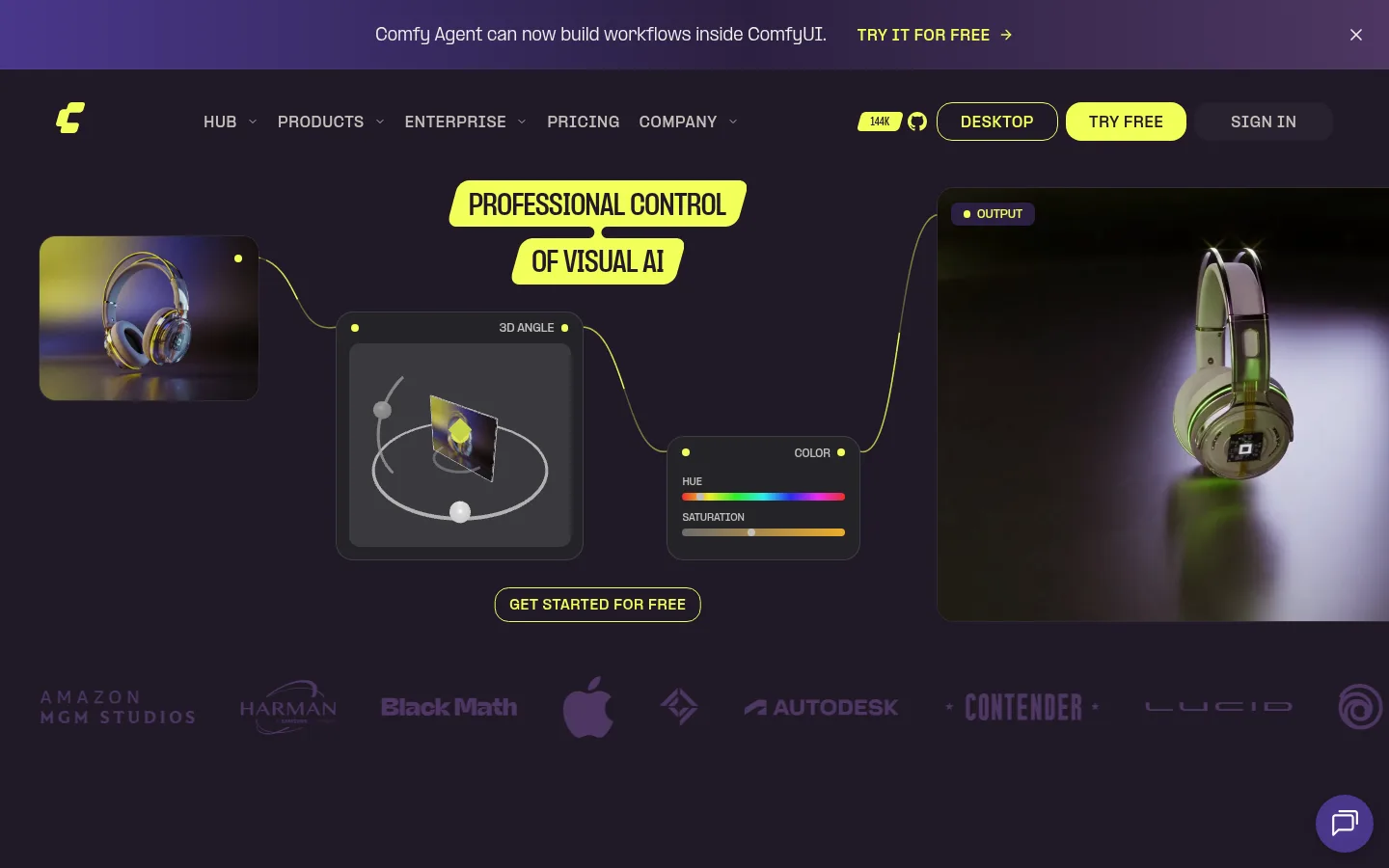
ComfyUI product screenshot
Website previewFixed desktop viewport · 1440 × 900

Similar tools

Published tools that share its categories.

ArtCraftOpen-source AI image and video studio where you stage shots on a 2D canvas or in 3D, then let models like Nano Banana and Seedance render them.
Image & DesignFree planChecked Oct 12
Visit
Yeri AIWeb AI image and video generator that runs GPT Image, Nano Banana, Seedream, Seedance and Kling, with photo effects and editing tools.
Image & DesignFree planChecked Oct 7
Visit
Raphael AIBrowser-based AI image generator that combines Seedream, GPT Image, Nano Banana and other models, with a free watermarked basic mode.
Image & DesignFree planChecked Oct 7
Visit
PixfyCreate an AI character from text or a reference image and reuse it across outfits, poses, scenes, products, and brand mascots.
Image & DesignFree planChecked Oct 1
Visit
VirseCreate and edit commercial visual work on a canvas with multimodal AI models and aesthetic memory.
Image & DesignFree planChecked Aug 27
Visit