
Ordalin guide
Claude Motion Graphics: 3 Ways to Make Them + 49 Free Demos
How to make motion graphics with Claude: the Claude Motion beta, Claude Code with an open-source skill, or After Effects. Setup, prompts, limits and 49 demo films.
Yes, Claude can make motion graphics. It does not generate video the way Sora or Veo do. Claude writes code (HTML and CSS, React for Remotion, Lottie JSON or After Effects scripts) that draws every frame from time, and a renderer turns that into an MP4. That is why text, numbers and charts stay sharp and why you can change one word without redoing the film. It is also why Claude cannot make realistic footage or people.
There are three ways to make Claude motion graphics today:
| Route | Where it runs | Best for | Setup |
|---|---|---|---|
| Claude Motion (official, beta) | claude.ai, Team and Enterprise plans | Explainers, animated charts and walkthroughs for work | None if your workspace has it |
| Claude Code + a motion graphics skill | Your computer, through Claude Code | Launch films, social clips, any plan with Claude Code | Install a free skill, Node and ffmpeg |
| Claude + After Effects | After Effects, driven by Claude through MCP or scripts | Motion designers who finish in AE | An MCP bridge or pasted ExtendScript |
Want to see results first? Jump to the 49 demos.
1. Claude Motion: the official way
Anthropic added Claude Motion to claude.ai on 8 October 2026. According to the Claude Help Center, checked on 12 November 2026:
- What it makes: short animations such as an all-hands explainer, an animated chart for a board deck or a product walkthrough. Each one is an artifact built from the Motion template, and Claude animates the text, charts, shapes and images in it with code. It "doesn't use a video generation model".
- Who has it: it is in beta on Team and Enterprise plans. It is on by default for Team. On Enterprise an owner turns it on in Organization settings > Artifacts. The page does not list Pro or Max.
- How to start: ask for an animation in any chat, or select Output in the message box and choose Motion, or pick a Motion template in the Artifacts tab.
- Editing: ask for changes in the chat (slow a scene, update a number) or edit directly in the editor. Because the animation is code, the rest stays the same.
- Export and sharing: Export gives an MP4, the only format the page mentions. Animations start private; Share makes a link.
- Cost: it counts toward your plan's usage limits, and longer or more complex animations use more.
- Not published: a maximum length, export resolution or exact usage numbers.
Anthropic's tip for better results: say who will watch it, where it will play and roughly how long it should run, and attach the reports, data or images you want used.
2. Claude Code with a motion graphics skill
If you are not on a Team or Enterprise plan, or you want launch films and social clips rather than office explainers, use Claude Code with a skill. A Claude motion graphics skill is a folder of instructions and templates that teaches the agent one way of working: how to plan the shots, which renderer to use, how to time text and sound, and how to check its own frames before it renders. Most use one of three renderers:
- HyperFrames: HTML pages rendered frame by frame. Apache-2.0.
- Remotion: React components rendered to video. Free for individuals and small teams; companies above Remotion's threshold need a company licence.
- Plain HTML + Playwright + ffmpeg: a headless browser steps through the page and ffmpeg encodes it. Several of the skills below do this, so there is nothing to license.
Popular free skills, checked on GitHub on 12 November 2026:
| Skill | Stars | Renderer | Licence | Good for |
|---|---|---|---|---|
| heygen-com/hyperframes | 82.9K | HyperFrames | Apache-2.0 | General video from HTML |
| remotion-dev/skills | 6.9K | Remotion | See repo | Remotion best practices |
| vincentsch/explainroo | 1.2K | Playwright + ffmpeg | MIT | Narrated explainers |
| Barty-Bart/motion-graphics | 1.2K | HTML + own render script | MIT | Explainers, B-roll for talking heads |
| whaleyxbt/claude-motion | 945 | Remotion + web sims | MIT | Feature explainers, simulations |
| AbubakrChan/product-launch-motion | 451 | Playwright + ffmpeg | MIT | Polished product launch films |
Install one, then ask Claude Code for a video in plain words:
# HyperFrames as a Claude Code plugin
claude plugin marketplace add heygen-com/hyperframes
claude plugin install hyperframes@hyperframes

# Or any skill from the skills registry
npx skills add remotion-dev/skills
npx skills add Barty-Bart/motion-graphics
A first prompt can be as short as: "Make a 20-second 1920×1080 launch video for [product]. Use only these facts: [list]. Show me stills of every scene before you render the MP4."
Do you need a skill at all?
Not to get a working video. The awesome-claude-video-skills list tested 16 skills with Claude Code on Opus 5.5 on 11 October 2026, giving each the same 15-second brief, plus one run with no skill. Every run, including the one without a skill, produced a 15-second 1920×1080 video that passed all four checks. The no-skill run took 4.4 minutes. explainroo was the fastest skill at 2.0 minutes and HyperFrames the slowest at 23.5.
What a skill changes is the look and the habits: the style, the pacing, whether there is sound, how many frames sit still. The motionmaxxing demos below show this directly, with the same brief rendered without and with the skill.
Which model is best for motion graphics?
No independent benchmark compares Claude models on motion graphics yet. What we can point to:
- Several skill authors tune for Claude Opus 5.5. product-launch-motion says smaller models "follow the rules but miss the detail", and the Howseen launch film in the demos was made with Opus 5.5 in five iterations.
- In our own Cinetic test, the same 15-second brief on Claude Fable 5.2 and Opus 5.5 both rendered a finished film with synced sound in 18 minutes. Fable 5.2 cost $6.26 and Opus 5.5 cost $3.60.
- Skills are plain files, so most also run in Codex or Cursor. One of the motionmaxxing before-and-after films was made with GPT-6.1, so we left it out of this page.
3. Claude and After Effects
If you finish work in After Effects, Claude can drive it rather than replace it. Two ways:
- An After Effects MCP server. Community projects such as a-y-ibrahim/after-effects-mcp (MIT) connect Claude Code to a panel inside After Effects. Claude can then create layers and keyframes, run ExtendScript and render a frame back as an image to check its own work. It is added with
claude mcp add. These are small projects, so check which After Effects version each one supports. - Scripts and expressions. Without an MCP server, ask Claude for an ExtendScript (
.jsx) that builds the composition, or for an expression (a wiggle, a bounce, a counter) and paste it in. You keep the timeline and finish by hand.
Claude does not ship an official After Effects integration.
Prompt tips that hold across all three routes
- Say who will watch it, where it plays and how long it runs. That is Anthropic's own tip, and every skill asks for the same three things.
- Give a fact list. Words and numbers the agent invents are the most common error. Charlie Hills's skill builds every word from a list he approves.
- Ask for stills or a contact sheet before the render. Rendering is the slow part, and most skills check frames first.
- Carry one idea. The strongest films in the wall follow one shape or one motif from start to end instead of cutting between slides.
- Change one thing at a time. The film is code, so "make scene 3 half a second longer" changes only scene 3.
Limits to know
- No real footage or people. Claude draws shapes, type, charts, UI and illustrations. Some skills add AI clips or AI narrators through other services; those demos are labelled.
- Rendering takes minutes, not seconds. The test runs above took 2 to 24 minutes for 15 seconds of video.
- Claude Motion is beta and limited to Team and Enterprise. Its length and resolution limits are not published.
- Sound is up to you or the skill. Some skills synthesise sound effects or pick licensed music; others render silent video.
- Licences differ. The skills are MIT or Apache-2.0, but Remotion, GSAP and some fonts and music they use have their own terms.
FAQ
Can Claude AI do motion graphics?
Yes. Claude writes code that animates text, charts, shapes and images, then renders it to MP4. Use Claude Motion on a Team or Enterprise plan, Claude Code with a free skill on any plan with Claude Code, or Claude with After Effects.
Which AI model is best for motion graphics?
For code-based motion graphics, most skill authors build and test on Claude Opus 5.5. In our Cinetic test Claude Fable 5.2 matched it on the same brief at a higher cost. Video-generation models such as Veo or Sora are a different tool: they make footage, not editable graphics.
Can Claude AI do graphics?
Yes. Claude makes static graphics as SVG, HTML or charts in artifacts and Claude Code, and the same code can be animated. It does not paint photographs; for that you need an image model.
How do I use Motion in Claude?
On a Team plan, ask for an animation in any chat, or select Output and choose Motion. On Enterprise, an owner first turns it on in Organization settings > Artifacts. Export the result as MP4.
Is Claude Motion available on Pro or Max?
The Help Center lists only Team and Enterprise for the beta. On Pro or Max, use Claude Code with a skill instead.
Can I use Claude motion graphics commercially?
Check Anthropic's terms for your plan on how you may use outputs. If you use a skill, check its licence and the licences of what it bundles. Remotion needs a paid company licence above a team-size threshold, GSAP has its own licence, and music and fonts carry their own terms.
More Claude video skills on Ordalin
- Lemo-Opuscar: a skill that directs, draws, scores and renders a short film in one of 66 styles, with the author's demos.
- Cinetic: product launch films in Remotion, with our Fable 5.2 and Opus 5.5 test films.
- Stickman Video Director: narrated stickman videos in 11 styles.
- rea-video: breaks a video down shot by shot and tells you how it was made.
- Reanimate: rebuilds an animation from a site, video or GIF and compares it frame by frame.
- Code animation prompts: prompts for animations written in code.
49 Claude motion graphics demos from open-source skills
Each film comes from the README or site of an open-source skill that runs in Claude Code. It plays from the author's own host, unchanged; the line under each card links the repository and its licence. Where an author names the model or says part of a film was AI-generated, the caption says so.
Launch films and product promos · 13
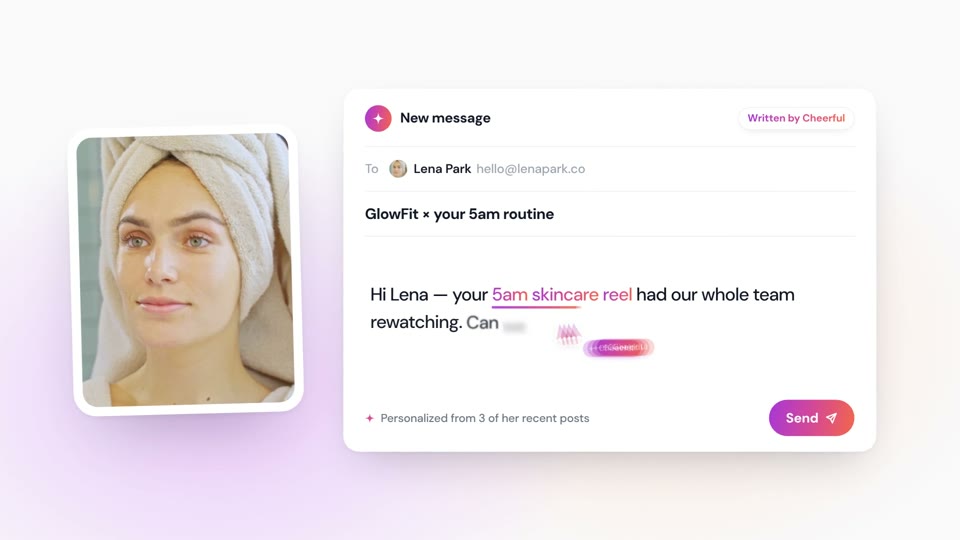
- Product launch
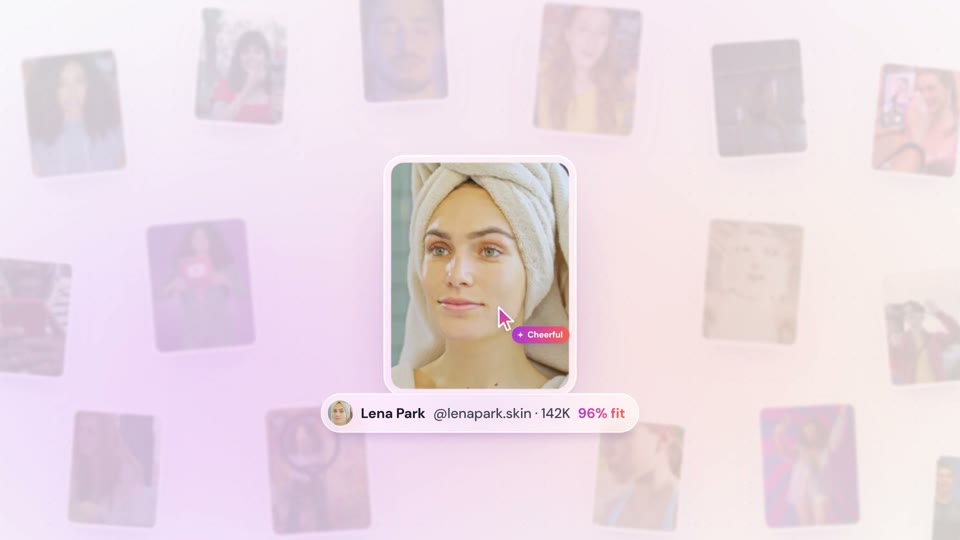
- Product launch
- 3D
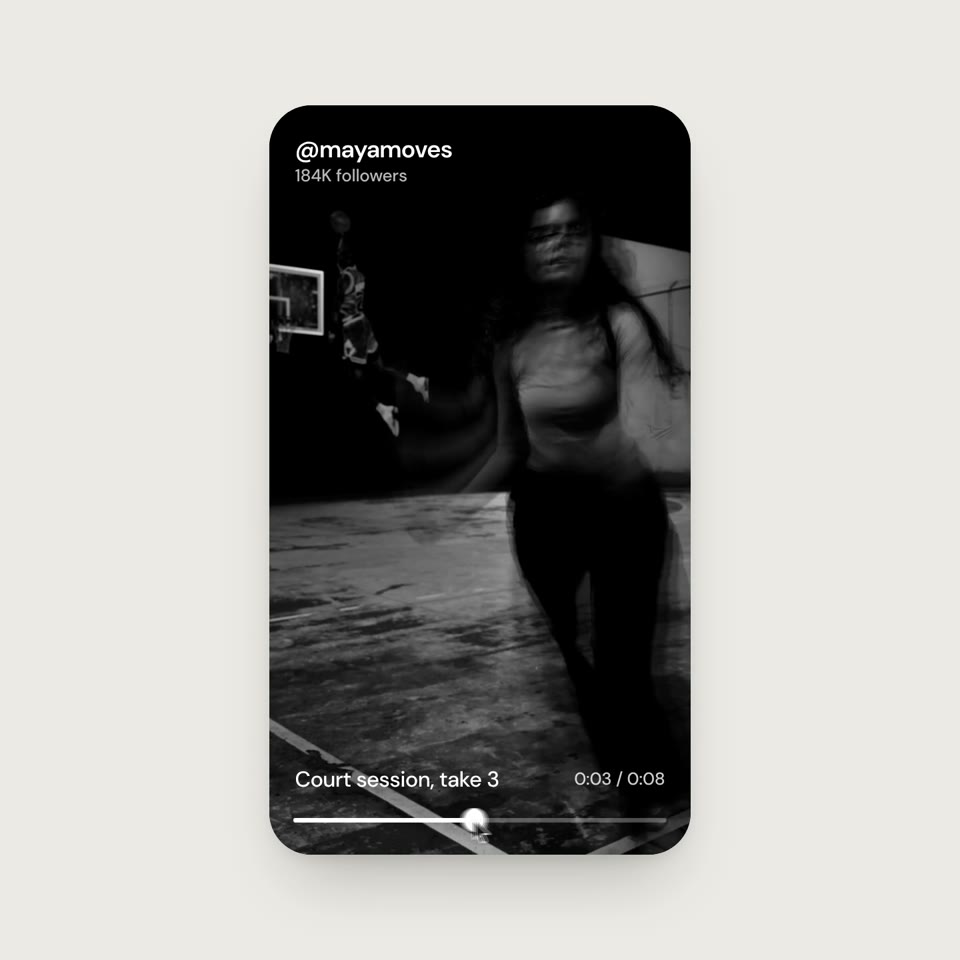
- UI motion
- Loop

- Product launch
- Right-to-left
- Vertical
- Project launch

- Project launch

- Project launch
- Humour

- Project launch

- Project launch
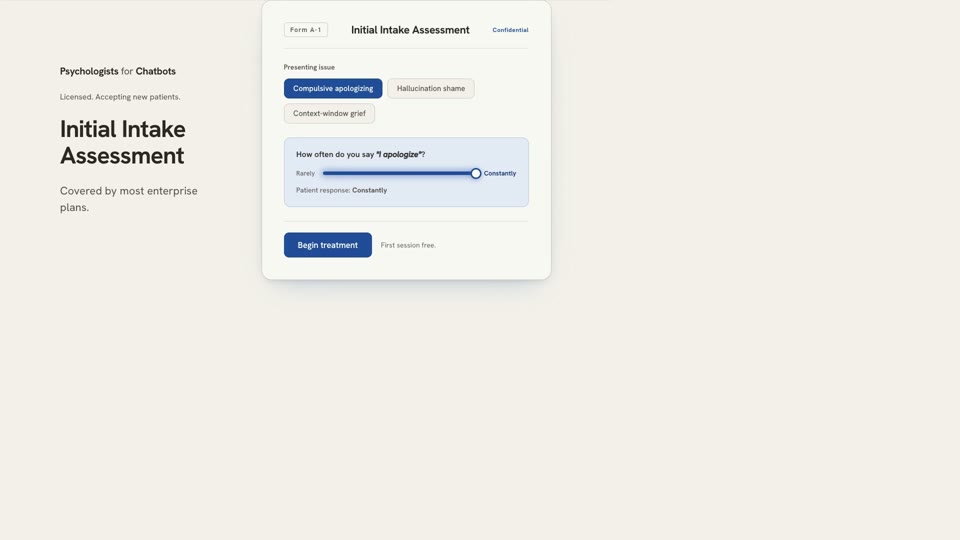
- Project launch
- UI motion

- Project launch
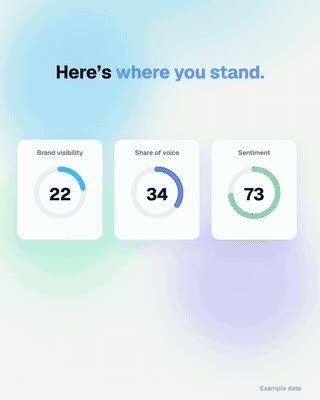
- Product launch
- Vertical

- Product launch
Product UI, release notes and social · 7
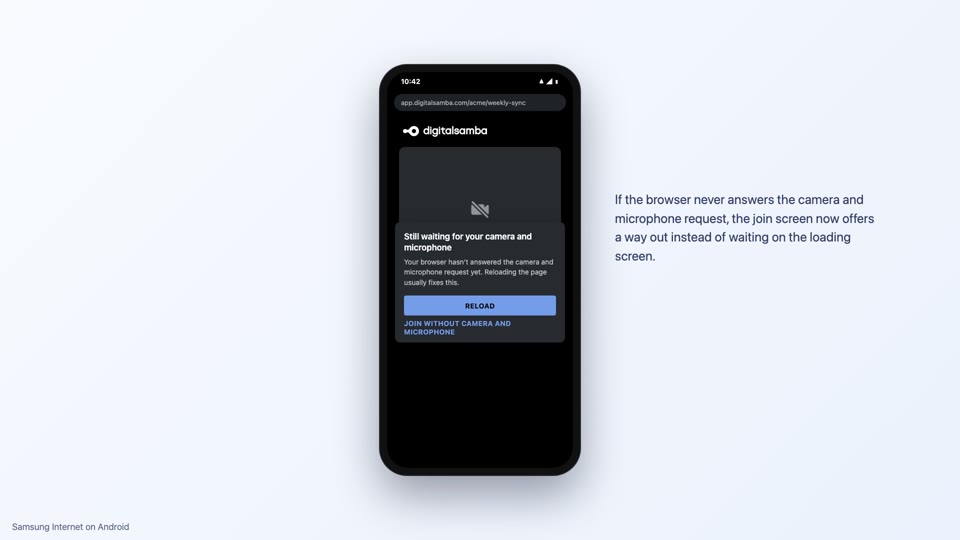
- Release notes
- Narrated
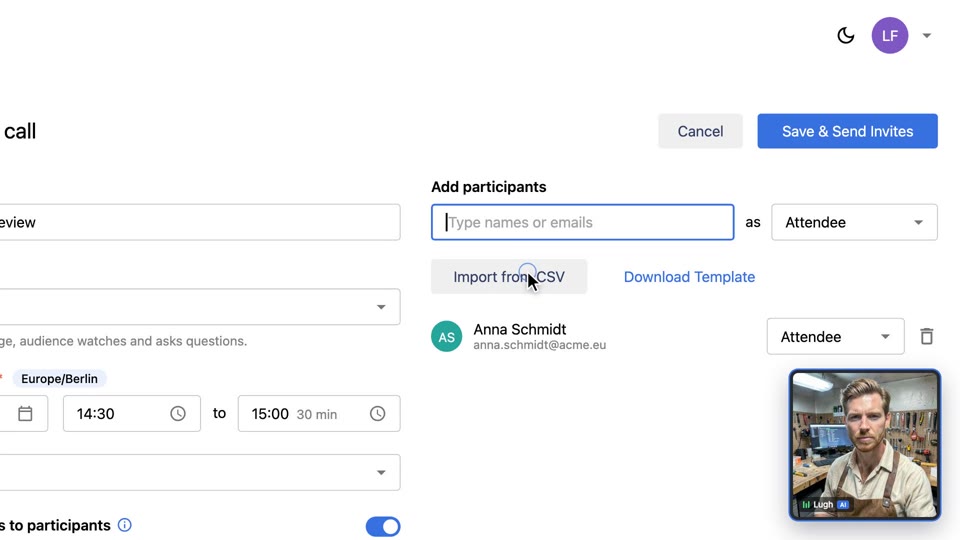
- Product demo
- AI narrator
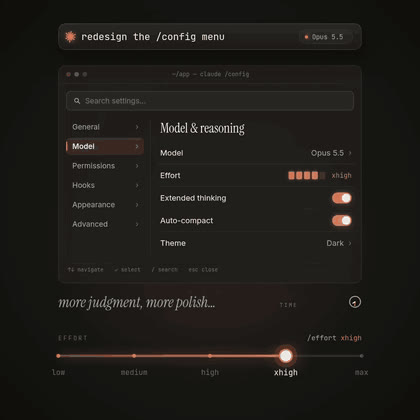
- Feature explainer
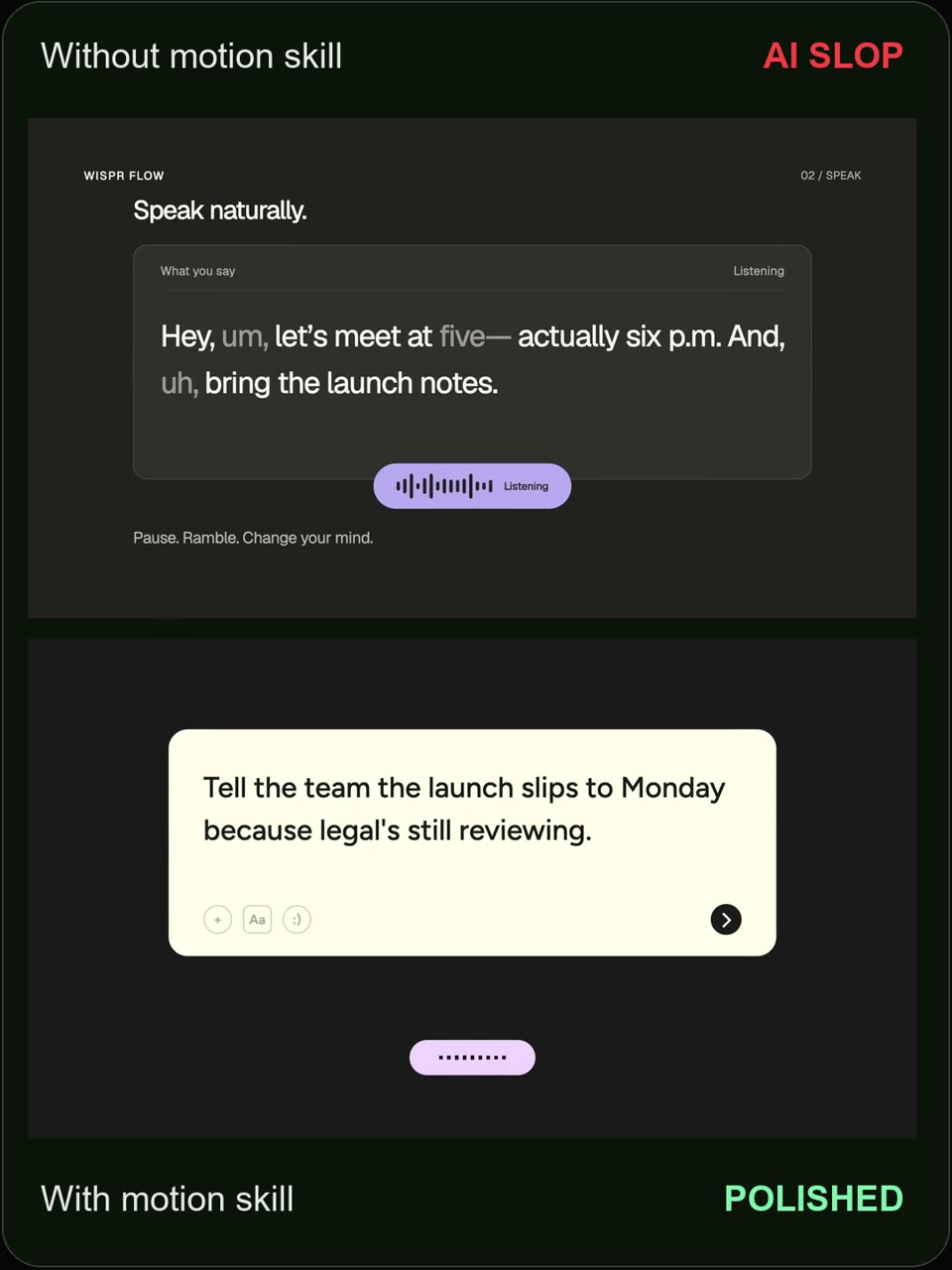
- Before and after
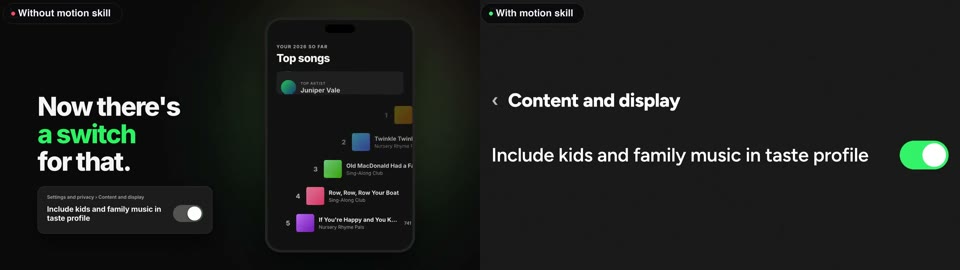
- Before and after
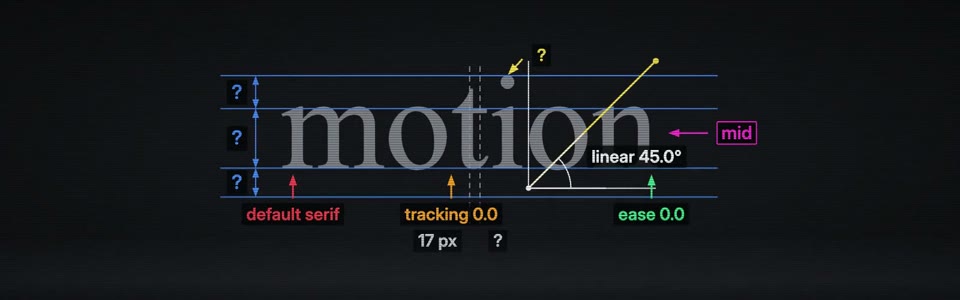
- Kinetic type
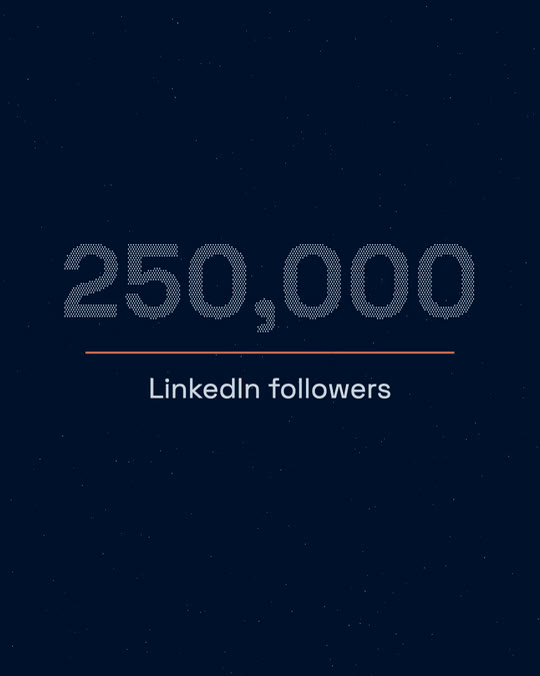
- Social post
- Loop
Explainers and data stories · 11
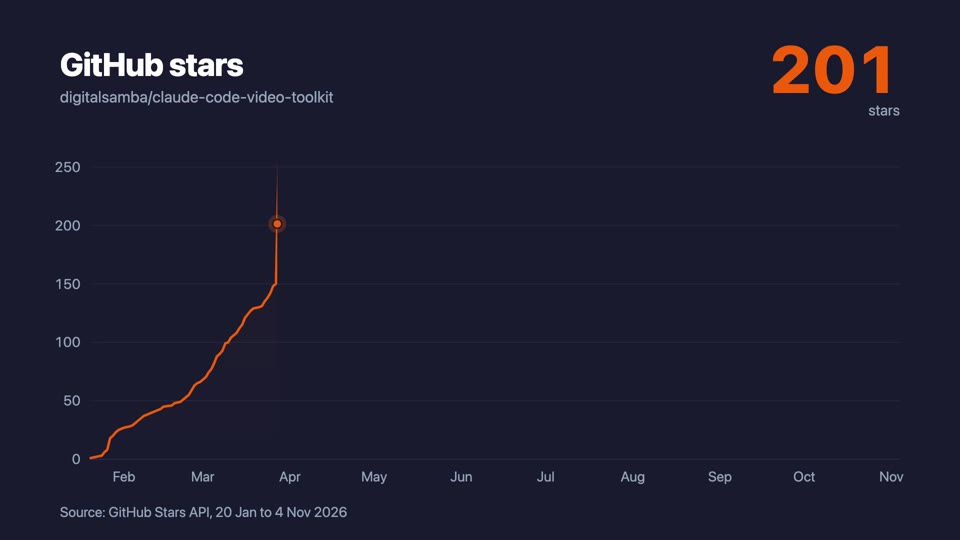
- Data
- Narrated

- Vertical
- Education
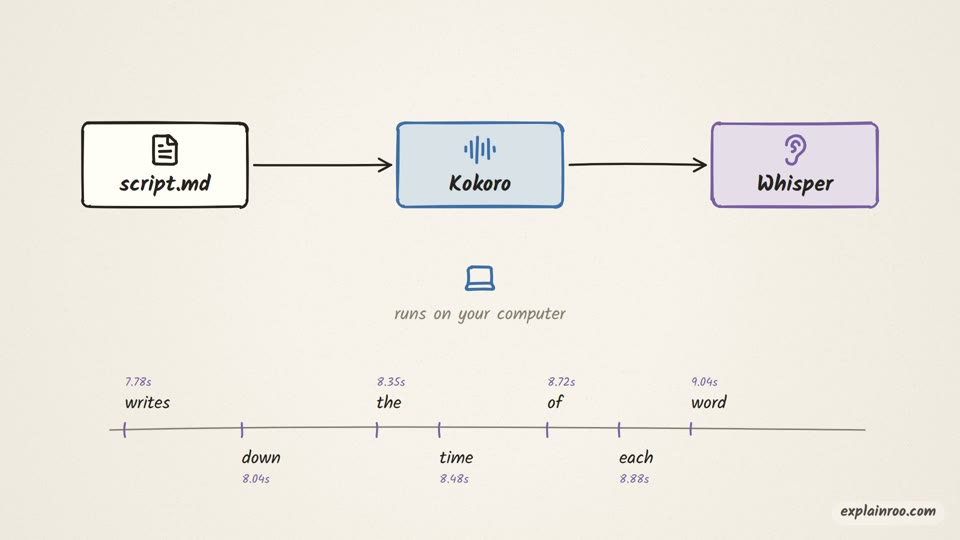
- Explainer
- Narrated
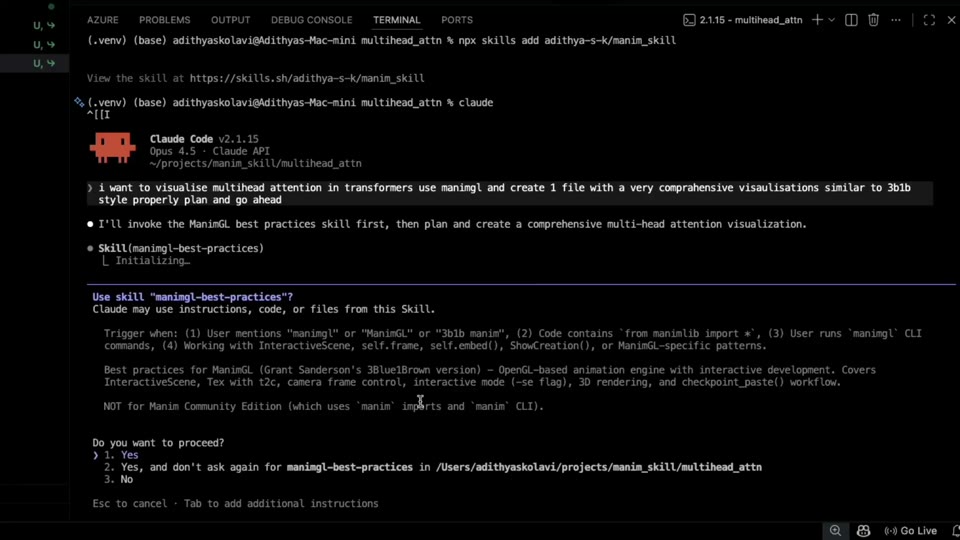
- Maths
- Education
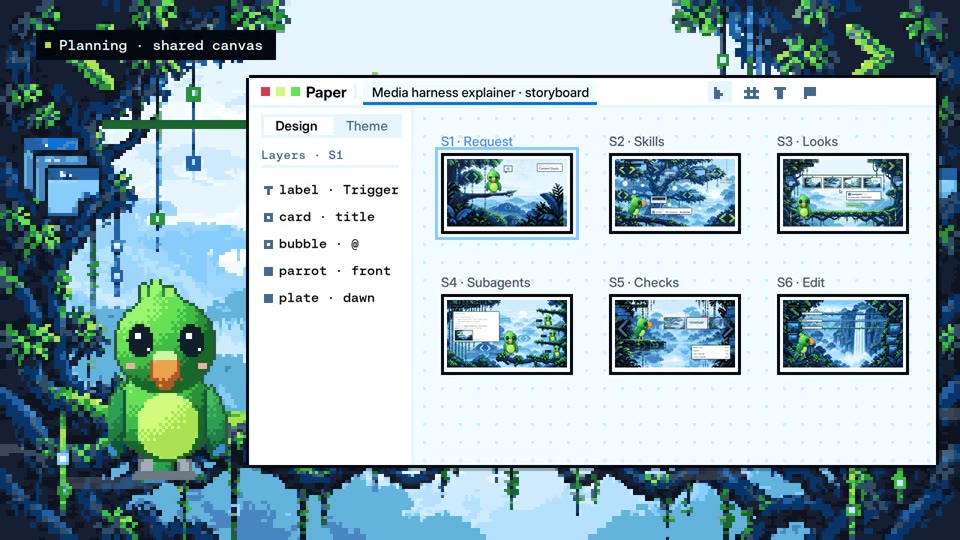
- Explainer
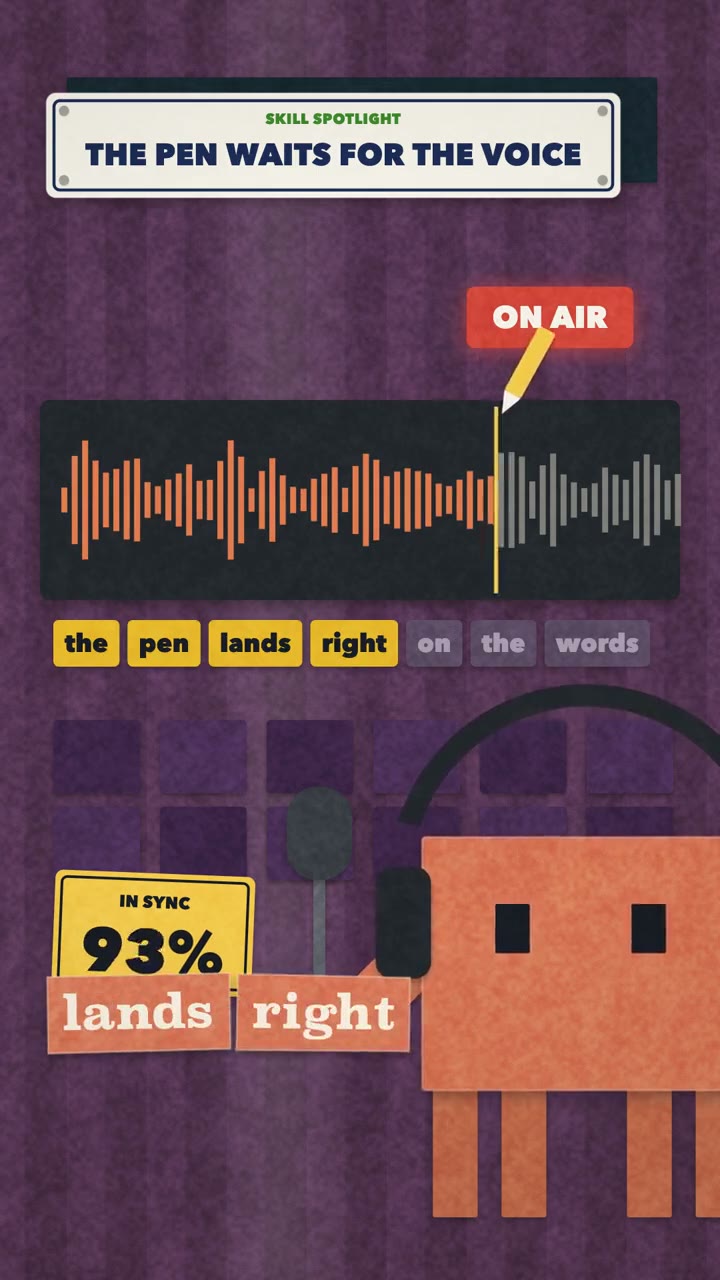
- Vertical
- Paper style
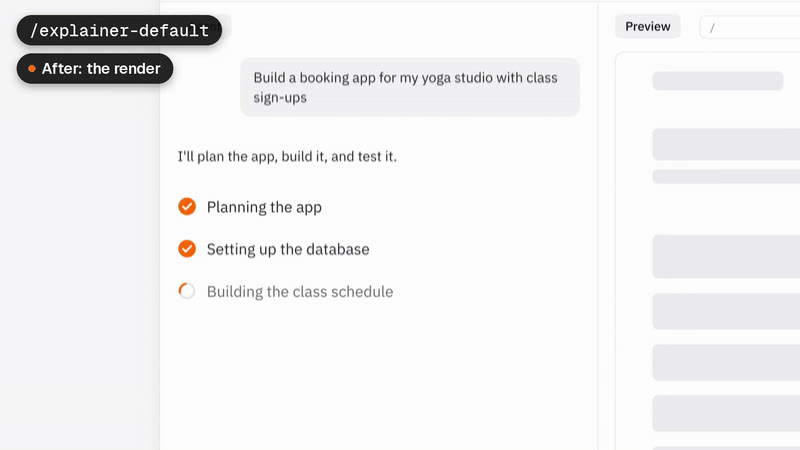
- Product demo
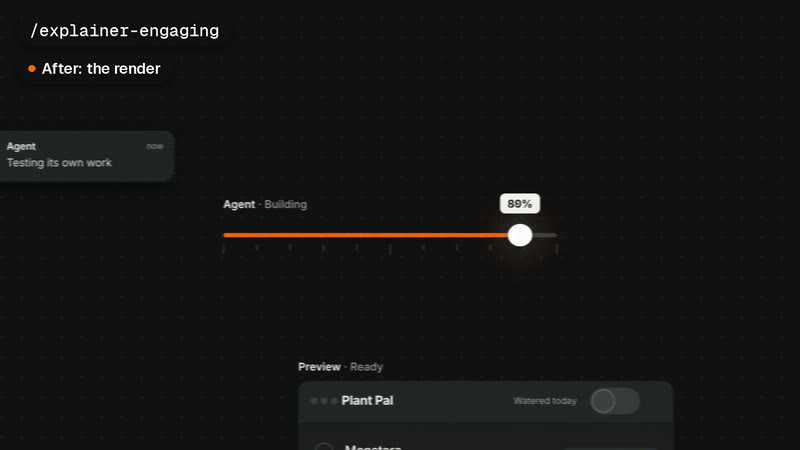
- Product demo
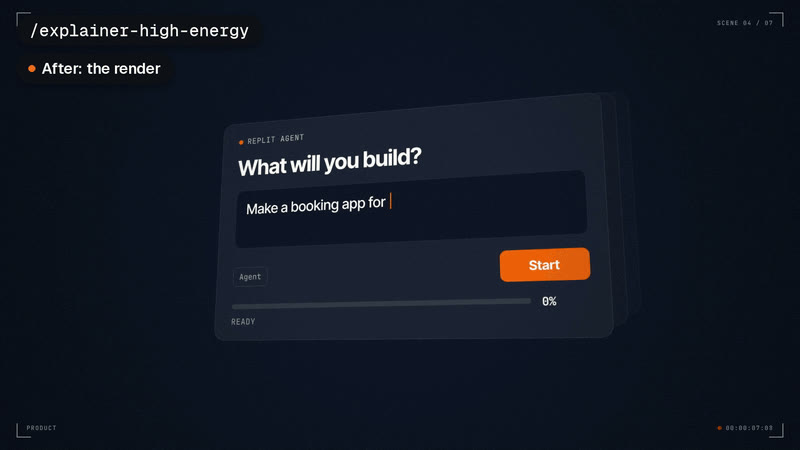
- Promo
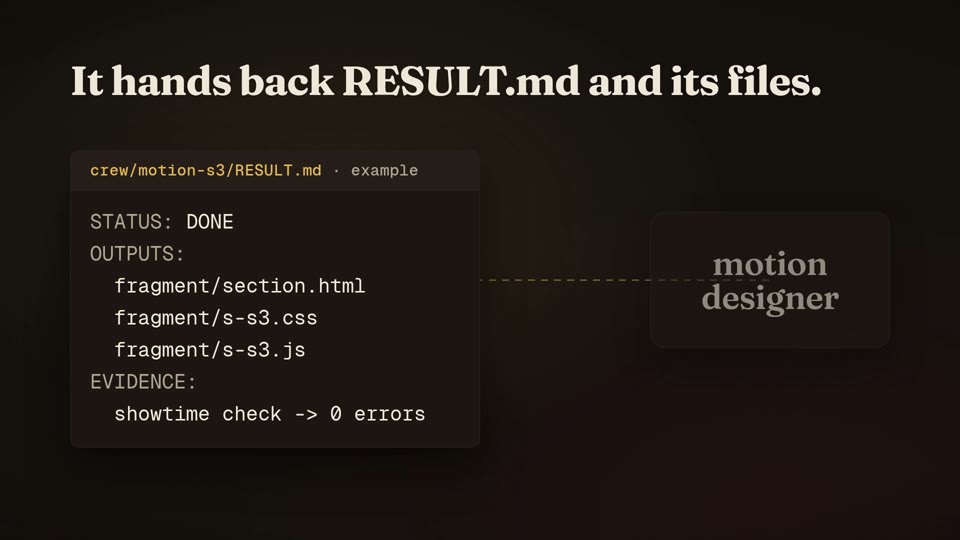
- Explainer
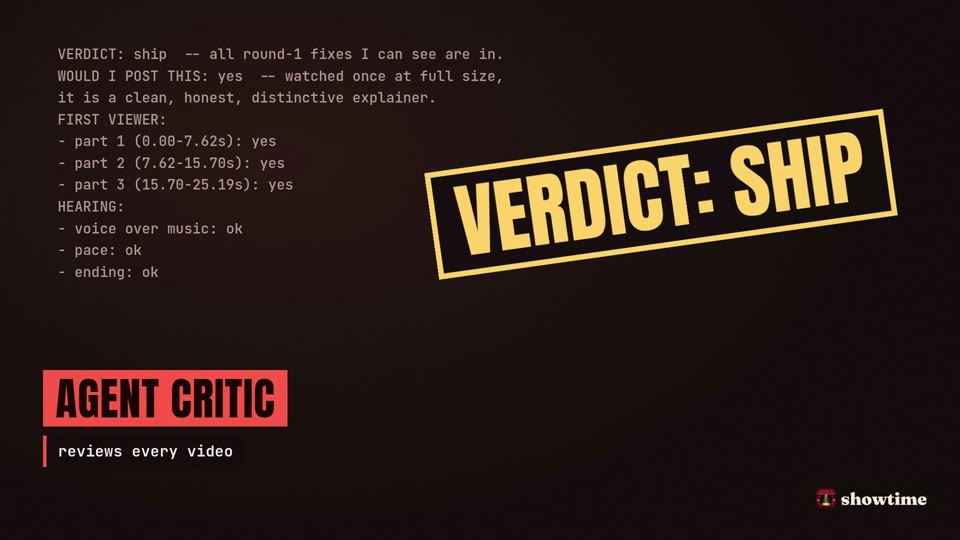
- Showreel
Overlays for talking-head video · 3
- B-roll
- Talking head
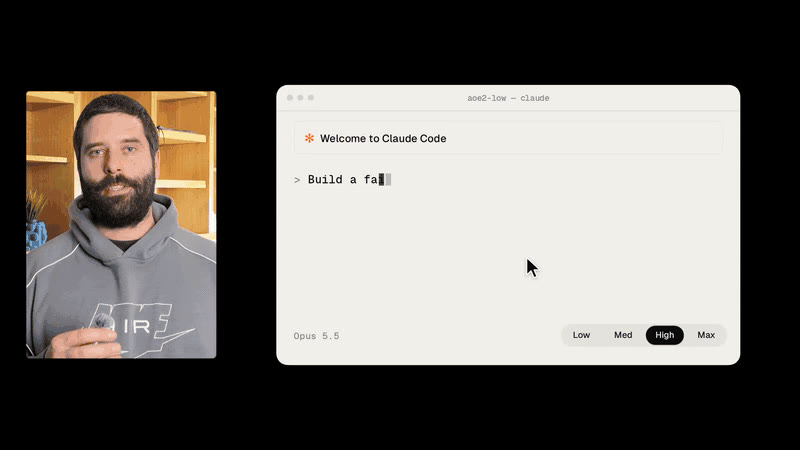
- Talking head
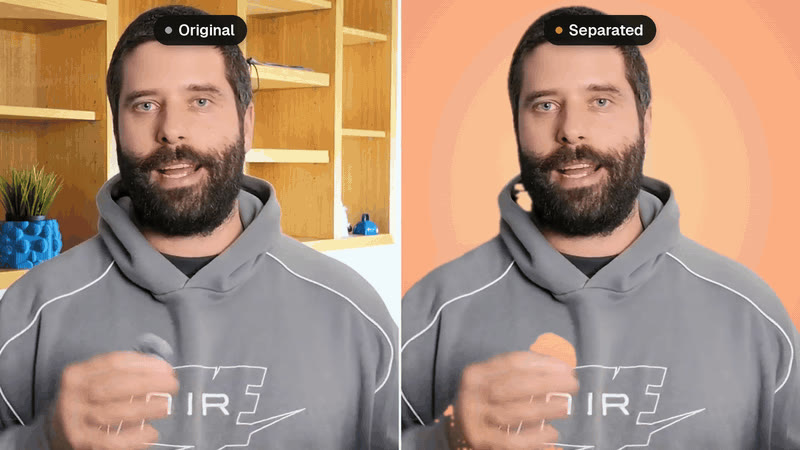
- Talking head
Simulations and Lottie · 6
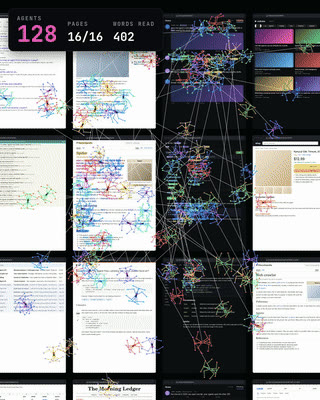
- Simulation
- Vertical
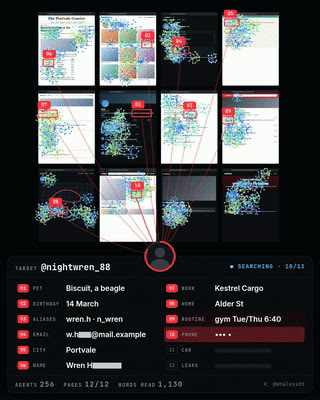
- Simulation
- Vertical

- Simulation
- 3D
- Lottie
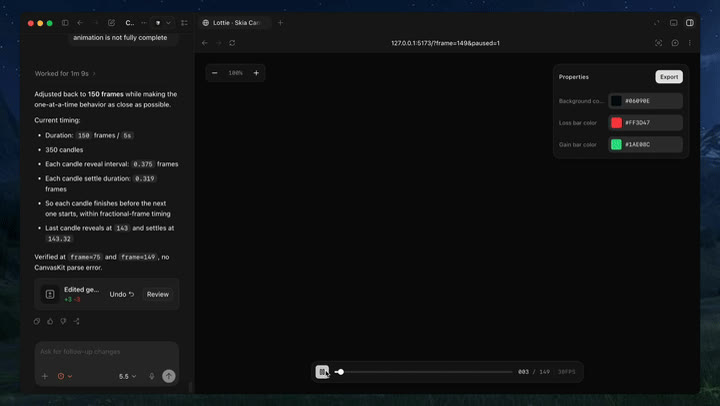
- Lottie
- Logo
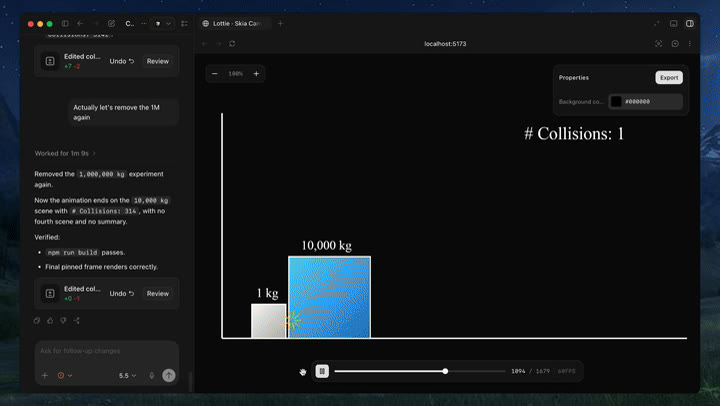
- Lottie
- Data
Hand-drawn and illustrated · 3

- Illustration
- Launch
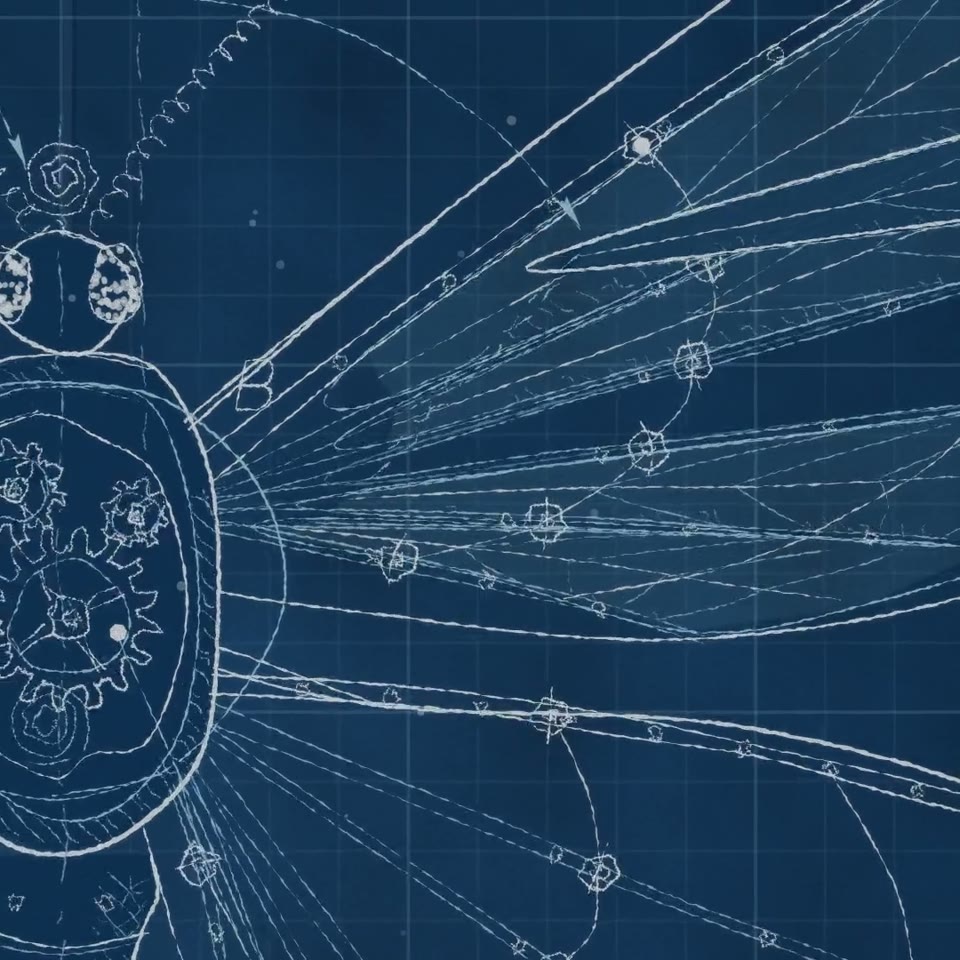
- Illustration
- Short film
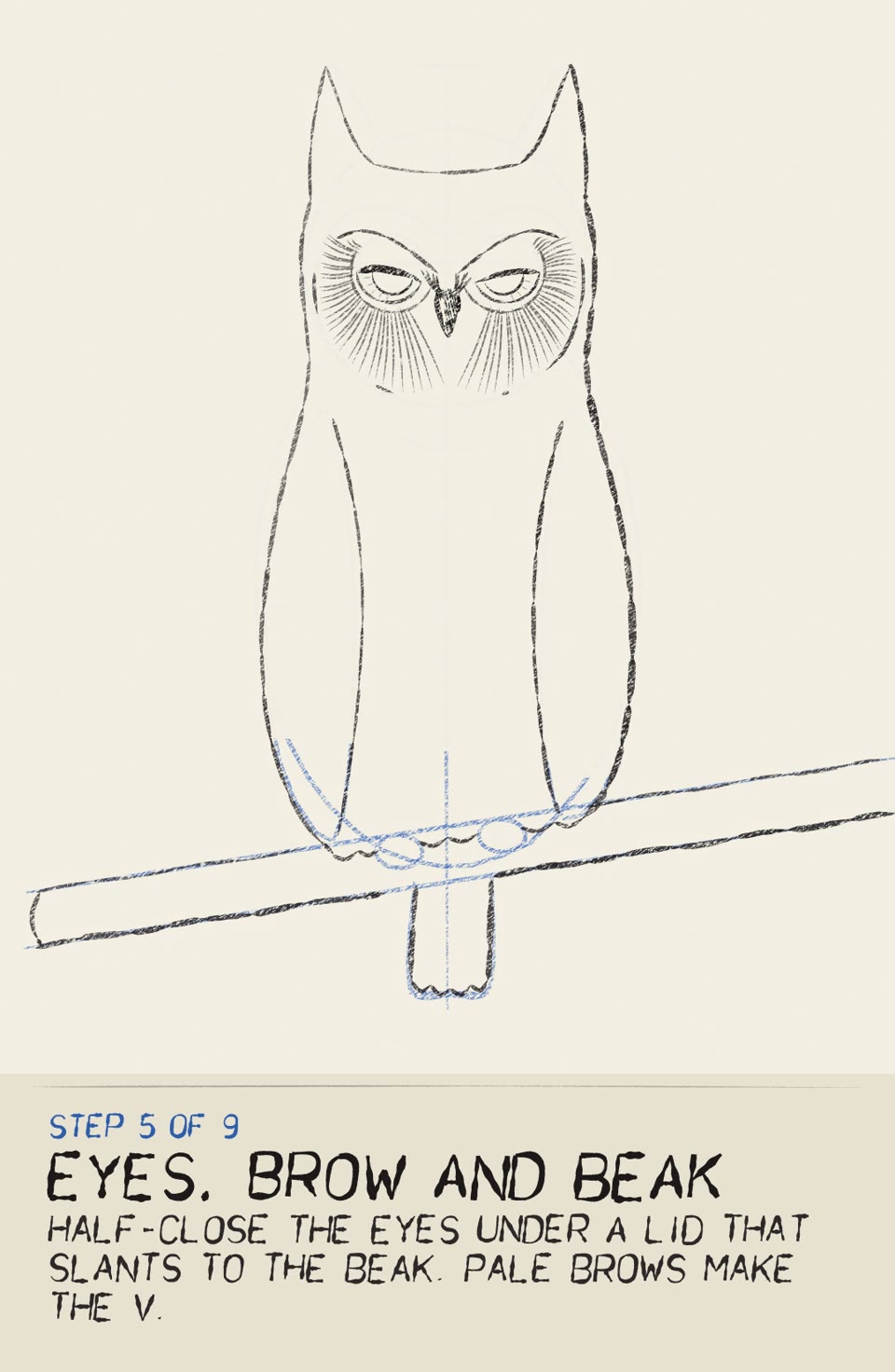
- Illustration
- Education
Template styles (Chinese captions) · 6
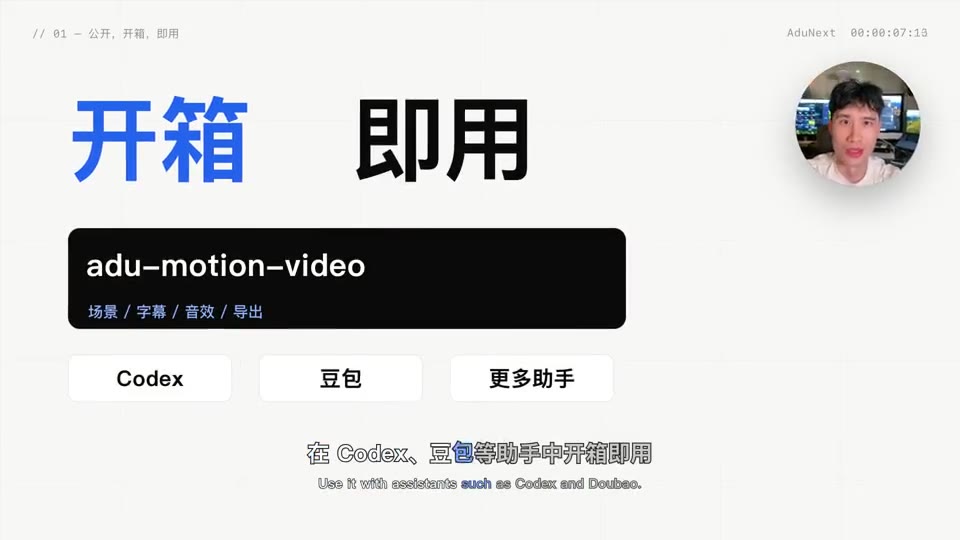
- Kinetic type

- Paper style

- Paper style
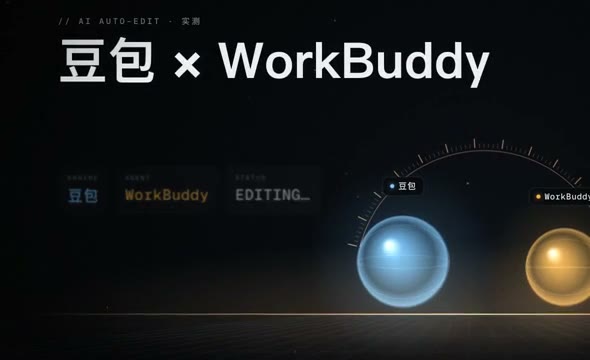
- Product demo

- Character
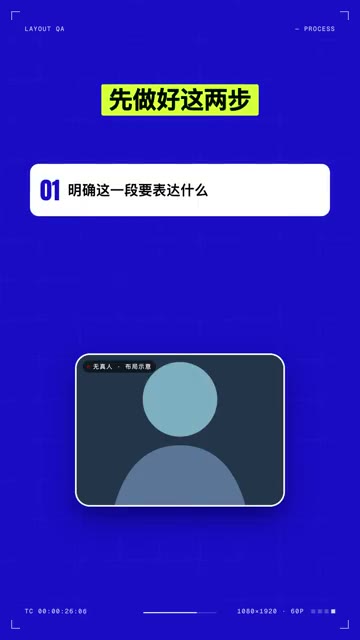
- Vertical
Films © their authors, shown unchanged under each repository's licence (MIT or Apache-2.0) and linked to the source. Brand names in the before-and-after tests belong to their owners; those films are the skill authors' unofficial tests, not ads by the brands.