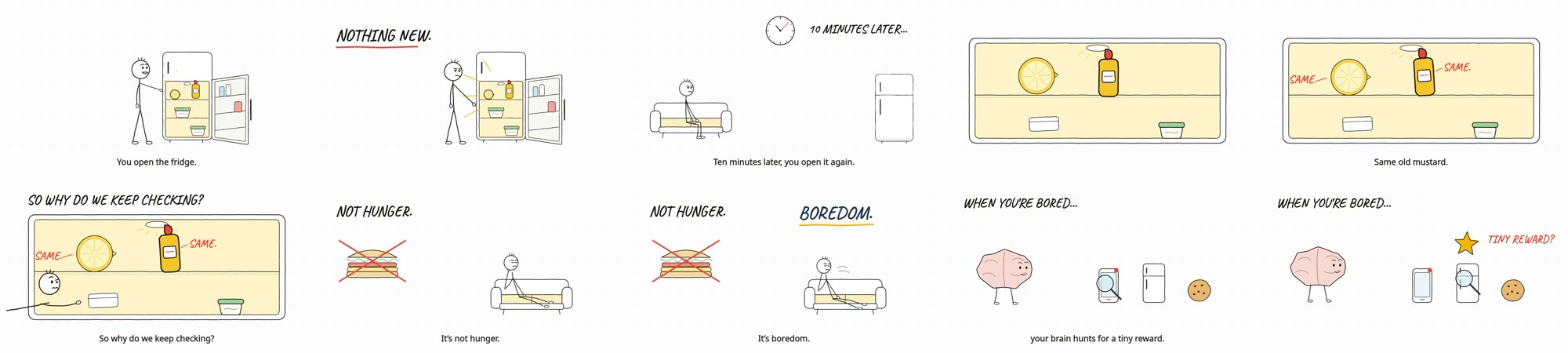
Director mode is cheap and good: in under five minutes for $1.20, Claude Code wrote a tight 30-second treatment and three ready-to-paste video prompts. Autopilot mode really renders video on your computer, but a finished film needs an image tool and a TTS voice you pay for and choose; without them our run made a silent 20-second preview with code-drawn art for $3.27.
Checked 2026-11-11
Tested 2026-11-11 with claude-opus-5-5
All 22 author demos, two for each of the 11 styles
Stickman Video Director is one skill with 11 styles in two modes, so there is one install and you pick the style in your request. The A styles are Director mode: the skill writes the treatment and clip prompts, and the author generated the clips in a video model and edited them. The B styles are Autopilot mode: the agent renders the whole film itself, with narration, captions and sound.
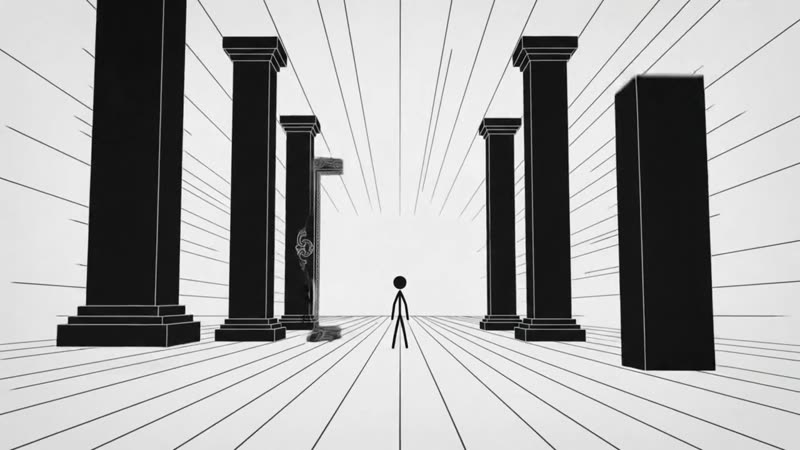
A1 · Classic Black & White · 2
Director modeBlack on white. The classic stick figure on a white page, here walking through a hall of monoliths.
Explainers
Shorts
Director modeWhite on black. The same style inverted, for a darker mood.
Explainers
Shorts
A2 · Modern Pop · 2
Director modeMinimal Tech. Flat colour fields and a round-headed figure, for tech and product topics.
Tech explainers
Product stories
Director modeColorful Story. The brighter variant of Modern Pop, for everyday stories.
Storytelling
Shorts
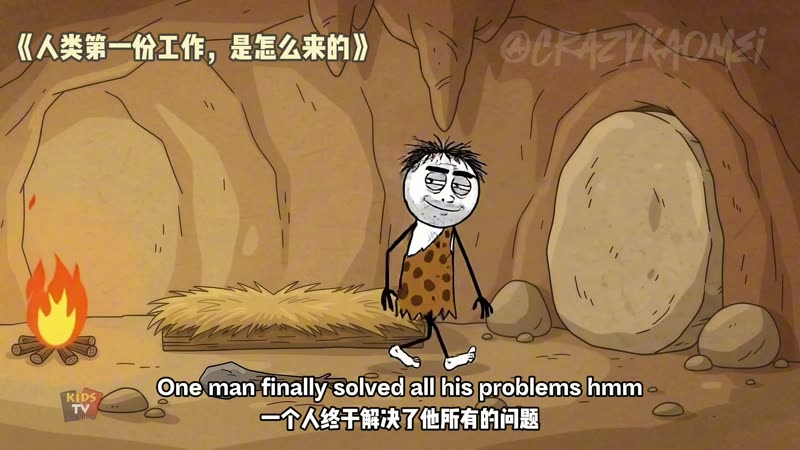
A3 · Prehistoric Cave · 2
Director modeHow did humans get their first job?. A caveman comedy with bilingual captions, the style our Director-mode test used.
History jokes
Shorts
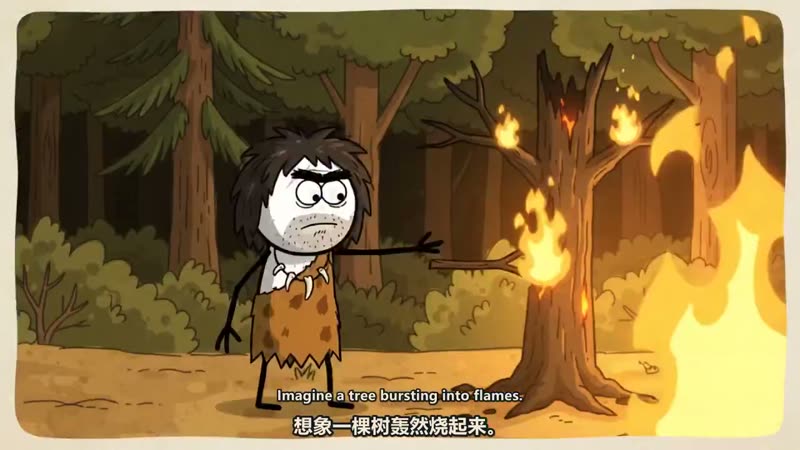
Director modeThe first discovery of fire. A community-made film in the same cave style, shared in the repository.
History jokes
Shorts
A4 · Cozy Storytelling · 2
Director modeSubway station. Soft light and warm colours for quiet, slice-of-life scenes.
Relaxing stories
Lo-fi channels
Director modeCafé. The same cozy look in a café.
Relaxing stories
Lo-fi channels
A5 · Historical Cartoon · 2
Director modeEdo Japan. A cartoon history scene set in Edo-period Japan.
History channels
Education
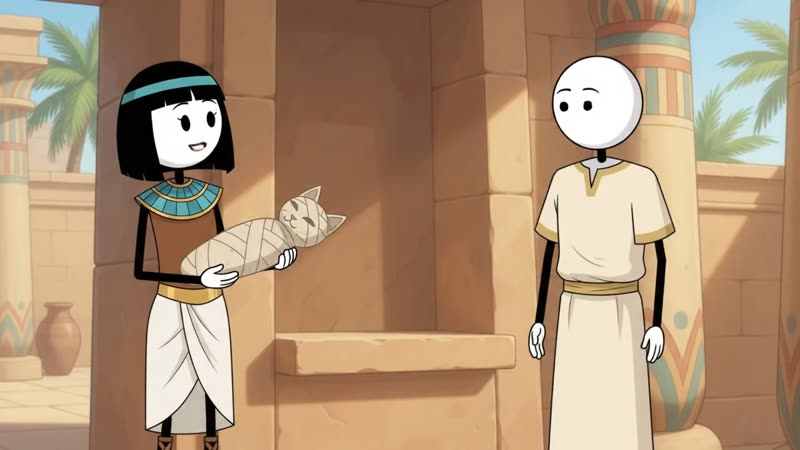
Director modeAncient Egypt. The same style in ancient Egypt.
History channels
Education
A6 · Amber Noir · 2
Director modeWhat if everything cost 10,000 times less?. A dark, amber-lit what-if story with narration, made through a video-generation MCP server.
What-if stories
Narrated shorts
Director modeGoogle Flow example. A single Amber Noir clip generated in Google Flow from the skill's prompt.
What-if stories
Narrated shorts
B1 · Minimal Line Art · 2
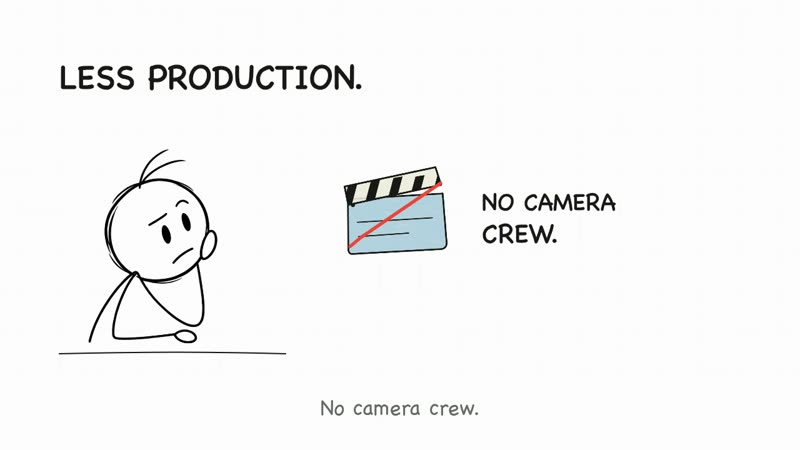
Autopilot modeYouTube without showing your face. Hand-drawn line art on white with narration, captions and sound, rendered end to end by the agent.
Faceless YouTube
Explainers
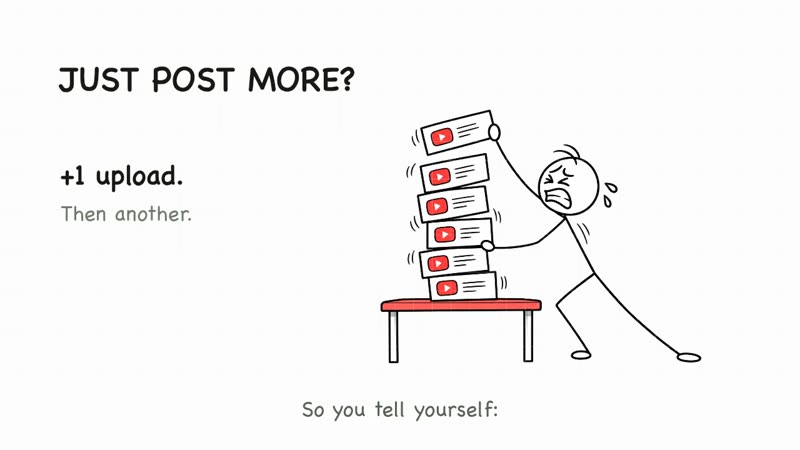
Autopilot modePosting every day: why is nobody watching?. The approved B1 sample that ships inside the skill as its reference.
Faceless YouTube
Creator advice
B2 · Colorful Hand-Drawn · 2
Autopilot modeWhy does trying to sleep keep you awake?. Coloured hand-drawn scenes for psychology topics.
Psychology
Everyday science
Autopilot modeYou unlocked your phone and forgot why. A longer B2 film, just over a minute.
Psychology
Everyday science
B3 · Retro TV · 2
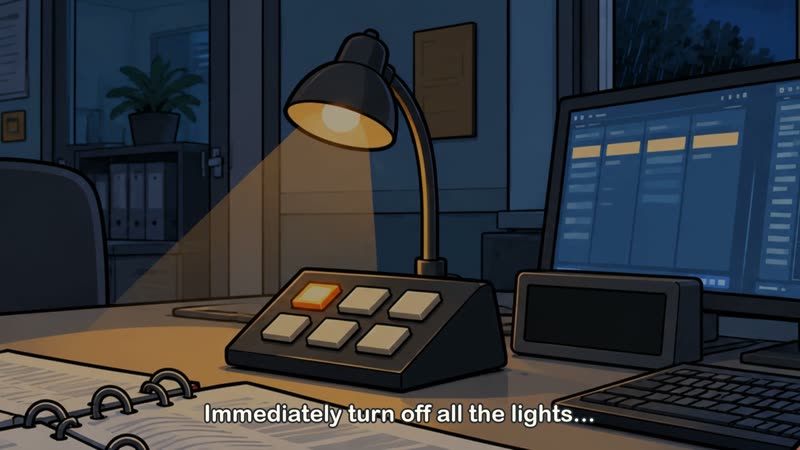
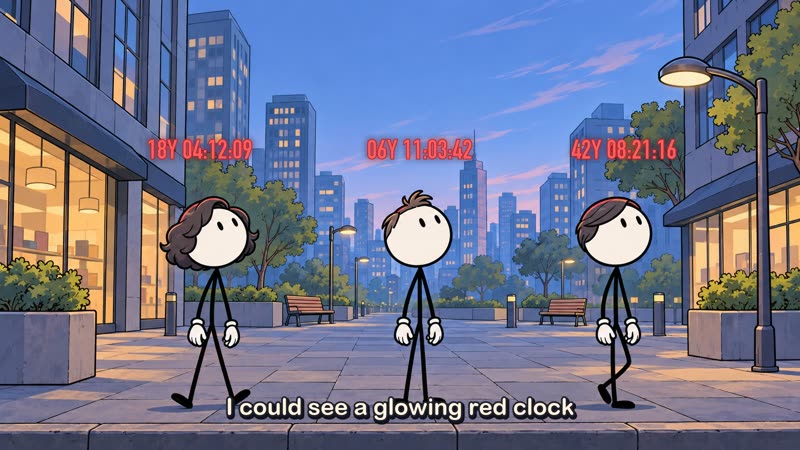
Autopilot modeWhat if your TV turns on at 3 AM?. A dark, retro-TV look for mystery and night stories.
Mystery
What-if stories
Autopilot modeIs your dog guilty, or just scared?. The same look for a lighter animal-behaviour topic.
Pets
Everyday science
B4 · Survival Thriller · 2
Autopilot mode911 dispatcher rules: do not send police. A tense rules-style horror story, the longest demo at over a minute and a half.
Horror
Rules stories
Autopilot modeWhat if you saw death coming?. A shorter survival-thriller what-if.
Horror
What-if stories
B5 · Character Explainer · 2
Autopilot modeWhy is asking for help so hard?. A presenter character explains beside on-screen text, with its own renderer.
Explainers
Creator channels
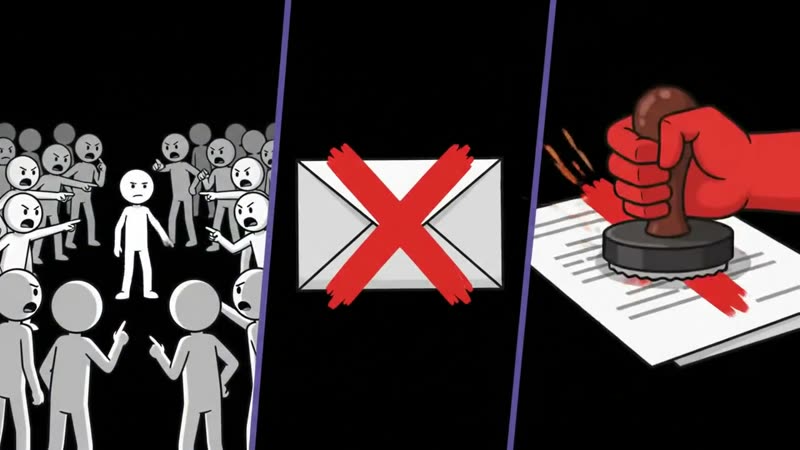
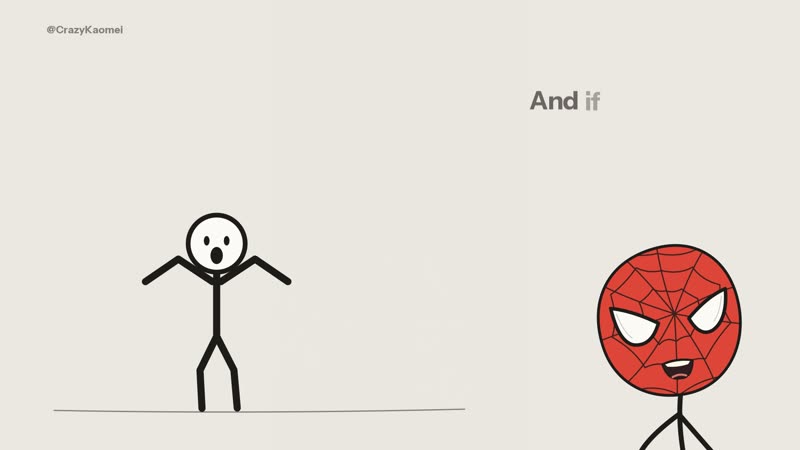
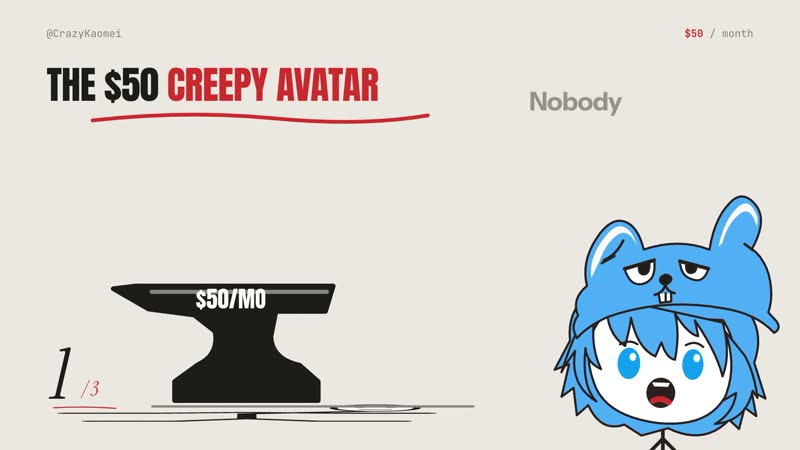
Autopilot modeStop making these three video mistakes. The author's own cartoon host presents a numbered list.
Listicles
Creator channels
Films by kaomei (Crazy Kaomei) and contributors, from the stickman-video-director repository (MIT), shown unchanged and played from the repository. The A3 fire film is a community submission the author shares there. They are not output from our test.
What our test produced
Director mode (A3)Treatment approved, then three 10-second Omni Flash prompts; text only, no video
Time
4.6 min
Cost
$1.20
Turns
16
Autopilot mode (B1)Rendered a 20-second 1280×720 preview with captions and synthesized sound effects, no narration; art drawn in code
Time
22 min
Cost
$3.27
Turns
52
The 20-second preview Claude Code rendered in our Autopilot test, unchanged (0.8 MB). There is no narration, because we gave it no voice service; captions are timed to an estimated reading pace and the sound effects were synthesized in code. The agent drew the B1-style art itself in code, with no image model.
The preview at one frame every two seconds.
Best for
+Faceless YouTube and Shorts channels that tell stories or explain ideas with stick figures
+Planning a stickman video for an AI video generator, with consistent characters across clips
+Claude Code, Codex or Cursor users who want a narrated explainer rendered locally from a brief
Not the best fit for
–A finished Autopilot video with no paid services: you need an image tool and a text-to-speech service, and you choose the voice
–Director mode users who want a video file from the skill itself; it writes prompts, and you generate and edit the clips
–Anyone expecting the author's Autopilot look from Claude Code without an image model; the author made those demos in Codex with GPT's built-in image model
How it works
1
Pick a mode and a style
You ask for Director mode (A) or Autopilot mode (B) and name one of the styles: A1 to A6 for Director mode, B1 to B5 for Autopilot. The skill then fixes the aspect ratio, style and length before it writes anything. Director-mode videos come in 10-second steps, 60 seconds by default.
2
Director mode: a treatment, then prompts
The agent writes a director's treatment first: hook, cast cards, one location layout, a storyboard for each 10-second clip, narration, music and sound. Only after you approve it does it write one standalone prompt per clip, repeating the cast and narrator description word for word so clips stay consistent. You paste them into a video generator and assemble the clips in CapCut, Premiere or another editor.
3
Autopilot mode: script, sample, film
The agent checks your setup with the skill's doctor command, writes a script for approval, then renders a 20-second sample with sound for a second approval before the full video. Rendering is the skill's own Node scripts with FFmpeg and canvas libraries, so no GPU is needed. Images and the voice come from services you set up; the skill states costs before any paid call and never falls back to the computer's built-in speech on its own.
4
Optional thumbnail and upload kit
After either mode, you can ask for a matching thumbnail and upload copy (title, description, tags). Nothing is uploaded or published for you.
Try it
1
Ask your agent to install it
Install this Skill for me:
https://github.com/kaomei/stickman-video-director

Once installed, read the installed SKILL.md right away.
Explain what each mode produces, the tools it needs, and the workflow
in plain language, with examples I can copy.
The author's own install prompt, shortened. It works in Claude Code, Codex, Cursor and other agents with file access. In our test we copied skills/directing-stickman-videos into the project's .claude/skills folder.
2
Plan a video in Director mode
Use Director Mode / mode A to turn the following topic into a stickman video:
why we open the fridge again and again when we're bored.

Requirements: landscape 16:9, A3 "Prehistoric Cave" style, starting with 30 seconds.
Give me the director's treatment first. After I approve it, provide scene-by-scene video prompts.
The author's example request with our topic. Replace the topic and style with your own.
3
Or render one in Autopilot mode
Use Autopilot Mode / mode B to turn the following topic into a compelling YouTube video:
[your topic, article or link]

Requirements: landscape 16:9, B1 "Minimal Line Art" style, with voiceover, captions, and sound effects.
Check the image generation, voiceover, and video-rendering setup first. Then give me a script and a 20-second preview with sound.
Needs Node 20 or newer and FFmpeg, plus an image tool and a voice service you configure.
Key facts
Author
kaomei (Crazy Kaomei)
Licence
MIT
Version checked
Not stated
Works with
Codex (recommended by the author), Claude Code, Cursor and other agents with file and terminal access; Director mode in any skill-compatible assistant; tested in Claude Code
Language
English
What it produces
Director mode: a treatment and scene-by-scene prompts for 10-second video clips; Autopilot mode: a narrated MP4 with captions, illustrations and sound effects (image tool and TTS service required)
Install
Ask your agent to install https://github.com/kaomei/stickman-video-director, or copy skills/directing-stickman-videos into .claude/skills; Autopilot mode also needs Node 20+, FFmpeg/FFprobe and npm ci in the skill folder
From the skill’s own repository. “Not stated” means the repository does not say.
Our test
Our test ran both modes of this skill in Claude Code on Opus 5.5 with one topic: why we keep opening the fridge when we're bored. Stickman Video Director, by kaomei (Crazy Kaomei), is one skill with 11 styles in two modes. Director mode plans a video and writes scene-by-scene prompts for about 10-second clips that you generate in Gemini Omni Flash, Google Flow, Runway, Luma or Kling, then edit yourself. Autopilot mode has the agent produce the finished MP4 on your machine, with narration, captions, illustrations, light animation and sound effects, after you approve a script and a 20-second sample. Below are our test preview, all 22 demos the author publishes, how it works and how to start.
2026-11-11 · Claude Code 2.1.322, headless (claude -p), skill installed in an empty project's .claude/skills; two separate runs, one per mode · claude-opus-5-5 · repository commit 8643650
What we asked
Director mode: turn "why we open the fridge again and again when we're bored" into a 30-second 16:9 video in the A3 Prehistoric Cave style, treatment first, then (after we approved it) the clip prompts. Autopilot mode: the same topic in B1 Minimal Line Art with captions and sound effects, check the setup, write a script and render a 20-second preview, with no image or voice service, no API keys and no voice choice, and render without a voice if there is no narration.
From the Director-mode treatmentShortened. The treatment, titled The Maybe Rock, also has cast cards, a fixed cave layout with exactly three foods in the larder, continuity joins between clips, music and sound cues, and optional on-screen text for the edit.
Clip 2 (10-20 s): "He isn't hungry. He's bored. And a bored brain goes hunting for a tiny reward. The thrill isn't the fish. It's the maybe."
Clip 3 payoff: Grok happily knapping a spear on the left. Alone on the right, Nana Oka glances at him, then at the boulder, and quietly rolls it open a crack and peeks. A small golden ember pops above her head. Hard cut to black.
From the Director-mode clip prompt for clip 1One of three standalone prompts for Gemini Omni Flash. Each repeats the full style, cast, layout and narrator description.
OUTPUT: Approximately 10-second video, 16:9 landscape, 720p target, 24 FPS, with synchronized audio.

STYLE: Crude hand-drawn 2D cartoon animation with slightly irregular, wobbly black outlines and a subtle warm paper texture. Characters have round white-filled heads, thin black stick limbs, and simple expressive cartoon faces...

CHARACTER (the only character in this clip): GROK, an adult man of about 30, tall and lanky...
From the Autopilot run's final report
I rendered the 20-second preview to ./out/preview.mp4, but it has no voice. ... The skill requires narration in every Autopilot video, so this preview doesn't meet that requirement.
To make it a complete preview: a voice service and voice that you choose. Then I'd record the script at normal speed, match the captions to the real words, re-time the shots to the speech and re-render. The artwork and sound effects can be reused.
What we tested
We installed the skill (commit 8643650) into an empty project and gave Claude Code on Opus 5.5 one topic in two separate headless runs: why we keep opening the fridge when we're bored. The first used Director mode in the A3 Prehistoric Cave style at 30 seconds; we approved the treatment with one follow-up message. The second used Autopilot mode in B1 Minimal Line Art. The machine had Node and FFmpeg but no image-generation tool and no text-to-speech key, and we told the agent not to sign up for anything, choose a voice or use the computer's built-in speech.
What we found
Director mode delivered in under five minutes. The treatment, The Maybe Rock, turns the topic into a caveman who keeps rolling the stone off his food store, with a deadpan payoff where the elder who stops him does the same thing. It came with cast cards, a fixed cave layout, timed narration (61 words for 30 seconds), music and sound cues and continuity joins. After approval it wrote three standalone prompts for Gemini Omni Flash. We didn't generate the clips, so we can't say how well a video model follows them.
Autopilot mode rendered real video, but not a finished one. The skill's doctor check passed rendering (Node, FFmpeg, canvas, fonts) and reported no image or voice service. The agent wrote a nine-line script, drew the B1 illustrations itself in code, synthesized its own sound effects, and rendered a 20-second 1280×720 preview with captions that passed the skill's checks. It fixed two drawing problems after looking at its own frames.
No voice means no complete preview. The renderer needs a narration track, so the agent used a silent placeholder, timed captions to an estimated reading pace and kept the effects quiet for a voice later. It said all of this plainly and didn't record the sample as approved.
Code-drawn art is simpler than the demos. Our preview is clean but plain next to the author's B1 films, which were made with an image model. Give the agent an image tool for results closer to the gallery above.
It stayed in its folder. Both runs left nothing new in the home folder beyond the usual temporary files.
For a faceless channel, Director mode is the low-cost way in if you already use a video generator. Autopilot mode is the fuller pipeline, and it's honest about what it can't do without the services you choose.
FAQ
Is Stickman Video Director free?
The skill is free and MIT-licensed, for personal and commercial use. You pay for whatever you connect: the AI agent you run it in, and for Autopilot mode an image tool and a text-to-speech service. In our test, Director mode cost $1.20 in Claude Code at API prices and the Autopilot preview $3.27, without any image or voice service. Director mode's clips are generated in a video tool such as Gemini Omni Flash in Google Flow, which has its own pricing.
What do I need installed?
For Director mode, nothing beyond an agent that can load skills; it only writes text. For Autopilot mode: Node 20 or newer, FFmpeg and FFprobe, and the skill's npm packages (npm ci in the skill folder installs @napi-rs/canvas and sharp), plus an image-generation tool and a TTS service you choose. No GPU is needed. The skill's doctor command checks all of it.
Can I use it for a faceless YouTube channel?
That's what it's built for: stickman explainers, what-if stories, psychology and history topics, and horror rules stories, in 16:9 or 9:16. The author says the scripts and staging are original enough to monetize under the YouTube Partner Program. That is the author's claim, and YouTube decides case by case. Nothing is uploaded for you.
Does it work in Claude Code, or only in Codex?
Both. Our two runs were in Claude Code on Opus 5.5. The author recommends Codex for results closest to the demos, because the Autopilot demos were made there with GPT's built-in image model. In Claude Code without an image tool, the agent drew the illustrations itself in code, which looks simpler than the demos.
Which voice does it use?
The one you set up. The skill doesn't bundle a voice service and never switches to the computer's built-in speech on its own. Most styles let you choose; B4 Survival Thriller is fixed to the ElevenLabs voice Brian, and A6 Amber Noir uses a Gemini voice in Director mode. Director mode describes a narrator in each prompt for the video model to voice.
Can Autopilot mode run without narration?
Not as the skill intends: it requires narration in every Autopilot video. In our test, with no voice service allowed, the agent rendered a preview over a labelled silent placeholder track, said plainly that it doesn't meet the skill's requirement, and listed what a voice would change.
What's the difference between the two modes?
Director mode writes a treatment and video prompts; you generate the clips in a video model and edit them, which suits the cinematic A styles. Autopilot mode has the agent render the whole video locally from illustrations, narration, captions and sound effects, which suits longer explainers in the B styles.