What it does
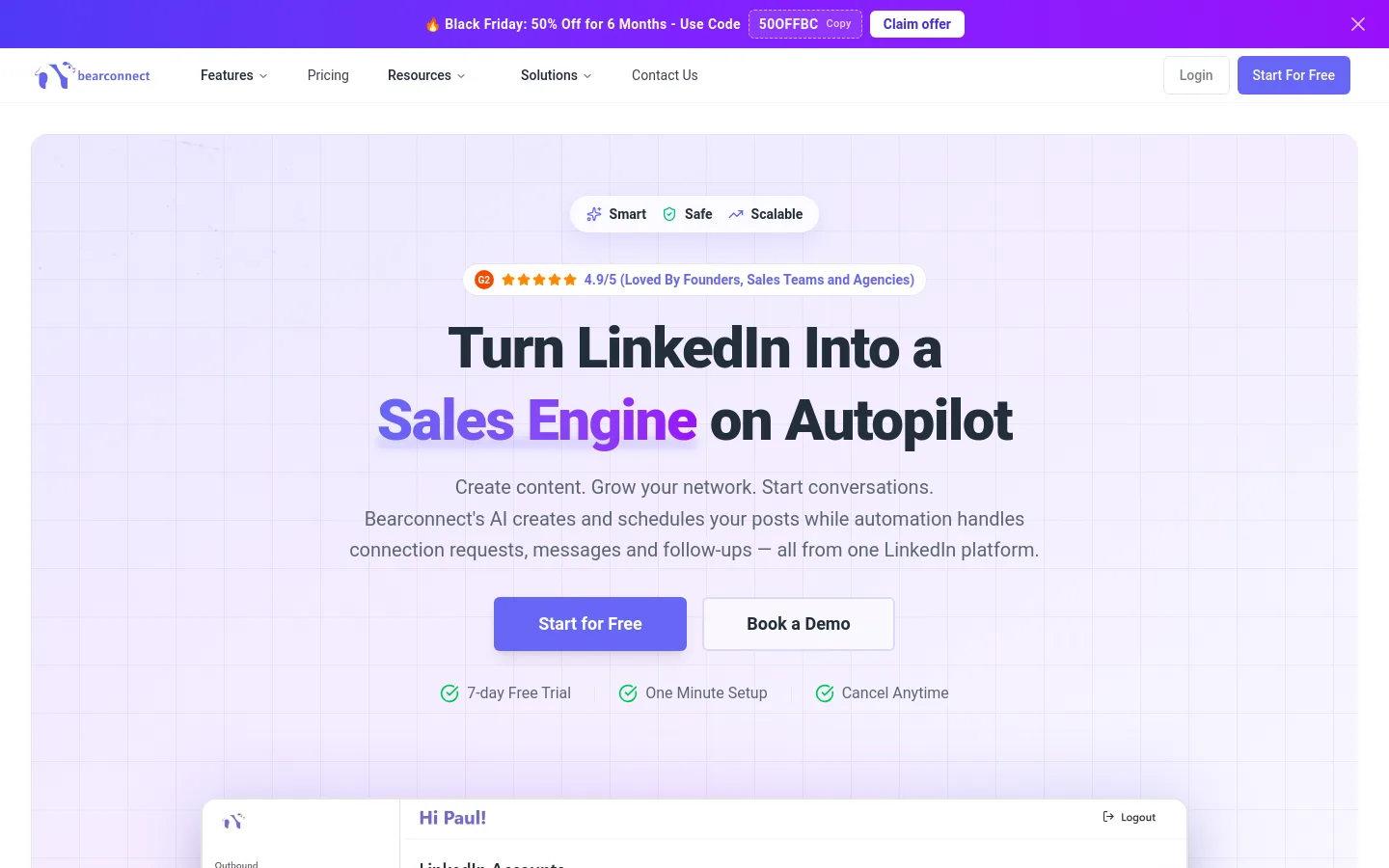
Bearconnect is a cloud-based LinkedIn automation tool that combines AI post writing with outreach campaigns. It drafts and schedules posts in your brand voice, auto-replies to comments that use a trigger keyword, and runs connection-request and follow-up message sequences, including to people who engaged with a LinkedIn post. Replies from every connected account land in one inbox that labels them and can draft answers with AI. It is built for founders, sales teams and agencies running several LinkedIn profiles.
Official source 1 ↗ · Official source 2 ↗ · Official source 3 ↗Features
- AI posts in your brand voice. Define a Brand Voice once and the AI writes LinkedIn posts that follow it; you can review and edit before publishing, and schedule weeks of posts on a content calendar. Official source 1 ↗ · Official source 2 ↗ · Official source 3 ↗
- Post Magnet comment auto-replies. Pick a trigger keyword for a post; anyone who comments it gets an automatic public reply or a direct message, with reply limits and an expiry window. Official source 1 ↗ · Official source 2 ↗
- Outreach campaigns. Drip campaigns send connection requests, messages and follow-ups automatically, with unlimited campaigns, per-campaign time zones and automatic withdrawal of stale requests. Official source 1 ↗ · Official source 2 ↗ · Official source 3 ↗
- Six ways to build lead lists. Import prospects from a LinkedIn search URL, Sales Navigator, a CSV file, your 1st-degree connections, LinkedIn groups, or people who liked or commented on a post, including competitors' posts. Sales Navigator is optional. Official source 1 ↗ · Official source 2 ↗
- Unified inbox with AI labels and replies. Conversations from every connected account appear in one inbox. Replies are auto-labelled (Interested, Not Interested, Meeting Booked and others), and an AI button drafts an answer in your brand voice. Official source 1 ↗
- Workspaces for teams and agencies. Connect as many LinkedIn accounts as you need, group accounts, teams and clients into workspaces, and set roles and permissions; team members are free. Official source 1 ↗
- CRM and automation integrations. Native HubSpot and Pipedrive sync for leads and activities, plus Zapier, Make, n8n and signed custom webhooks. Official source 1 ↗ · Official source 2 ↗
- Analytics. A dashboard tracks connection requests, replies and campaign results, plus post analytics. Official source 1 ↗
Pricing & free limits
For 1–4 LinkedIn accounts. Full inbound (AI posts, scheduling, Post Magnet) and outbound (campaigns, follow-ups) platform, unified inbox, integrations, dedicated IP per account. Official source 1 ↗ · Official source 2 ↗
Everything in Starter for 5+ accounts, plus a consulting call with the founder, priority support and premium onboarding. Official source 1 ↗ · Official source 2 ↗
Managed service: Bearconnect's team plans campaigns for your ideal customer profile, sends connections and follow-ups daily and reports weekly. Official source 1 ↗
Billing details
Annual billing gives two months free. Accounts can be added or removed at any time and the price follows the number of connected LinkedIn profiles; there are no per-message charges or credits. Official source 1 ↗
Free access & limits
There's no free plan. The 7-day trial gives full access to every feature but requires a credit card. Official source 1 ↗
Best for & limitations
Founders and consultants who want to post on LinkedIn regularly and follow up with people who engage, without doing it by hand. Official source 1 ↗
Agencies running LinkedIn outreach for several clients from one dashboard and inbox. Official source 1 ↗
Sales teams turning post engagers, Sales Navigator searches or CSV lists into connection and message sequences synced to HubSpot or Pipedrive. Official source 1 ↗ · Official source 2 ↗
- Automation may break LinkedIn rules. Bearconnect automates actions on your LinkedIn account and relies on a dedicated IP, human-like delays and limits so the activity looks natural to LinkedIn. That is risk mitigation, not permission: LinkedIn may restrict accounts that use automation tools. Official source 1 ↗
- No free plan; trial needs a card. After the 7-day trial every account is paid, and a card is required to start the trial. Official source 1 ↗
- Cost scales per LinkedIn account. Each connected LinkedIn profile is billed separately, so teams pay for every seat that runs campaigns. Official source 1 ↗
- LinkedIn only. The product covers LinkedIn posting and outreach; it does not run email or other channels. Official source 1 ↗