
Ordalin
Submit a tool

Website-checked tool profile

Kai

AI executive assistant from Morgen that sorts Gmail and Outlook, takes bot-free meeting notes, turns commitments into tasks and plans your day.

Sources checked

Visit website ↗
Pricing
Every account starts with a free, one-time usage allowance with no card and no time limit. After that, Kai costs $20 (Base), $50 (Pro) or $100 (Ultra) per seat per month; all plans include every feature and differ only in monthly usage. Official source 1 ↗
Available as
Web app, Mac app and mobile apps for iPhone and Android. Official source 1 ↗ · Official source 2 ↗
Primary group
Productivity

What it does

Kai is an AI executive assistant from Morgen AG, the company behind the Morgen calendar app. It connects to your Google or Microsoft email and calendars, records Zoom, Google Meet and Teams calls without a bot, sorts your inbox, drafts replies in your voice, turns commitments into tasks and plans your day. You approve drafts, follow-ups and tasks; nothing is sent without you.

Official source 1 ↗ · Official source 2 ↗

Features

  • Email triage and drafted replies. Kai sorts Gmail and Outlook inboxes by what each thread needs (Needs Reply, FYI, Waiting Reply, Done), drafts replies in your voice and suggests a task when a thread asks something of you. You send. Official source 1 ↗ · Official source 2 ↗
  • Meeting notes with no bot. Kai captures Zoom, Google Meet, Teams, Webex and Slack huddle audio from your own device, then writes a live transcript, summary and action items. It briefs you before meetings on your calendar. Official source 1 ↗ · Official source 2 ↗
  • One task list from email and meetings. Action items caught from meetings and email become tracked tasks in Kai, each linked to the thread or meeting it came from. Official source 1 ↗
  • Daily planning and focus time. Kai shows Google and Outlook calendars on one grid, flags clashes, sends a morning brief and evening recap, and can keep focus blocks on your calendar, re-placing them when a meeting lands on top. Official source 1 ↗
  • Scheduled workflows. Tell Kai once what you want each morning or every Friday, and it runs on schedule and sends you the result. Official source 1 ↗
  • Kai MCP for Claude and ChatGPT. Connect Claude, ChatGPT or Cursor to Kai over MCP so they can read your email and calendar context. Official source 1 ↗ · Official source 2 ↗
  • Booking link across calendars. A booking page reads free/busy from every calendar you mark as busy across Google and Outlook accounts. Official source 1 ↗

Pricing & free limits

Free trial

$0one-time allowance, no time limit

Covers every feature; no credit card. When the allowance runs out, Kai stops taking on new work until you pick a plan. Official source 1 ↗

Base

$20per seat / month

Monthly usage allowance; every Kai feature. For part of your week. Official source 1 ↗

Billing details

Monthly billing with no overage charges; Kai warns in the app when most of the allowance is used. Cancel anytime from settings and keep access to the end of the billing period. Team seats are prorated. Official source 1 ↗

Free access & limits

The free trial is a one-time usage allowance, not a monthly free plan. Official source 1 ↗

Best for & limitations

Founders and executives: get a brief before a call and have what was agreed turned into tasks after it. Official source 1 ↗

Freelancers and consultants: inbox mail that needs you is sorted with a reason, and replies are drafted for you to send. Official source 1 ↗

People with ADHD: everything owed today sits in one ranked list, and Kai flags a task before it slips. Official source 1 ↗
  • Google and Microsoft accounts only. Calendars and email connect only through Google and Microsoft; iCloud and other providers are not supported yet. Official source 1 ↗
  • No sync to external task apps. Tasks live inside Kai; it does not sync with tools such as Todoist or TickTick. Official source 1 ↗
  • No Teams messaging. Kai captures Teams meeting audio but does not support Teams messaging yet. Official source 1 ↗
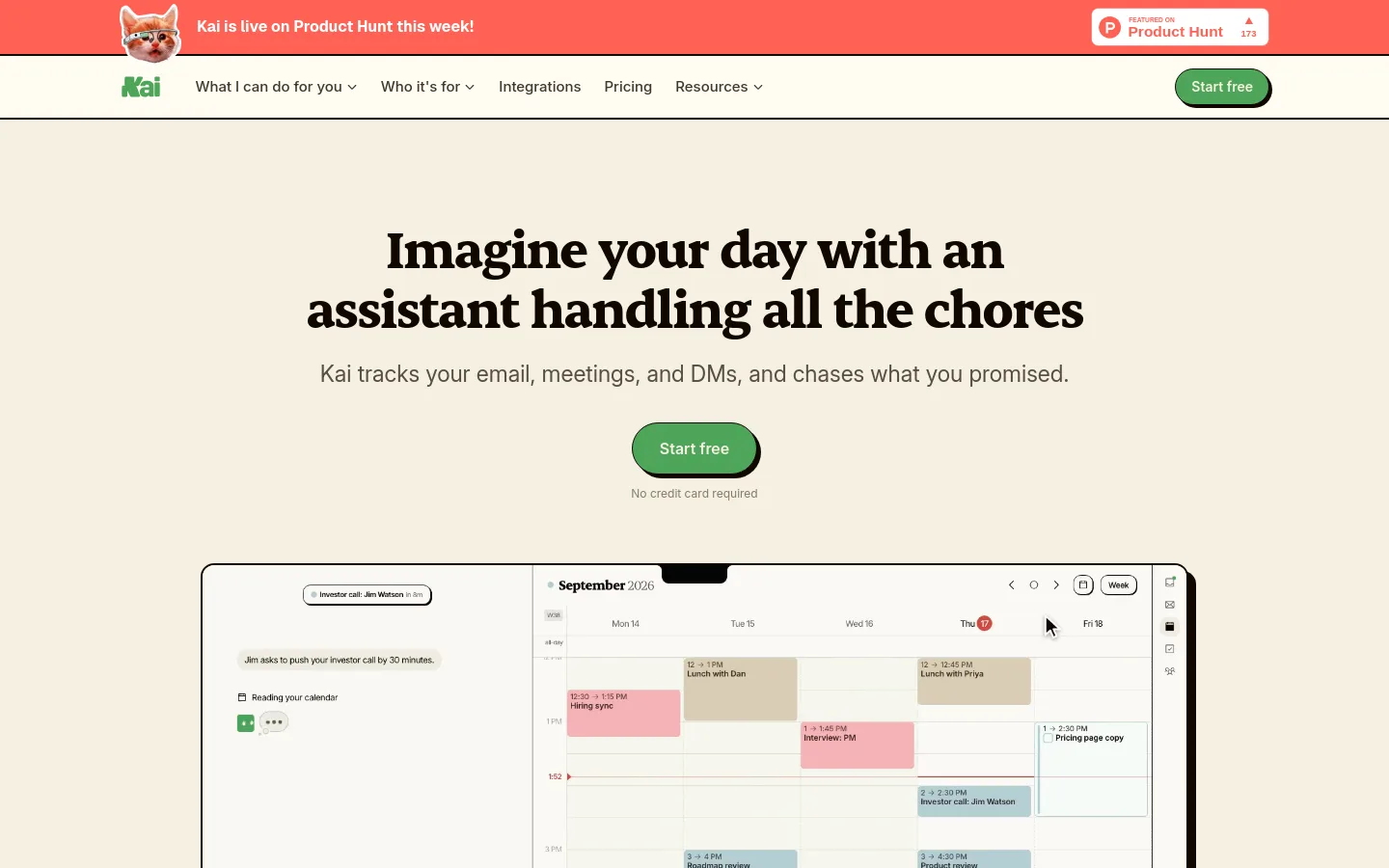
Kai product screenshot
Website previewFixed desktop viewport · 1440 × 900

Similar tools

Published tools that share its categories.

Microsoft CopilotMicrosoft's AI assistant built into Word, Excel, PowerPoint, Outlook and Teams, with work-grounded chat, research agents and multi-step task automation.
ProductivityFree planChecked Oct 11
Visit