



Email app
$0freeThe email client for Gmail and Outlook on web, desktop and iPhone; AI features are added through a paid plan. Official source 1 ↗ · Official source 2 ↗
 Submit a tool
Website-checked tool profile
Open-source AI email assistant for Gmail and Outlook that labels mail, drafts replies and bulk-unsubscribes.
Sources checked
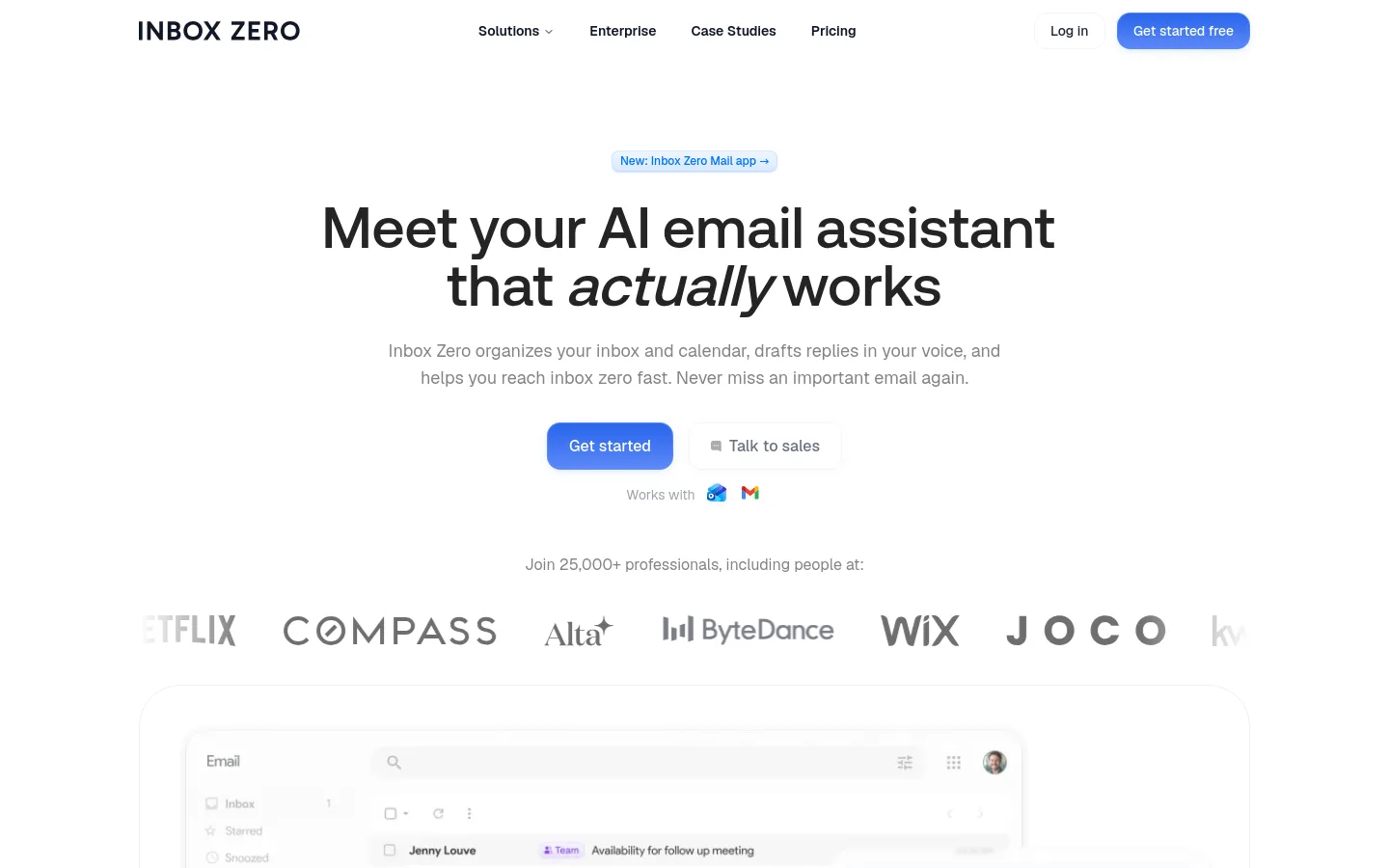
Inbox Zero is an open-source AI email assistant for Gmail and Outlook from Inbox Zero Inc. It works in the background of your existing mailbox: it labels incoming mail, archives noisy categories, and leaves a drafted reply for each email that needs an answer. You control it with rules written in plain English. It also offers bulk unsubscribe, a cold-email blocker, analytics and calendar-aware drafts, can be used from Slack or Telegram, and comes with a separate free email app. The hosted AI plans are paid with a 7-day trial; the code can also be self-hosted.
Official source 1 ↗ · Official source 2 ↗ · Official source 3 ↗ · Official source 4 ↗The email client for Gmail and Outlook on web, desktop and iPhone; AI features are added through a paid plan. Official source 1 ↗ · Official source 2 ↗
Sorting and labels, drafts in your voice, cold email blocking, bulk unsubscribe and archive, analytics and pre-meeting briefings. Limited knowledge base. 7-day free trial. Official source 1 ↗
Adds two email accounts per user, an AI meeting notetaker, Slack and app integrations (Notion, Stripe and more), email digests, auto-filed attachments and an unlimited knowledge base. 7-day free trial. Official source 1 ↗
Adds team-wide analytics, priority support and a dedicated onboarding manager. 7-day free trial. Official source 1 ↗
Custom pricing with SSO, SCIM, on-premise deployment and dedicated support. Official source 1 ↗
The 7-day trial of the AI plans requires a credit card; you are charged when the trial ends unless you cancel during it. Official source 1 ↗
Card payments go through Stripe. Plan changes take effect immediately with prorated billing; after cancelling, the subscription stays active to the end of the period. Refunds are offered on request within 14 days of upgrading. Official source 1 ↗
Discounted plans are available by email for students, nonprofits and open-source projects. Official source 1 ↗
Bring your own AI key: hosted plans include AI usage by default, but you can set your own key for Anthropic, OpenAI, Azure OpenAI, Google, Groq, Cerebras, OpenRouter or Vercel AI Gateway, which that provider then bills. Official source 1 ↗
Self-hosting: the AI assistant, web app and desktop app are open source and can be run on your own server with a setup CLI; you configure your own Google or Microsoft OAuth and AI provider. Official source 1 ↗ · Official source 2 ↗
The free tier is the email app; the hosted AI assistant is available only on paid plans after a 7-day trial. Official source 1 ↗
The mobile apps are free to download, but paid web features keep the same plan requirement on mobile. Official source 1 ↗
Clearing a years-old backlog: unsubscribe from noisy senders and bulk-archive old mail before letting rules handle new email. Official source 1 ↗ · Official source 2 ↗
Keeping Gmail or Outlook as your email client while the assistant files mail and leaves reply drafts to review and send. Official source 1 ↗
Handling email from Slack during the workday: ask for a summary of what needs attention, draft a reply and review it in the thread. Official source 1 ↗
Rolling out shared email rules across a team, with team-wide analytics on the Professional plan. Official source 1 ↗ · Official source 2 ↗
Running the assistant on your own infrastructure for full control of email data. Official source 1 ↗ · Official source 2 ↗
Similar tools
Published tools that share its categories.