Free, MIT-licensed desktop app for Mac and Windows where a Commander agent coordinates specialist AI agents to deliver research, documents, slides, video and code.
The desktop app is free with 500 bonus credits for managed models, and you can bring your own provider keys. Lite, Pro and Max subscriptions ($11.99, $19.99 and $79.99 a month at the current discount) add monthly credits, cloud storage, sync and shared projects; lifetime credit packs are sold separately.Official source 1 ↗
Available as
Desktop app for macOS (Apple Silicon and Intel) and Windows.Official source 1 ↗
Primary group
Automation & Agents
What it does
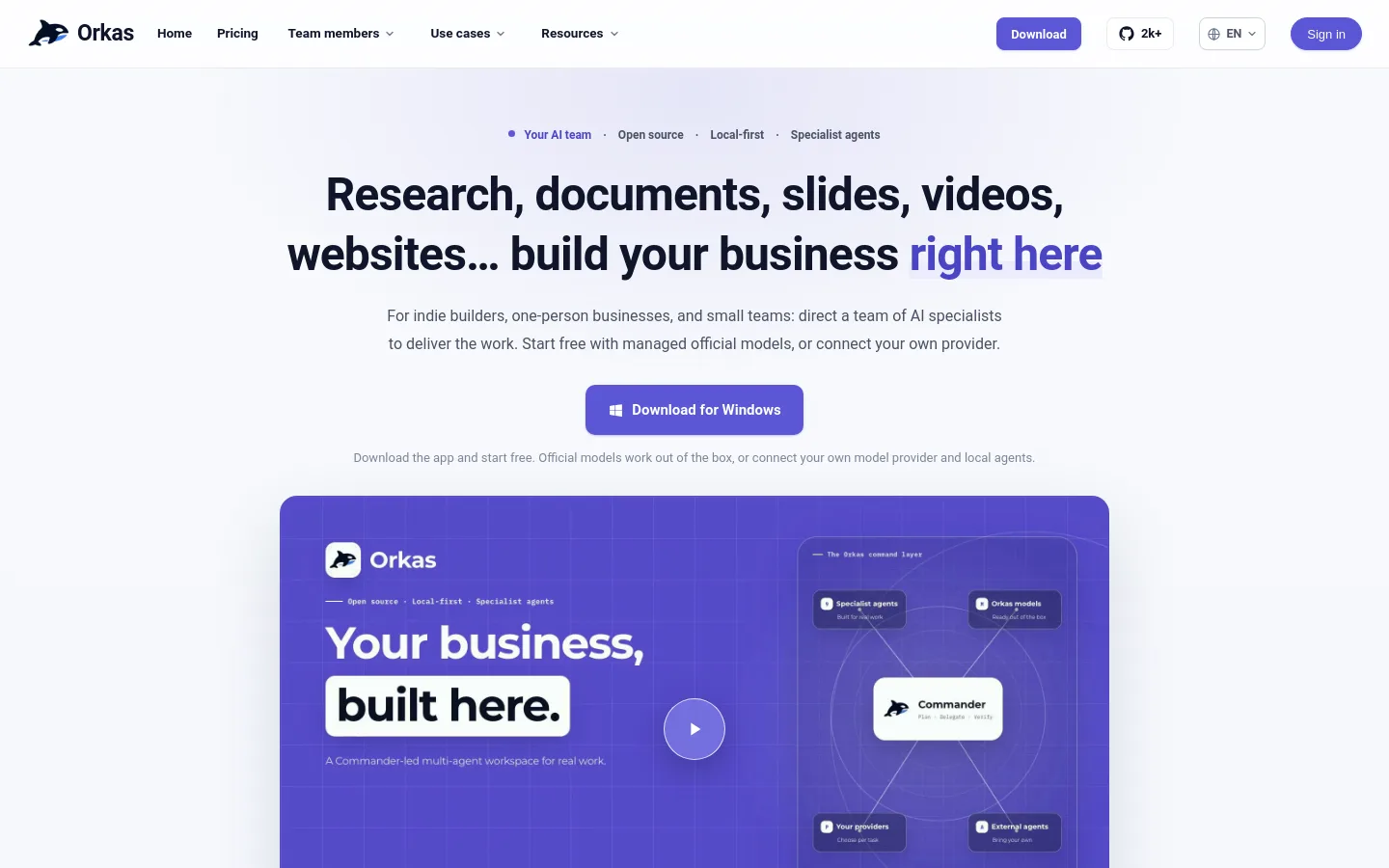
Orkas is an open-source, local-first multi-agent AI desktop client for macOS and Windows in which a Commander coordinates specialist agents to complete complex work together.
Commander plus specialist agents. Commander turns a goal into a plan, routes it to specialists such as DeepResearcher, ContentWriter, PptMaker, ImageStudio, VideoStudio, OfficeWorker and ProductDeveloper, and tracks and verifies the work.Official source 1 ↗
Real file deliverables. The agent team delivers files such as briefs, spreadsheets, decks and videos that you can use immediately or keep editing.Official source 1 ↗
Managed or bring-your-own models. Use Orkas-managed official models out of the box, or connect your own provider by OAuth or API key, including OpenAI, Claude, Gemini, DeepSeek, Kimi and GLM, or a custom compatible endpoint.Official source 1 ↗
Drives local coding CLIs. Connect supported local CLI agents such as Codex, Claude Code or OpenCode and give them a task inside the same workspace.Official source 1 ↗
Scheduled automations. Run an instruction once later or on a repeating schedule every few hours, daily, weekly or monthly, optionally tied to a Project.Official source 1 ↗
Projects with shared context. A Project keeps a long-running goal's instructions, memory, agents and sources together, and owners can share it with members by invitation link.Official source 1 ↗
Local-first, encrypted keys. Chats, files and history stay on your device by default; your own API keys are encrypted with AES-256-GCM, excluded from sync and used to call your provider directly.Official source 1 ↗
Approval modes for local actions. Three local-access modes control whether sensitive file or shell operations ask for confirmation.Official source 1 ↗
Pricing & free limits
Free
$0Free download
500 bonus credits on first desktop sign-in, official and bring-your-own models, Claude Code and Codex integrations and core features.Official source 1 ↗
Lite
$11.99Per month (struck-through list price $17.99); one month without subscribing $12.99
5,000 monthly credits, 1 GB cloud storage, multi-device sync, 1 shared project with up to 3 members.Official source 1 ↗
Pro
$19.99Per month (list $29.99); one month $21.99
10,000 monthly credits, 2 GB cloud storage, 3 shared projects with up to 5 members each.Official source 1 ↗
Max
$79.99Per month (list $129.99); one month $82.99
50,000 monthly credits, 5 GB cloud storage, 5 shared projects with up to 10 members each.Official source 1 ↗
Lifetime credits
$10.99 (members $8.99)One-time purchase
Credit packs that do not expire; monthly credits are spent first.Official source 1 ↗
Enterprise
Custom quoteContact sales
Plans aligned with team size, usage and purchasing needs.Official source 1 ↗
Billing details
Credits pay for metered models, images, video and speech; usage follows each provider's official pricing and can change with it.Official source 1 ↗
Unused monthly credits do not roll over; lifetime credits remain valid.Official source 1 ↗
Checkout is Stripe with cards, Link and Alipay. At the check date the pricing page still showed a notice that it was using a Stripe sandbox with test cards only.Official source 1 ↗
Free access & limits
The free 500 welcome credits are granted only when signing in to the desktop app, not on web login.Official source 1 ↗
Best for & limitations
Market entry decision: combine interviews, usage data and current sources into a cited recommendation brief.Official source 1 ↗
Product launch campaign: turn one approved brief into an article, a social image and a 60-second video.Official source 1 ↗
Weekly team update: an automation reads last week's tasks, messages and notes every Monday and drafts the update and follow-ups.Official source 1 ↗
Code changes: ProductDeveloper turns a request into a tested, reviewable code change.Official source 1 ↗
Managed models route through Orkas. Only bring-your-own-key calls go straight to the provider; Orkas-managed official models run through Orkas servers.Official source 1 ↗
Key encryption has a limited scope. Orkas says local key encryption guards against casual disclosure, is not hardware- or keychain-bound, and does not defend against an attacker holding both the disk and the app.Official source 1 ↗
Some plan features still planned. Every paid tier lists "More advanced features" as planned rather than available.Official source 1 ↗
Free edition sends usage analytics. The free edition sends limited usage analytics to Orkas.Official source 1 ↗
Microsoft-Decision-1Microsoft’s decision-scoring model that returns calibrated probabilities over fixed options for routing, classification and AI judging.
Microsoft CopilotMicrosoft's AI assistant built into Word, Excel, PowerPoint, Outlook and Teams, with work-grounded chat, research agents and multi-step task automation.

 Submit a tool