What it does
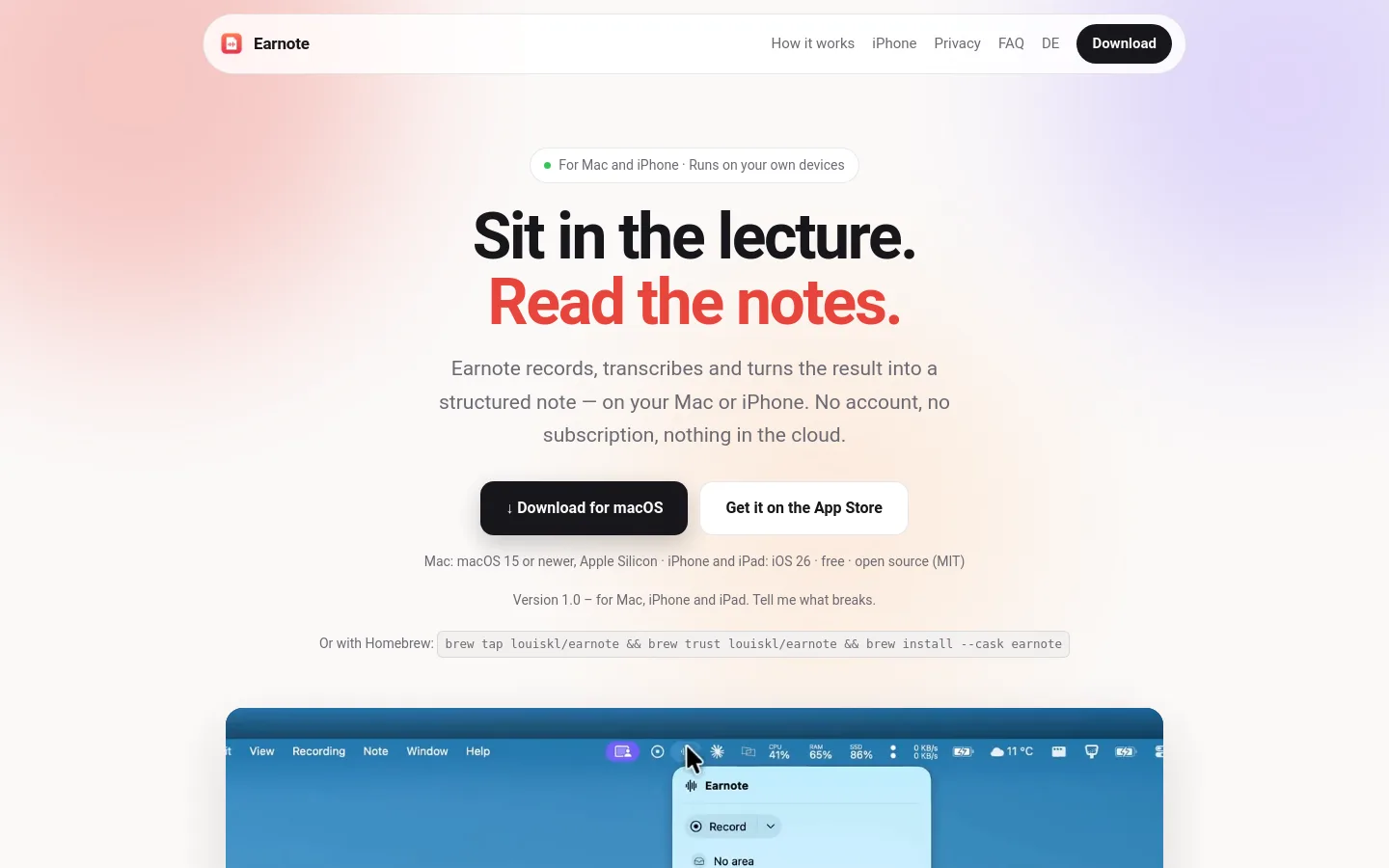
Earnote is a free, MIT-licensed app for Mac, iPhone and iPad that records lectures, meetings and calls, transcribes them on the device and writes a structured note with a summary, topics, decisions and tasks, plus flashcards and a PDF study sheet. On the Mac, transcription uses Whisper and the note is written by a local language model, with no account or Earnote server. It is built by a German student developer and aimed first at university lectures.
Official source 1 ↗ · Official source 2 ↗Features
- On-device transcription. Records microphone and system audio together and transcribes locally with Whisper (large-v3-turbo) on the Mac, showing the transcript live while recording. The Mac app offers six local AI models and preselects one that fits the machine. Official source 1 ↗
- Structured notes. Writes a note with a short summary, topics, decisions and tasks rather than a raw transcript. Notes can be edited or regenerated with your own instruction. Official source 1 ↗
- Timestamped playback. Every timestamp in the transcript plays the audio from that moment, and the note and transcript can be shown side by side while the transcript follows playback. Official source 1 ↗
- Custom dictionary. Names, module titles and technical terms added to a dictionary are passed to Whisper and the AI; a correction applies to the title, note and transcript. Official source 1 ↗
- Study tools. Generates question-and-answer flashcards with Anki export, printable PDF study sheets, and a semester overview across all lectures of one subject. Official source 1 ↗
- Meeting and call capture. Detects Zoom, Teams and Meet calls, offers to take notes and can stop when the call ends; a global shortcut starts and stops recording from any app, and recordings are named after the current calendar event. Official source 1 ↗
- Exports and task lists. Files notes to Notion, Obsidian, Logseq, Apple Notes, Bear, Craft or a Markdown folder, and sends open tasks to Apple Reminders, Things or Todoist. Each area (subject or client) can have its own AI instructions and export targets. Official source 1 ↗
- Search across recordings. Searches a term across all transcripts and jumps to the matching audio. Official source 1 ↗
- iPhone and iPad recorder. Records a whole lecture with the iPhone locked, with a Lock Screen Live Activity, widgets, pausing for phone calls, Notion and Obsidian export and note sync with the Mac. Official source 1 ↗
Pricing & free limits
The full Mac app and the iPhone/iPad app without Pro features. Source code under the MIT licence. Official source 1 ↗
Adds speaker detection, asking questions of your notes, and translation on iPhone and iPad. Not needed on the Mac. Official source 1 ↗
Billing details
Cloud AI is optional and uses your own key for Google Gemini, OpenRouter, Claude, OpenAI or Mistral, so that provider's terms and any usage charges apply. Google and OpenRouter require users to be 18 or older. Official source 1 ↗ · Official source 2 ↗
Free access & limits
Free access and its limits were not established by the checked official sources.
Best for & limitations
A student records a university lecture on a Mac or with an iPhone on the desk, then reviews the summary, replays unclear moments from the transcript and quizzes themselves with flashcards before the exam. Official source 1 ↗
Taking notes in Zoom, Teams or Meet calls without uploading audio, with everyone on the call captured through system audio. Official source 1 ↗
- Apple devices only. Requires Apple Silicon Macs running macOS 15+ or iOS/iPadOS 26; there is no Windows version. Official source 1 ↗
- Large first-run downloads. The first run downloads a speech model of about 1.6 GB and a local AI model of about 2.3 GB. Official source 1 ↗
- Processing time. On an M1 MacBook Air a 60-minute lecture takes about five to six minutes to transcribe plus a few minutes for the note; Low Power Mode makes it about three times slower. Official source 1 ↗
- Interface in English or German only. The app interface is available only in English or German, following the Mac's language; recordings can be transcribed in many languages. Official source 1 ↗
- On-device notes need a recent iPhone. Notes are written on the iPhone itself only on iPhone 15 Pro or newer; other iPhones need a Mac or a cloud AI key. Official source 1 ↗
- Free cloud tiers may train on transcripts. With optional cloud AI, Google may use transcript text to improve its AI outside the EU, Switzerland and the UK, and providers of free OpenRouter models may also use it; the developer recommends the on-device AI for confidential material. Official source 1 ↗
- Recording consent is the user's responsibility. Users must get permission from the people being recorded; the app shows a reminder before each recording. Official source 1 ↗
- Single-developer, version 1.0. Earnote is a private open-source project with no commercial offering, built by one student developer; version 1.0 asks users to report what breaks. Official source 1 ↗

 Submit a tool