
Ordalin
Submit a tool

Website-checked tool profile

MausBot

Open-source desktop app for running a team of AI agent bots on your own computer, using the Claude, Codex or Grok subscriptions you already have.

Sources checked

Visit website ↗
Pricing
The desktop and phone apps are free and open source. Model usage is not included: you bring your own Claude or ChatGPT account or an API key and pay that provider. Optional MausBot Cloud plans add an always-on cloud workspace for $29, $49 or $99 a month after a 3-day free trial; team plans start at $169 a month. Official source 1 ↗ · Official source 2 ↗
Available as
Desktop apps for macOS (Apple silicon and Intel), 64-bit Windows and x86-64 Linux (.deb and AppImage). · Android and iOS companion apps act as remotes for the bots on your computer; the builds are shared through the project's Discord rather than app stores. Official source 1 ↗ Official source 1 ↗
Primary group
Automation & Agents

What it does

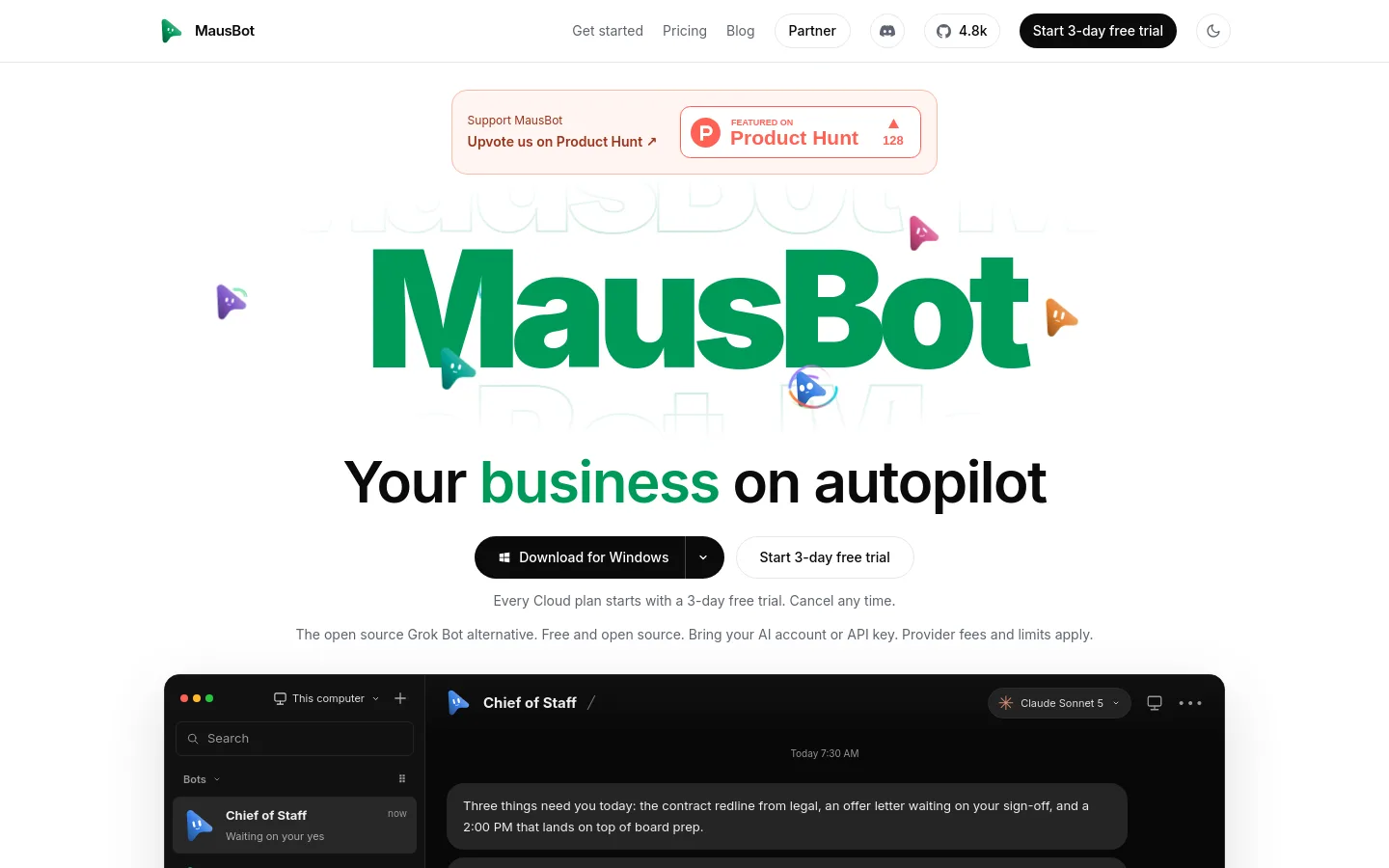
MausBot is a free, open-source chat app for running a team of AI agent bots. Each bot gets a job, a model and a computer; bots run in parallel on your own machine and come back when something needs your approval. It runs on the Claude, Codex and Grok command-line tools already installed on your computer, using your own logins and subscriptions. The project is published by Supamaus Software Private Limited under the Apache 2.0 licence and presents itself as an open-source alternative to xAI's Grok Bot.

Official source 1 ↗ · Official source 2 ↗

Features

  • A team of bots in one chat app. Each bot has its own job, model and computer, and bots are managed like chat contacts: pin, mark unread, duplicate, hide or delete them. Official source 1 ↗
  • Bring your own model engine. Choose a model per bot, such as Claude, Codex, Grok or Kimi, and switch models mid-conversation. Bots use the provider CLIs and subscriptions already on your computer. Official source 1 ↗
  • Routines on a calendar. Bots run scheduled routines, such as a weekday sales follow-up or a Monday bookkeeping run, and every bot's routines appear on one weekly calendar. Official source 1 ↗
  • Connected apps. Bots can use Gmail, Slack, GitHub, Notion, Linear and hundreds of other apps through Composio after a one-time sign-in. Official source 1 ↗
  • A computer for each bot. In the free app a bot can use a cloud desktop from a provider you connect, with a live screen preview, or work on your own Mac. Official source 1 ↗
  • Voice calls with bots. Call a bot to talk to it; it narrates its work and asks for approvals out loud. Official source 1 ↗
  • Local-first data. Transcripts, keys and events are stored on your own disk, and API keys are write-only in the interface. Official source 1 ↗

Pricing & free limits

Free

$0forever

Open-source app (Apache 2.0) on your own computer: unlimited bots, every model on your own plan or key, desktop and phone apps. Bots work only while your computer is on. Official source 1 ↗

Personal

$29per month, after a 3-day free trial

Always-on cloud workspace: 1 cloud computer at once, 50 computer-hours a month, 2 vCPU / 2 GB machine, 10 GB storage, about 30 minutes of voice a month, email support. AI usage not included. Official source 1 ↗

Pro

$49per month, after a 3-day free trial

Up to 4 cloud computers at once, 200 computer-hours a month, 4 vCPU / 4 GB machine, up to 50 GB storage, about an hour of voice a month, a 30-minute setup call and priority email support. Official source 1 ↗ · Official source 2 ↗

Max

$99per month, after a 3-day free trial

Up to 8 cloud computers at once, 500 computer-hours a month, 8 vCPU / 8 GB machine, up to 100 GB storage, about 3 hours of voice a month, priority email support. Official source 1 ↗

Team

$169per month ($135/month billed yearly)

Up to 5 people in one shared workspace with shared bots, rooms and roles, bots in Slack, 4 cloud computers at once and 250 shared computer-hours a month. Official source 1 ↗

Business

$599per month ($479/month billed yearly)

Up to 20 people ($25 a month per extra person), 10 cloud computers at once, 1,000 shared computer-hours a month, an admin console and an onboarding call. Official source 1 ↗

Business self-hosted

$299per month, billed yearly

Runs on your own servers for up to 20 people ($10 a month per extra person) with no limit on bot work and an admin console. Official source 1 ↗

Billing details

Cloud plans start with a 3-day free trial that includes $5 of Claude credit. A card is required, the first payment is on day 4, and the trial is one per person. Official source 1 ↗

Apart from the trial credit, no plan includes AI usage; you connect your own Claude or ChatGPT account or an API key, billed by your provider. Prices are in USD plus tax where applicable. Official source 1 ↗

Allowances reset on the 1st of each month (UTC). Team and Business extra cloud computer-hours cost $0.05 each. Official source 1 ↗

Free access & limits

The free app has unlimited bots, but bots hosted on your computer cannot work while it is asleep, offline or shut down; you pay your model provider for usage. Official source 1 ↗ · Official source 2 ↗

Best for & limitations

Sales follow-up: a bot finds deals that went quiet, works out who owes the next step and drafts each follow-up, sending nothing until you approve. Official source 1 ↗

Bookkeeping: a bot pulls overdue invoices, drafts a reminder for each and keeps a sheet of who owes what; you approve before it sends. Official source 1 ↗

Daily briefing: a chief-of-staff bot reads your inbox, calendar and team channels each morning and sends one summary of what changed and what is waiting on you. Official source 1 ↗

Bug fixing: a bot reproduces a reported bug, writes a failing test, fixes it and prepares a pull request for you to review. Official source 1 ↗
  • Approvals do not cover every action. Approval requests depend on the engine and tool, so MausBot says it is not a guarantee that every action will pause for you. Official source 1 ↗
  • Model requests leave your device. Local storage covers conversations and workspace data, but prompts and context go to the model provider you choose. Official source 1 ↗
  • Phone apps only via Discord. The Android and iOS companions are shared through the project's Discord and need the desktop app running on an awake computer. Official source 1 ↗
  • Windows build signing pending. Windows may show a SmartScreen unknown-publisher warning because signing is pending verification. Official source 1 ↗
MausBot product screenshot
Website previewFixed desktop viewport · 1440 × 900

Similar tools

Published tools that share its categories.

KaiAI executive assistant from Morgen that sorts Gmail and Outlook, takes bot-free meeting notes, turns commitments into tasks and plans your day.
ProductivityFree trialChecked Oct 13
Visit
guilds.runOpen-source, self-hosted framework for running teams of AI agents with any model, where every prompt, tool call and memory change is inspectable.
Automation & AgentsFreeChecked Oct 13
Visit
AyvenAI coordinator in Slack and Microsoft Teams that asks the right teammate, files tickets on approval and follows work to Done.
Automation & AgentsFree planChecked Oct 12
Visit
OrkasFree, MIT-licensed desktop app for Mac and Windows where a Commander agent coordinates specialist AI agents to deliver research, documents, slides, video and code.
Automation & AgentsFree planChecked Oct 12
Visit
BudaCloud workspace for running a team of AI agents, each with its own computer, coordinated by an Organizer.
Automation & AgentsFree planChecked Oct 11
Visit