What it does
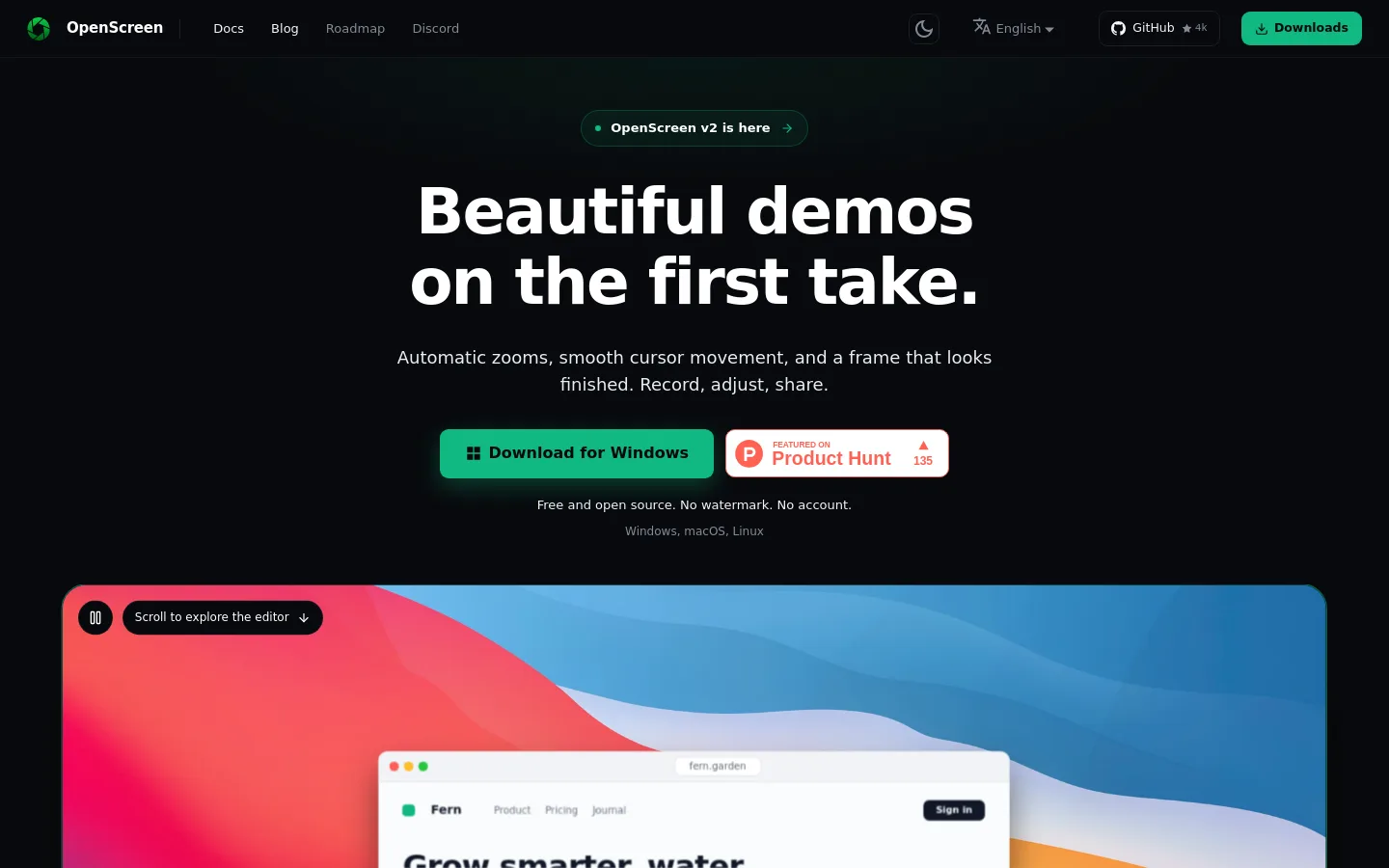
OpenScreen is a free, open-source screen recorder and video editor for Windows, macOS and Linux: a raw capture goes in and a finished demo comes out, with no watermark and no account.
Official source 1 ↗Features
- On-device Whisper captions. whisper.cpp ships with the app and transcribes locally in 100 languages after a one-time ~264 MB model download; styled captions are burned into the export. Official source 1 ↗
- Edit video by editing text. Delete words or marked silences in the transcript and the cut lands on the timeline; cut spans can be restored. Official source 1 ↗
- Bring-your-own-key AI editing agent. An optional chat agent makes undoable timeline edits from plain-language requests such as cutting dead air, using Claude, OpenAI, Gemini, Mistral, OpenRouter, MiniMax or any OpenAI-compatible endpoint. Official source 1 ↗
- Caption translation. Translate captions into 15 languages through the connected LLM provider; the original transcript and timings stay untouched. Official source 1 ↗
- MCP control from coding agents. Claude Code, Codex or another MCP client can drive the editing tools, or record, edit and export a whole video through a stdio server. Official source 1 ↗
- Automatic zooms and editable cursor. Every take opens zoomed on your recorded clicks by a fixed rule, and the cursor is recorded as data so its size and style can change afterwards. Official source 1 ↗
- Webcam with local background removal. Webcam layouts include picture in picture and side by side; a segmentation model blurs, cuts out or replaces the background on your computer. Official source 1 ↗
- Native capture and GPU export. Records through ScreenCaptureKit, Windows Graphics Capture or PipeWire and exports MP4 (H.264, 720p to source, up to 60 fps) or GIF with no watermark. Official source 1 ↗
Pricing & free limits
Every feature, for personal and commercial use, with no watermark, account or usage caps. Official source 1 ↗
Billing details
AI chat editing and caption translation call the provider you connect directly with your key; OpenScreen has no servers of its own. Official source 1 ↗
Free access & limits
Free access and its limits were not established by the checked official sources.
Best for & limitations
Product demo videos with automatic zooms, webcam, cuts, blur and captions. Official source 1 ↗
Cutting filler and dead air from a recorded walkthrough by deleting words in the transcript. Official source 1 ↗
Letting a coding agent record and attach a demo video of a change to a pull request. Official source 1 ↗
- No region capture. You record a whole screen or a window and crop afterwards; there is no region capture. Official source 1 ↗
- Captions are burned in only. OpenScreen writes no SRT or VTT sidecar file, so captions cannot be turned off by viewers. Official source 1 ↗
- Unsigned Windows installer. The Windows .exe is not code-signed, so SmartScreen warns before it runs (the Microsoft Store build avoids this). Official source 1 ↗
- Fast-changing project format. Between releases the .openscreen project format and CLI can still change. Official source 1 ↗
 Submit a tool