


Ordalin
Submit a tool

Website-checked tool profile

Dina

Mac screen recording with AI transcript editing, automatic zoom and on-device narration.

Sources checked

Visit website ↗
Pricing
Dina advertises a one-time Mac licence at $58 per device with lifetime updates. The page also offers a three-device selection, but its separate total was not established in the fetched content. Official source 1 ↗
Available as
Requires macOS Sequoia 15.0 or later. Official source 1 ↗
Primary group
Video & Animation

Also consider

See all 6 similar tools ↓

What it does

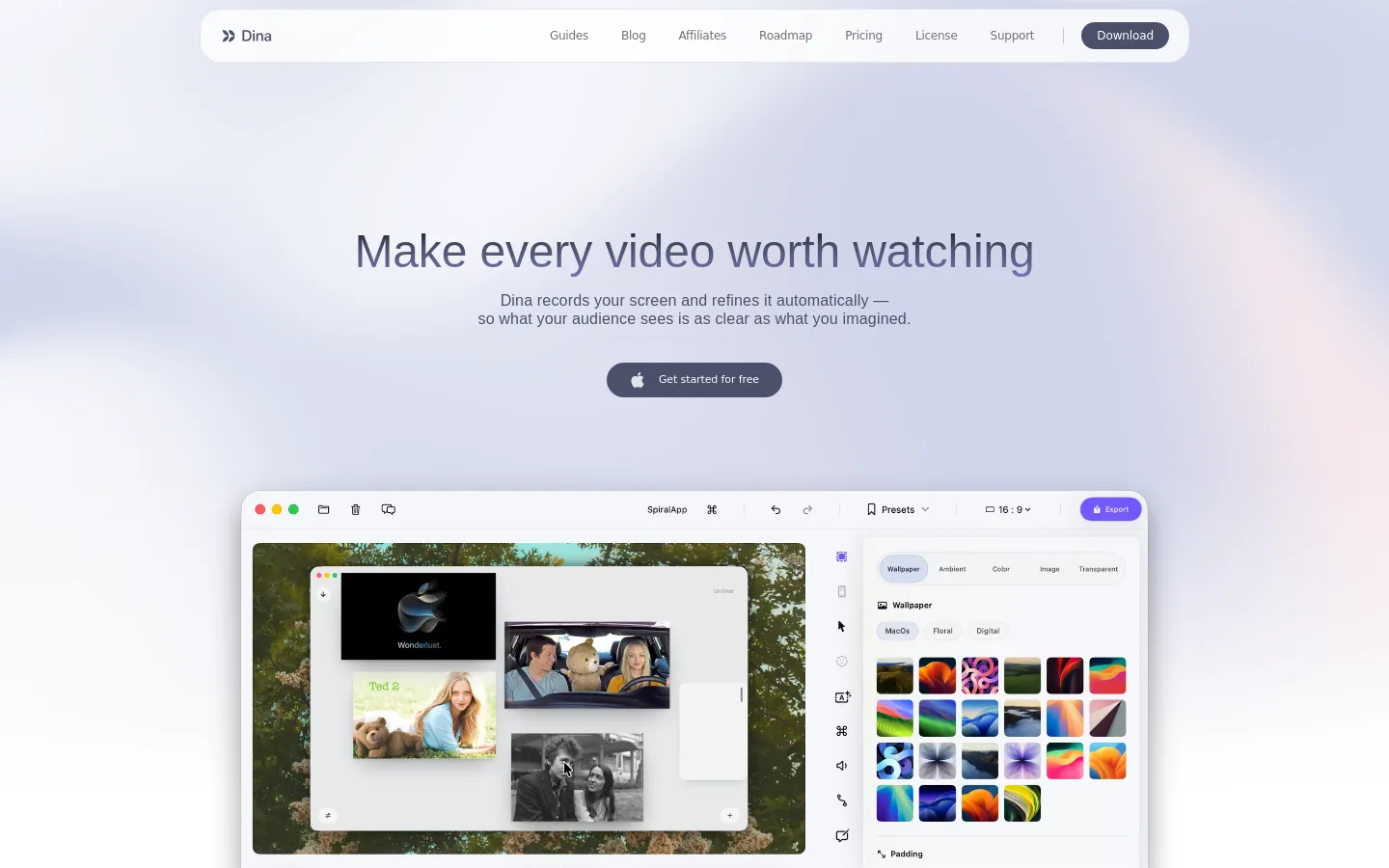
Dina is a native Mac screen recorder and editor with AI transcript editing and on-device voice generation. It combines screen, camera and audio capture with automatic zoom, captions and export controls.

Official source 1 ↗

Features

  • Edit through the transcript. Edit video by changing its transcript, with automatic filler and silence removal. Official source 1 ↗
  • On-device AI narration. Generate narration using included Qwen TTS models offline, or connect ElevenLabs using your own API key. Official source 1 ↗
  • Automatic zoom. Automatically focus recordings on key interactions, with manual zoom and animation control available. Official source 1 ↗
  • Capture and annotate. Record screen, camera and audio, then add arrows, highlights, shapes and callouts to explain steps. Official source 1 ↗
  • Share using your storage. Export recordings to a connected Vercel Blob store and generate a public viewing link. Official source 1 ↗

Pricing & free limits

Mac licence

$58 per device (currency not specified)One-time purchase

All features, lifetime licence and free updates forever; the page has one-device and three-device selectors without a separately fetched three-device price. Official source 1 ↗

Billing details

Optional ElevenLabs narration is billed separately by character; switching to Qwen TTS provides an on-device alternative. Official source 1 ↗

Free access & limits

Free access and its limits were not established by the checked official sources.

Best for & limitations

Create a narrated product tutorial or walkthrough using a screen recording and AI voiceover. Official source 1 ↗
  • Mac only. There is no Windows version. Official source 1 ↗
  • External voice-provider quota. ElevenLabs narration requires an API key and is subject to the connected account’s character quota. Official source 1 ↗
Dina product screenshot
Website previewFixed desktop viewport · 1440 × 900

Similar tools

Published tools that share its categories.

TakesFree, open-source Mac app for talking-head videos: teleprompter recording, then Claude Code storyboards, edits and drafts social posts.
Video & AnimationFreeChecked Oct 13
Visit
OpenScreenFree, MIT-licensed screen recorder and editor for Windows, macOS and Linux with on-device Whisper captions, text-based cuts and an optional bring-your-own-key AI editing agent.
Video & AnimationFreeChecked Oct 12
Visit
CluesoAgentic video platform that turns prompts, screen recordings, slides and documents into product videos and step-by-step guides.
Video & AnimationFree planChecked Oct 30
Visit
Melius DittoMelius Ditto swaps people, props, backgrounds or style in any video while keeping the original motion, with up to 30 swaps per generation.
Video & AnimationPaidChecked Nov 12
Visit