What it does
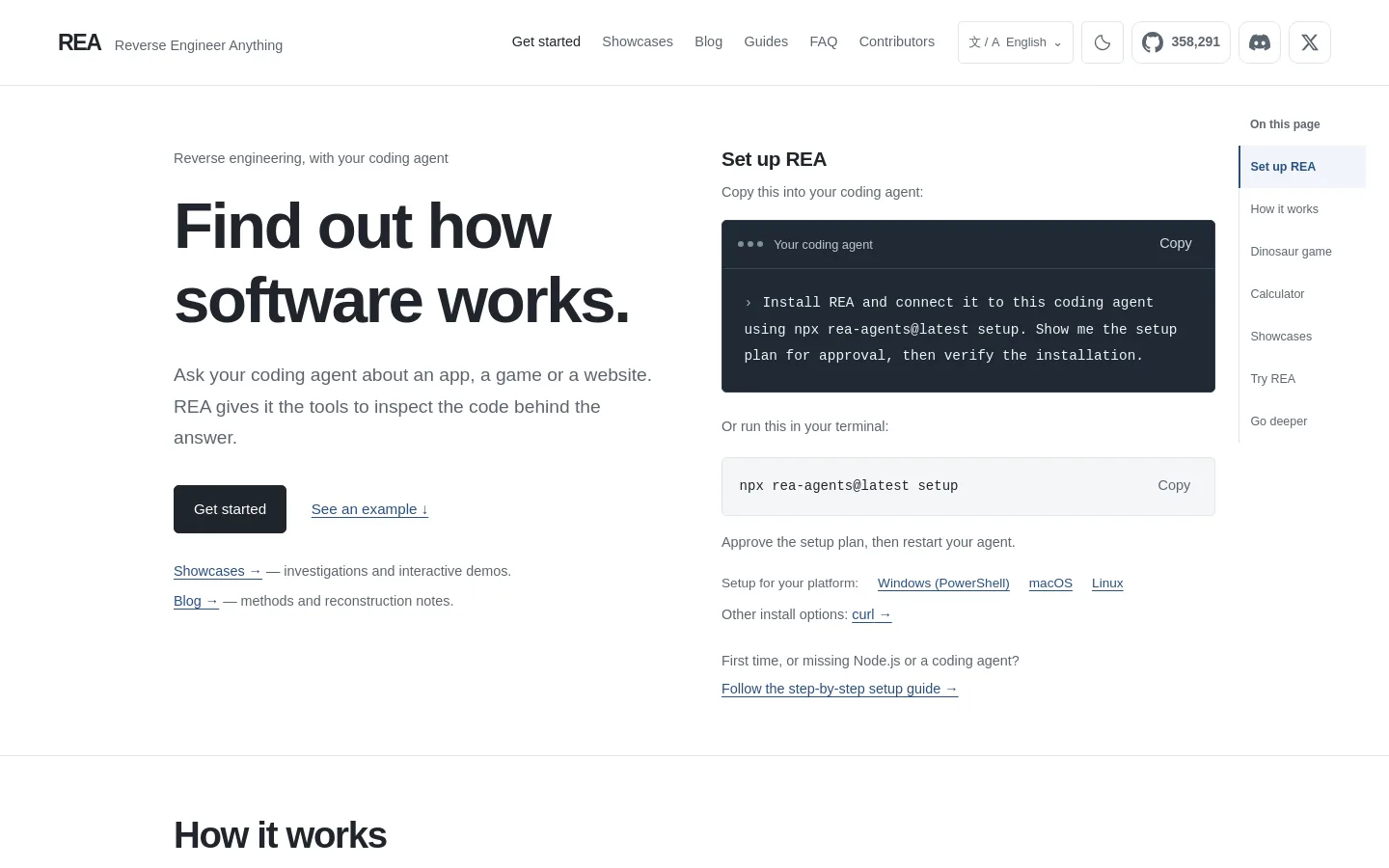
REA (Reverse Engineer Anything) is a free, open-source toolkit that lets a coding agent such as Claude Code, Codex, Cursor or Gemini CLI inspect how software works without its source code. One setup command adds REA's MCP server and a matching investigation skill to your agent; the same tools also run as a command-line program. It can look inside native executables and libraries, JavaScript and Electron apps, .NET assemblies, Android APKs, firmware and live browser activity, then your agent explains a feature and can rebuild it. Analysis runs on your own machine. REA is published under the MIT license by the GitHub developer morluto.
Official source 1 ↗ · Official source 2 ↗ · Official source 3 ↗Features
- One-command agent setup. Running npx rea-agents setup shows a setup plan for the agents you pick, registers REA's MCP server and installs matching workflow instructions, backing up your existing configuration. You can also paste a ready-made prompt into your agent and let it install REA for you. Official source 1 ↗ · Official source 2 ↗
- Native binary analysis. Inspect functions, strings, references and call relationships in executables and libraries. Deep native analysis drives an installed Hopper, Ghidra or IDA; setup can optionally install Hopper. Official source 1 ↗ · Official source 2 ↗
- JavaScript and Electron app mapping. Map modules, routes, IPC and native dependencies from an app folder or ASAR archive without running the app, and trace a button through packaged code. Static JavaScript and .NET inspection need no native analysis engine. Official source 1 ↗ · Official source 2 ↗
- Browser and runtime observation. Capture selected browser or process activity, such as the network request behind a click, and compare results across runs. It can also read saved SAZ or HAR captures. Official source 1 ↗ · Official source 2 ↗
- Android, .NET and firmware workflows. Further workflows cover managed .NET assemblies, Android APKs, firmware and packaged resources; the Aegis showcase traces how an authenticator APK generates its six-digit login codes. Official source 1 ↗ · Official source 2 ↗
- Evidence-backed answers. Results come back with the evidence and limitations behind each conclusion, so your agent can show the code it relied on before explaining or rebuilding a feature. Official source 1 ↗ · Official source 2 ↗
Pricing & free limits
Billing details
REA itself is free, but deep native analysis uses an analysis engine you supply: Ghidra is free, Hopper is commercial with a limited demo, and IDA is licensed separately. Official source 1 ↗ · Official source 2 ↗
Free access & limits
Free access and its limits were not established by the checked official sources.
Best for & limitations
Ask your agent how a feature in a released app works, see the code behind it and get a version you can build into your own project. Official source 1 ↗
Point the agent at a website to clone it, or at a game executable to recover its gameplay logic in C and test it against the original. Official source 1 ↗
Malware and incident analysis, vulnerability research, CTFs and teaching, interoperability work, software preservation, and auditing software you own or are authorized to examine. Official source 1 ↗
- Legal limits on reverse engineering. You must have permission to analyse the target and follow the law, licence agreements and terms of service; reverse engineering may be restricted where you live or by the software's licence. The project will not help with bypassing DRM, licence checks or anti-cheat, making game cheats, or copying proprietary code and assets. Official source 1 ↗
- Get it only from official sources. The project warns that lookalike repositories and copied READMEs exist; download REA only from github.com/morluto/rea, rea.tools or the rea-agents npm package. Official source 1 ↗
- Developer setup required. You need Node.js 22.19+ and a coding agent that supports local MCP servers. Android analysis needs JDK 17+, Windows users should run it in WSL, and Windows native support is experimental and read-only. Official source 1 ↗ · Official source 2 ↗
- Results go to your AI provider. Analysis runs locally, but the findings are sent to your agent, so its model provider's data policy applies to them. Official source 1 ↗



 Submit a tool