


Monthly
$6.90 USDper month, after a 10-day trial with a cardUnlimited on-device dictation in 25 languages on Mac, Windows, iPhone and Android, custom shortcuts, hands-free recording, local history and automatic updates. Official source 1 ↗
 Submit a tool
Reviewed tool profile
Hold-to-talk dictation for Mac and Windows that recognizes speech on your device and types it at the cursor in any app.
Sources checked
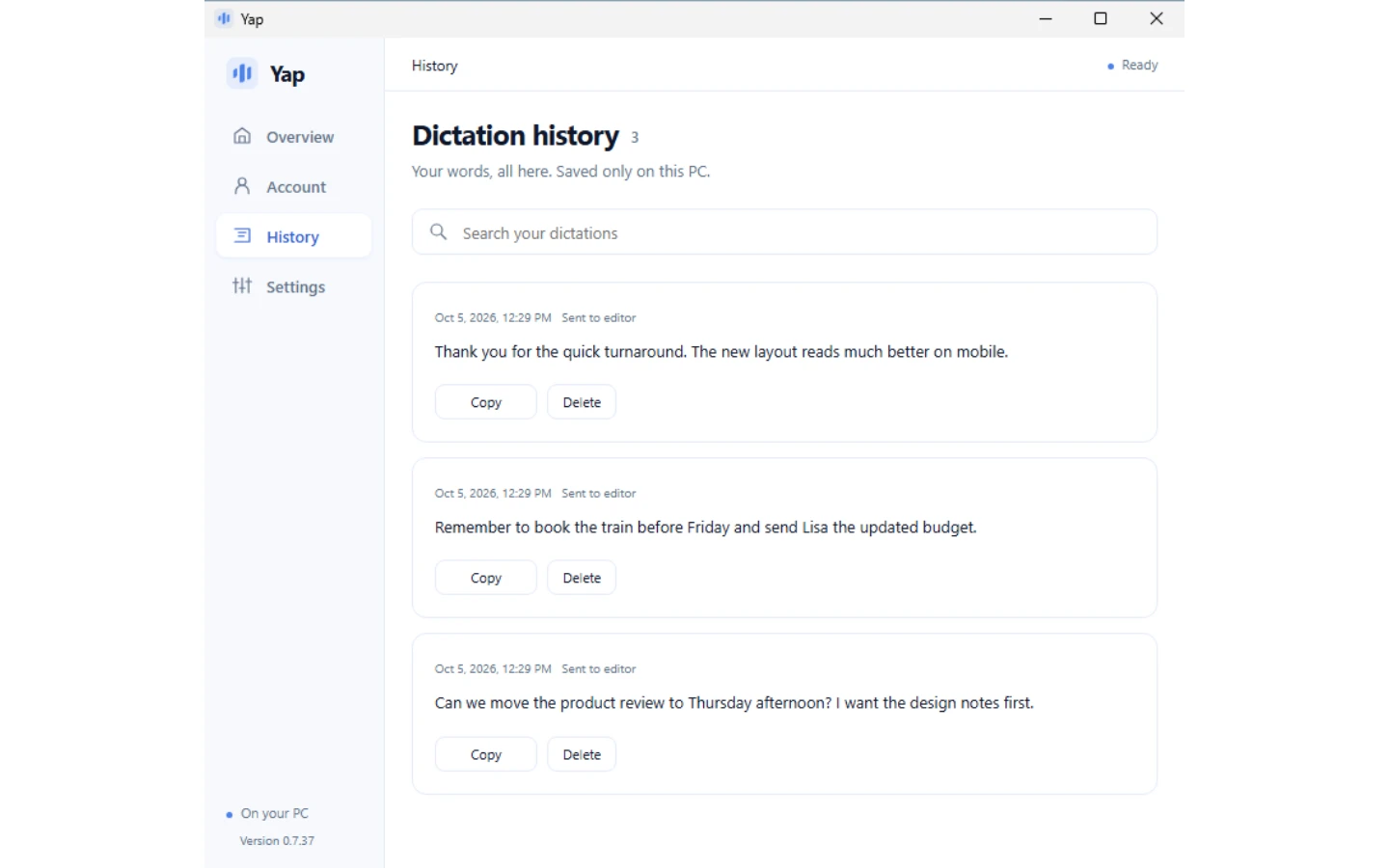
Yap is a hold-to-talk dictation app for Mac and Windows, with a Yap keyboard for iPhone and Android. Hold a shortcut (Fn on a Mac, Ctrl + Win on Windows), speak and release, and Yap types the text at the cursor in the app you are using: an email, a chat, a document, an AI chat or a terminal. Speech recognition runs on the device, so recordings are not uploaded, and built-in cleanup removes hesitation sounds and adds punctuation. Yap is made by O-mega Enterprise Inc.
Official source 1 ↗ · Official source 2 ↗ · Official source 3 ↗Unlimited on-device dictation in 25 languages on Mac, Windows, iPhone and Android, custom shortcuts, hands-free recording, local history and automatic updates. Official source 1 ↗
The same app and features as Monthly; Yap says it saves $13.80 a year compared with paying monthly. Official source 1 ↗
Plans renew automatically and the first charge is made when the 10-day trial ends; cancelling before then avoids any charge. Cancelling keeps access to the end of the current period, and signing out or deleting the app does not cancel billing. Official source 1 ↗
Website subscriptions are processed by Stripe for O-mega Enterprise Inc., and payments are non-refundable except where the law requires otherwise. Official source 1 ↗
The Mac App Store edition is a separate subscription sold and billed by Apple; its trial, price and renewal terms are shown in the app, and refunds are requested from Apple. Official source 1 ↗
Each account has an invite link: a new subscriber who joins through it gets a 30-day trial instead of 10 days, and the inviter receives a $6.90 credit when that person starts paying. Official source 1 ↗
The website apps can be used free for 3 days after creating an account with an email address and no payment details. Each account can start free days once, and Yap may limit how many accounts start free days from the same network. Official source 1 ↗
The browser demo needs no download or account but is limited to English and 60 seconds per recording. Official source 1 ↗
The separate Yap Voice Typing browser extension is free with no account and unlimited recordings of up to 2 minutes each, but it only types into web pages. Official source 1 ↗
Answering long emails and replying in Slack, Teams or WhatsApp by speaking instead of typing. Official source 1 ↗
Speaking detailed prompts to ChatGPT or Claude, or talking through a task for Claude Code, Codex, Cursor or a terminal without sending audio or code to a server. Official source 1 ↗
Dictating on a Mac without uploading audio, including offline for up to 24 hours after the last access check. Official source 1 ↗
Giving your hands a rest from the keyboard because of wrist pain, RSI or long days of typing. Official source 1 ↗
Writing in several European languages without switching settings, since each recording is recognized in the language spoken. Official source 1 ↗
Similar tools
Published tools that share its categories.