What it does
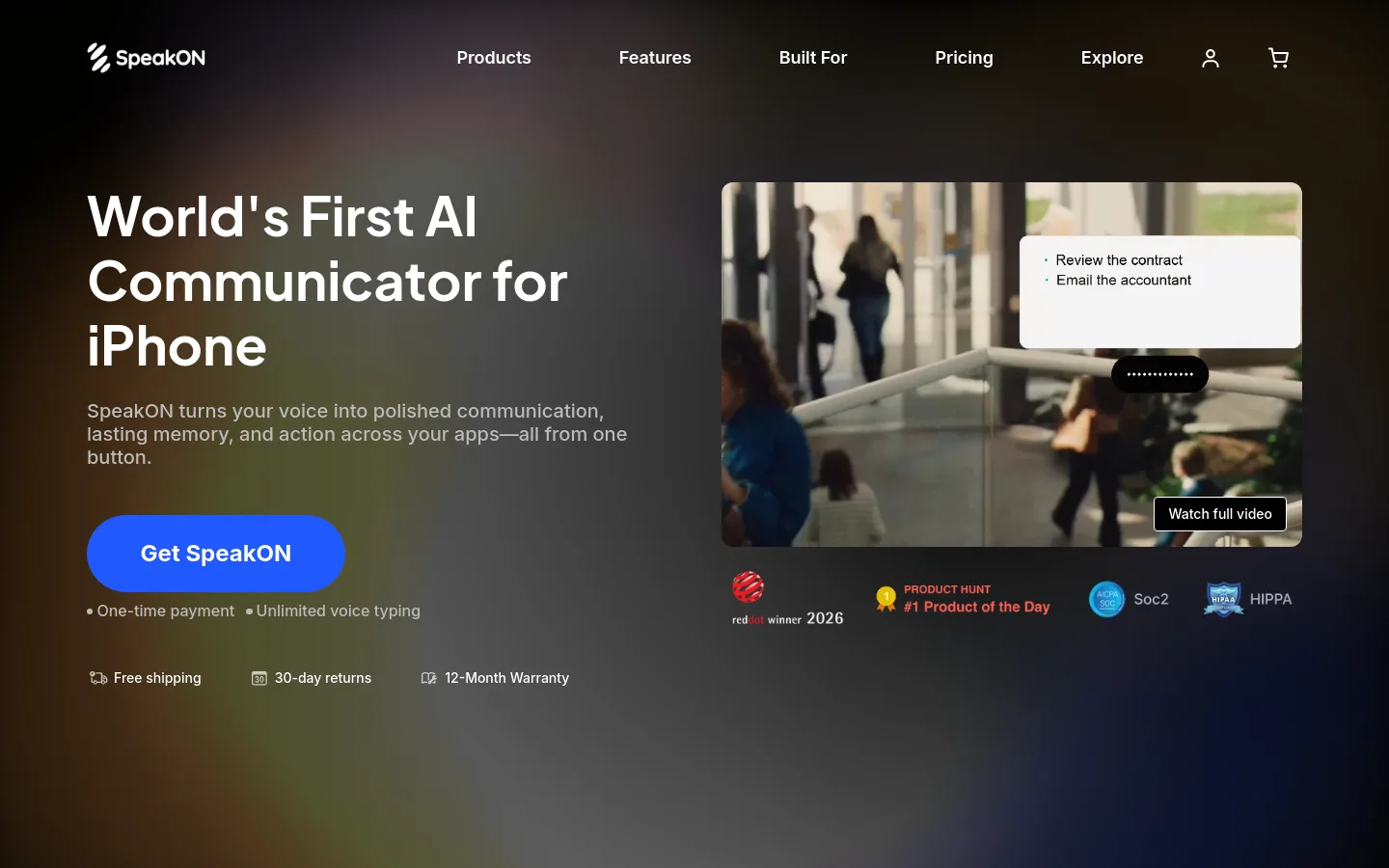
SpeakON is an AI dictation app for iPhone, paired with an optional MagSafe voice button. You press, speak, and cleaned-up text lands in whatever app you are typing into: fillers and backtracks are removed, rambling becomes lists, and the tone adapts to the app. It also saves voice notes you can edit by voice and translates into 12 languages. The app is free with a weekly word limit; buying the $129 device unlocks Pro for life with no subscription.
Official source 1 ↗ · Official source 2 ↗ · Official source 3 ↗Features
- One-press voice typing into any app. Press the button (or use the app), speak, and polished text is inserted into the app you are writing in, with no app switching or copy-paste. The button also works while the iPhone is locked, offline or on the move, recording on the device and syncing later. Official source 1 ↗ · Official source 2 ↗
- Smart Polish and Smart List. Smart Polish strips fillers, repetitions and self-corrections, so a change of mind mid-sentence ends up as the final version. Smart List turns spoken sequences into a clean, organised list. Official source 1 ↗ · Official source 2 ↗
- App-aware tone (Style). SpeakON detects which app you are writing into and adjusts the tone to match, for example more formal for email and more casual for chat. Official source 1 ↗ · Official source 2 ↗
- Voice notes and voice edits. Notes turns recordings into titled, editable notes. You can reshape any output by voice instead of the keyboard, and a personal dictionary keeps your slang, jargon and name spellings. Official source 1 ↗ · Official source 2 ↗
- Translation into 12 languages. Speak in one language and have translated text land directly in the active app, across 12 supported languages. Official source 1 ↗
- MagSafe voice button. The optional device is a 58 × 58 × 6 mm, 25 g magnetic button with at least 10 hours of continuous use, more than two weeks of standby, about 60 cm capture range and up to 5 minutes of continuous input per recording. Official source 1 ↗
Pricing & free limits
Software only, from the App Store, no hardware needed. 2,000 words of voice typing per week, with notes, unlimited voice edits, style, auto-format, translation and dictionary. Official source 1 ↗
Buying the SpeakON device unlocks Pro permanently: unlimited voice typing, all features, and priority beta access to Agent Actions when they launch. Includes free shipping, 30-day returns and a 12-month warranty. Official source 1 ↗ · Official source 2 ↗
Billing details
Pro is not sold as a subscription; you upgrade from Free at any time by buying the device, and Pro comes bundled with the hardware. Official source 1 ↗
Free access & limits
The free app caps voice typing at 2,000 words a week; the other listed features (notes, voice edits, style, auto-format, translation, dictionary) are included. Official source 1 ↗
Best for & limitations
Sending follow-ups and replying to email between meetings or while travelling, without stopping to type. Official source 1 ↗
Capturing ideas, meeting points and reminders as voice notes the moment they come up. Official source 1 ↗
- iPhone only. The checked pages cover iPhone only (iOS 16+, MagSafe button on iPhone 12 or newer); no Android, Mac or web version is mentioned. Official source 1 ↗
- Agent Actions not yet available. Agent Actions are listed as coming soon, with priority beta access for Pro owners. The data-controls page already describes how agent tasks and connected services such as Google Workspace and Slack would be handled. Official source 1 ↗ · Official source 2 ↗
- Cloud processing by third-party AI providers. Transcription and AI features run on third-party AI and cloud providers, hosted in the US. SpeakON says customer content is not used to train its own or third-party models, and recordings are kept only as long as needed to produce the output. It holds a SOC 2 Type 2 report. Official source 1 ↗
- Five-minute recordings. A single continuous recording on the device is limited to five minutes. Official source 1 ↗

 Submit a tool