



Ordalin
Submit a tool

Reviewed tool profile

Mo

A Mac on-screen assistant that does everyday tasks you ask for, and waits for your yes before each change.

Sources checked

Visit website ↗
Pricing
Paid, one-time purchase: $19.99 with free updates, and one licence works on up to 3 Macs. It is not a subscription. A 7-day free trial with everything on needs no account or card. At launch the code MOLAUNCH takes 25% off until 7 November 2026. Cloud AI models are optional and billed by their provider on your own key. Official source 1 ↗
Available as
Mac app for macOS 15 or later. Apple Intelligence support needs macOS 26 on a supported Mac. Official source 1 ↗
Primary group
Automation & Agents

Also consider

See all 6 similar tools ↓

What it does

Mo is a macOS assistant from independent developer Abdulmohsen Al Tulaihi (Apps by Mo). It sits as a small character at the edge of the screen or in the notch, and you tell it what you need by typing or speaking. It then carries out everyday Mac jobs such as tidying Downloads, planning your day from your calendar, reminders and mail, merging PDFs or drafting replies. Every change is previewed, waits for your approval and can be undone. It runs on Apple Intelligence, a local model through Ollama or LM Studio, or your own Claude, ChatGPT or Gemini key.

Official source 1 ↗

Features

  • Ask by typing or voice. Type, or press the voice shortcut and speak; Mo answers out loud and each task comes back as a card with buttons and follow-up steps. Official source 1 ↗
  • Asks first, undoes anything. Every change is previewed and waits for your yes. Files go to the Trash rather than being deleted, no email is sent without approval, and one history keeps an Undo for each change. Official source 1 ↗
  • Daily plan. Turns weather, meetings, reminders and unread mail into a plan for the day, with a Join button before calls and a note when emails await your reply. Official source 1 ↗
  • Built-in Mac tasks. Organizes Downloads, finds duplicates, merges and OCRs PDFs, removes photo backgrounds, records the screen, tests internet speed, converts currencies and summarizes YouTube videos. Official source 1 ↗
  • Routines in plain words. Routines run on a schedule, at first unlock, when a folder changes or when mail arrives, and you review each one before it is saved. Official source 1 ↗
  • Local or own-key models. Choose Apple Intelligence, a free local model via Ollama or LM Studio, or your own Claude, ChatGPT or Gemini key. With a Claude key Mo can work out tasks no built-in skill covers, step by step. Official source 1 ↗
  • Opt-in screen memory and notch. Optional screen memory keeps only the text of the front window, on your Mac for 60 days. Mo can also live in the notch, holding messages, timers and recordings. Official source 1 ↗

Pricing & free limits

Licence

$19.99One-time

Free updates, up to 3 Macs. 25% off with code MOLAUNCH until 7 November 2026. Official source 1 ↗

Billing details

Licences are sold and issued through Lemon Squeezy. Official source 1 ↗

No AI subscription is required; Claude, ChatGPT or Gemini usage is optional and goes through your own key with that provider. Official source 1 ↗

Free access & limits

The 7-day free trial includes every feature and needs no account or card. Official source 1 ↗

Best for & limitations

Tidy Downloads, find duplicate files or merge PDFs by asking in plain words instead of doing it by hand. Official source 1 ↗

Get a plan for the day from your calendar, reminders, mail and weather, and see which emails still need a reply. Official source 1 ↗

Set up a routine such as tidying Downloads every Friday that runs on a schedule or when a folder changes. Official source 1 ↗
  • Mac only. Mo needs macOS 15 or later, and Apple Intelligence needs macOS 26 on a supported Mac. Official source 1 ↗
  • Cloud models see your context. With a Claude, ChatGPT or Gemini key, the provider receives your request, the app and window in front, file names and, for step-by-step tasks, selected text and the open email. Official source 1 ↗
  • Brand-new app. Version 1.0 was released on 29 October 2026, so it has a short track record. Official source 1 ↗
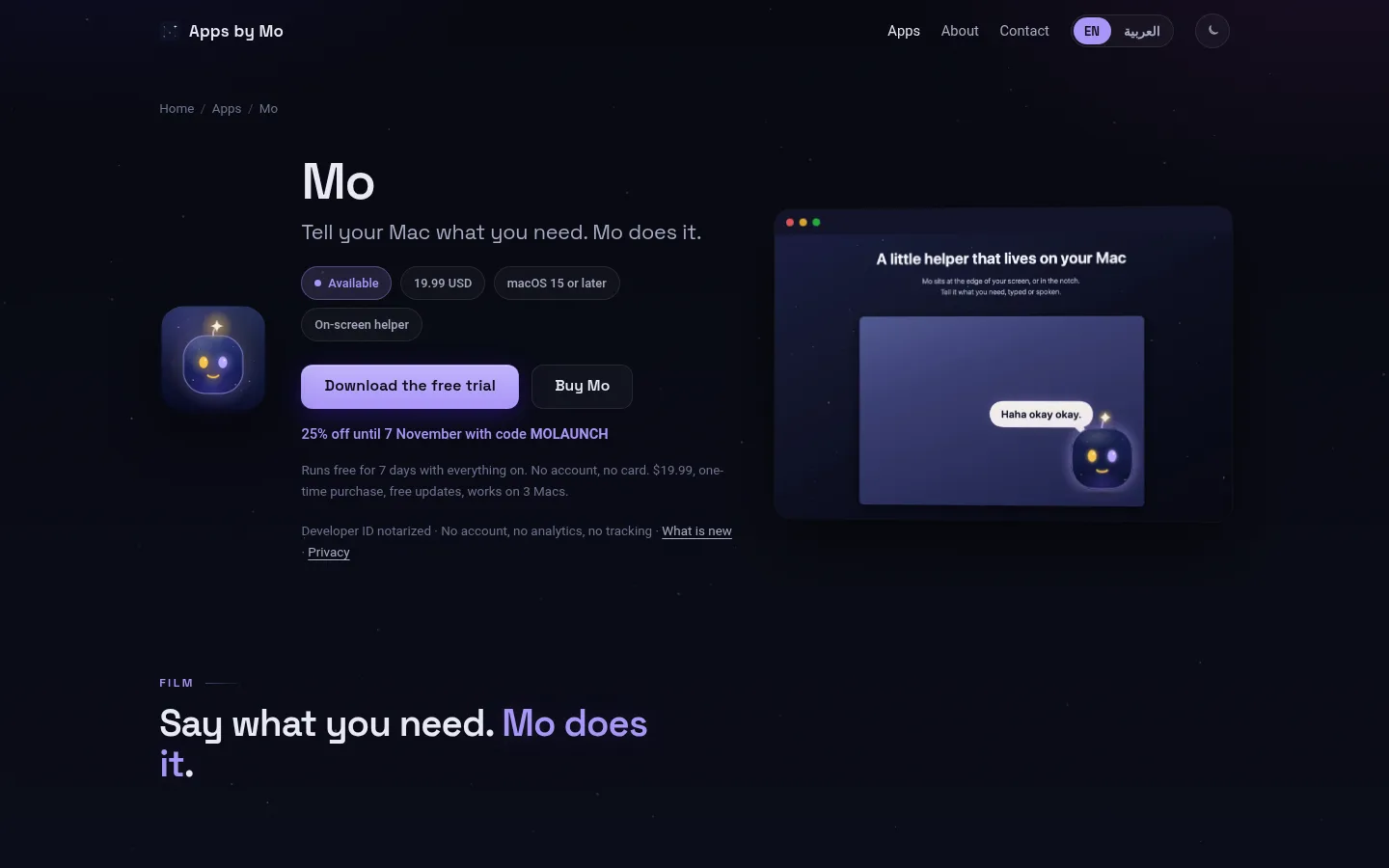
Mo product screenshot
Website previewFixed desktop viewport · 1440 × 900

Similar tools

Published tools that share its categories.

KiwiA free, proactive AI assistant that texts you first in Messages or WhatsApp and handles bookings when you say yes.
ProductivityFreeChecked Oct 27
Visit
Inbox ZeroOpen-source AI email assistant for Gmail and Outlook that labels mail, drafts replies and bulk-unsubscribes.
ProductivityFree planChecked Oct 18
Visit
KaiAI executive assistant from Morgen that sorts Gmail and Outlook, takes bot-free meeting notes, turns commitments into tasks and plans your day.
ProductivityFree trialChecked Oct 13
Visit