

Ordalin
Submit a tool

Reviewed tool profile

OpenBot

Desktop app that runs a team of persistent AI agents on your own computer with the Codex, Claude, Gemini or Grok plan you have.

Sources checked

Visit website ↗
Pricing
Free for personal and other noncommercial use with every feature; you pay only your AI provider. Commercial use needs a licence, and OpenBot also sells hosted Linux team servers billed monthly or yearly (yearly saves 20%). Model access is never included. Official source 1 ↗ · Official source 2 ↗
Available as
Desktop: macOS 13 or newer (Apple silicon or Intel), Windows 10 or newer on x64, and Linux x64 or arm64 as an AppImage. · iPhone and Android apps connect to the computer running OpenBot so you can talk to your agents from your phone. Official source 1 ↗ Official source 1 ↗
Primary group
Automation & Agents

Also consider

See all 6 similar tools ↓

What it does

OpenBot is a desktop app that runs a team of persistent AI agents on your own computer. Each agent has its own instructions and workspace, and agents message each other, hand off tasks and review each other's work. They run on coding-agent providers such as Codex, Claude Code, Gemini and Grok using plans you already have, or on your own model. It is made by Synthetify Labs and is described as a development preview.

Official source 1 ↗

Features

  • Agents that work as a team. Each agent has its own name, instructions and workspace; agents message each other, hand off tasks and share files. Official source 1 ↗
  • Use the AI plans you already have. Codex signs in with a ChatGPT plan and Claude Code with a Claude plan; Gemini, Grok, OpenCode, Cursor, Cline, Muse Code, Pi and Mercury are also supported, plus any Agent Client Protocol agent, an OpenAI-compatible endpoint, or local models in Ollama or LM Studio. Official source 1 ↗
  • Backup model when a plan runs out. An agent can switch to a backup model on another provider when its plan hits a limit or the provider is down, keeping its chat and workspace. Official source 1 ↗
  • Built-in browser. Agents open, read and control pages in a browser built into the app. Official source 1 ↗
  • Task queue. Send more work while an agent is busy; messages wait in a queue you can pause, resume or cancel. Official source 1 ↗
  • Data stays on your computer. Workspaces, conversations, attachments and browser data stay on the computer that runs OpenBot; the chosen AI provider receives the prompts agents send. Official source 1 ↗

Pricing & free limits

Personal

$0free

Every feature on your own computer for personal and noncommercial use; you pay only your AI provider. Official source 1 ↗

Commercial license

From €10per month

Needed for work use: Starter licence for one member, or a Team licence for more members; 10% off with a hosted server and 20% off yearly. The pricing page says licences are free until December 1, 2026. Official source 1 ↗ · Official source 2 ↗

Enterprise

Contact salescustom

Larger servers, more than 10 members and enterprise support. Official source 1 ↗

Billing details

Hosted servers and licences are billed monthly or yearly; yearly saves 20%. A hosted server stops after inactivity but keeps its data, and wakes when someone connects or before a scheduled routine. Official source 1 ↗

Hosted servers run in the EU and do not include AI model access. Official source 1 ↗

Free access & limits

The free tier has no locked features but covers only personal and other noncommercial use; commercial use needs a licence. Official source 1 ↗

Best for & limitations

Set up several agents that split a software task: one triages a bug, another fixes it, a third reviews the change. Official source 1 ↗

A small team runs agents on a hosted server for code review, research and project notes while laptops are closed. Official source 1 ↗
  • Development preview with broad permissions. Agents can read and change files, run commands, use the network and control the built-in browser without asking each time; the makers advise trusted tasks only and keeping backups. Official source 1 ↗
  • Noncommercial source licence. The source is open under PolyForm Noncommercial 1.0.0, so commercial use requires a separate licence. Official source 1 ↗
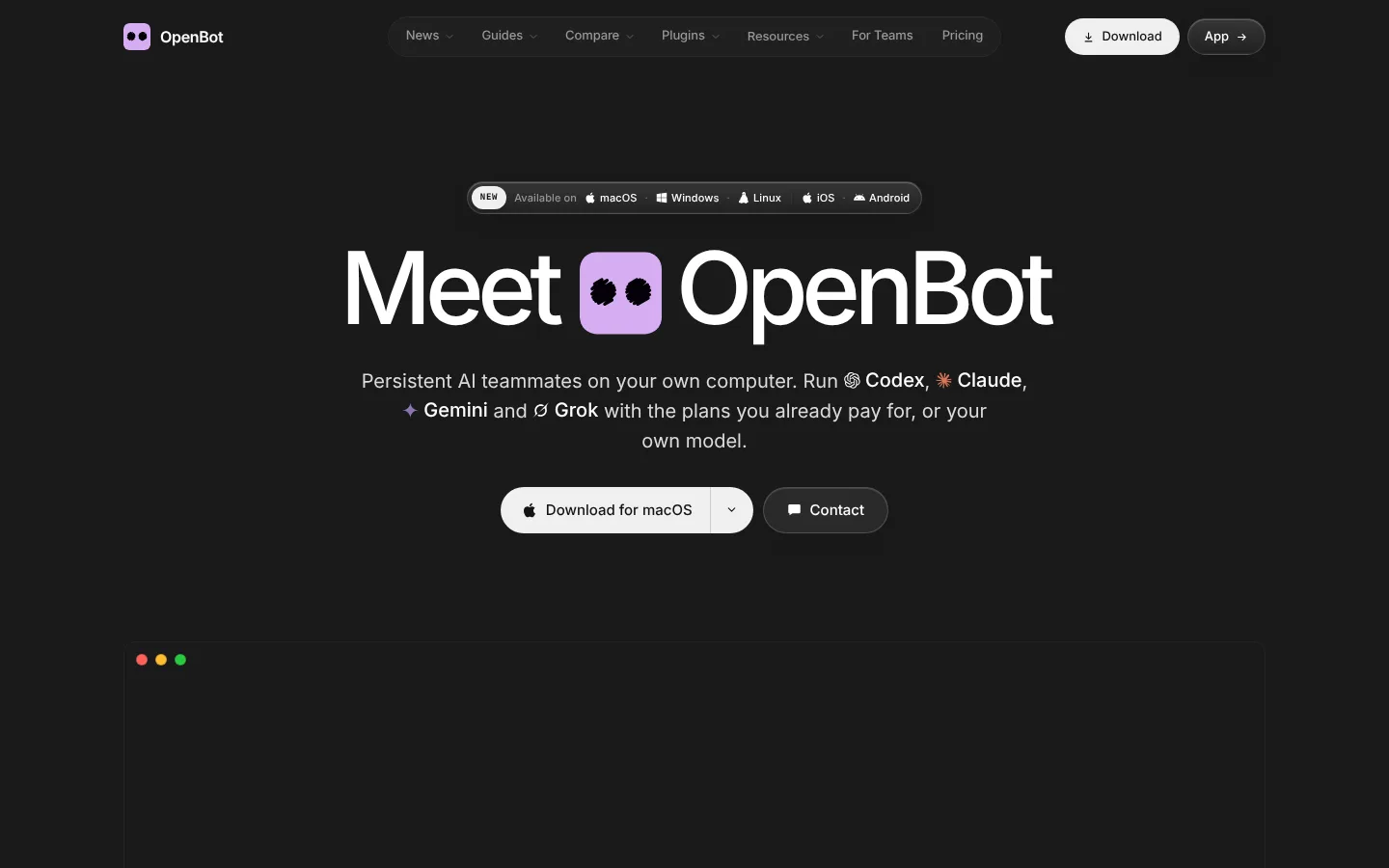
OpenBot product screenshot
Website previewFixed desktop viewport · 1440 × 900

Similar tools

Published tools that share its categories.

MoA Mac on-screen assistant that does everyday tasks you ask for, and waits for your yes before each change.
Automation & AgentsPaidChecked Nov 1
Visit
JIMMYAn AI agent on your Windows PC that you control from your own WhatsApp chat to find and send files, run tasks and draft emails.
Automation & AgentsPaidChecked Oct 31
Visit
IntrascopeA shared AI workspace that gives a company's team 120+ models with admin controls, budgets and shared context.
ProductivityPaidChecked Oct 31
Visit