What it does
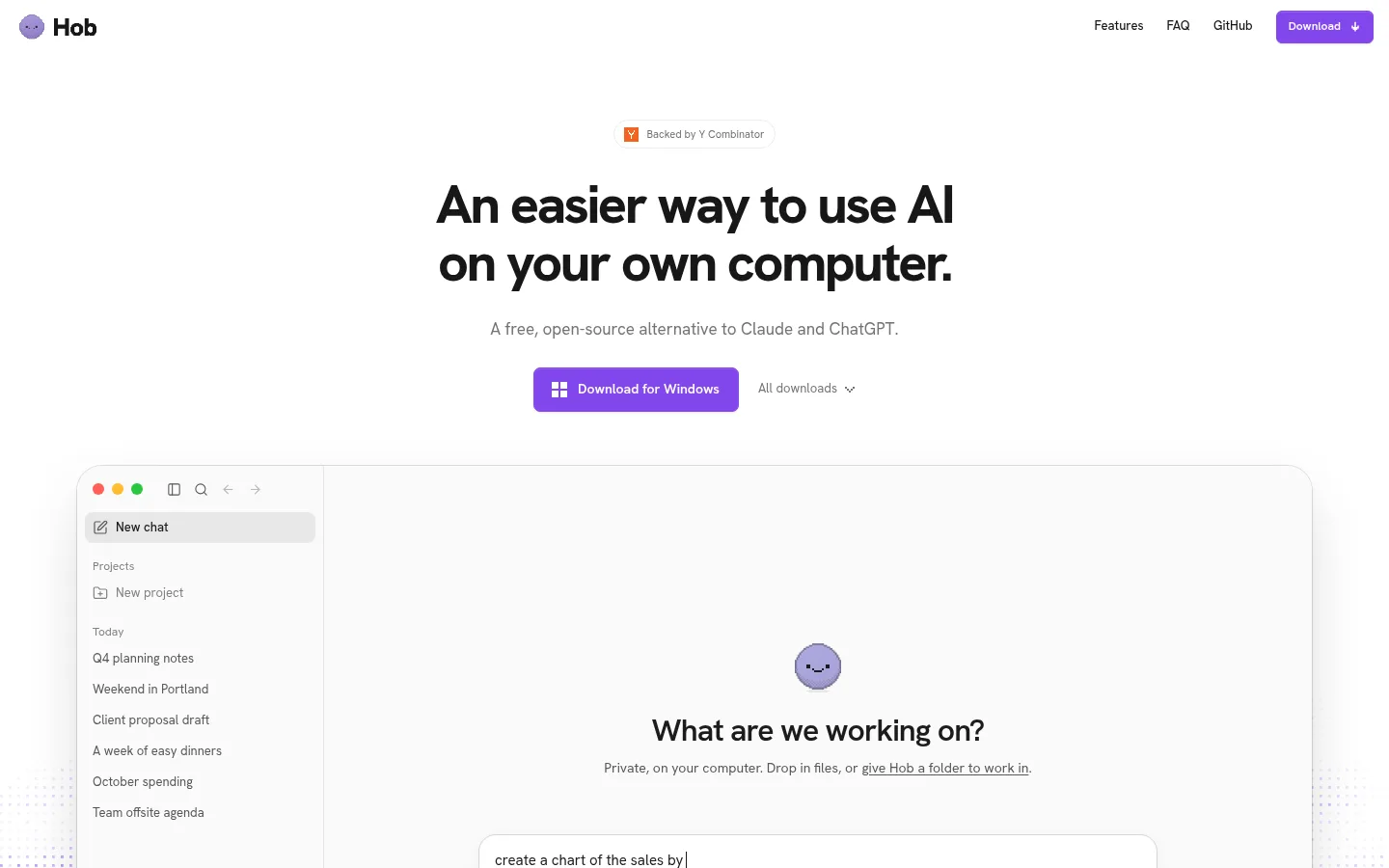
Hob is a free, open-source desktop app from Frigade that works like the Claude or ChatGPT desktop apps but runs its AI model entirely on your own computer. It checks your hardware, downloads a suitable open-weight model such as Gemma 4 or gpt-oss, and then reads and edits your files and folders, runs Python in a sandbox, draws charts, looks at images and fills in PDFs. Chats and files stay on your machine, there is no account, and it can work offline.
Official source 1 ↗ · Official source 2 ↗ · Official source 3 ↗Features
- Automatic model setup. Hob checks your hardware and downloads the best open model it can run well, so you need no account or knowledge of models. It uses Gemma 4 variants on most computers (E4B Compact on 8 GB Macs, E4B on 16 GB, 26B from 24 GB) and gpt-oss 120B on workstations, and you can switch models any time. Official source 1 ↗
- Works on your files and projects. Give Hob files or whole folders grouped into projects with their own instructions. It works through spreadsheets, documents, PDFs and photos and returns results you can open, edit and share, such as a sales report built from a spreadsheet and notes. Official source 1 ↗ · Official source 2 ↗
- Sandboxed Python and charts. Hob writes and runs Python with pandas, numpy, openpyxl, python-docx, pypdf and Pillow, installs other PyPI packages it needs, and keeps code sandboxed to the chat's folder. It draws interactive charts in the chat that download as PNG. Official source 1 ↗
- PDFs, images and dictation. It reads PDFs, including scans, and fills in PDF forms on Mac. A small Qwen3-VL model lets it look at pasted photos and screenshots such as receipts, charts and error messages, and speech-to-text dictation also runs locally. Official source 1 ↗
- Permissions and undo. You choose which folders Hob can see. It asks before changing anything in your folders, and every task can be undone. Official source 1 ↗ · Official source 2 ↗
- Connectors, skills and plugins. On Mac, Mail and Calendar are built in, and you can add connectors for apps such as Notion and Linear. Plugins add Agent Skills, Python tools and MCP connectors, and you can ask Hob to "save this as a skill" after a task you want to repeat. Official source 1 ↗ · Official source 2 ↗
- Local web search and offline mode. Web search runs through a metasearch engine on your computer and is the only built-in online feature. Turn off Web access in Settings and Hob works fully offline apart from model downloads and updates. Official source 1 ↗ · Official source 2 ↗
- 32 interface languages. The app comes in 32 languages, starts in your computer's language, and answers in whatever language you write in. Official source 1 ↗
Pricing & free limits
The full app on Mac, Windows and Linux, including its models. No account, subscription or paid upgrade; optional external services you connect may charge their own fees. Official source 1 ↗
Billing details
Billing details were not established by the checked official sources.
Free access & limits
No usage limits: everything runs on your own hardware. Model quality depends on memory (8 GB minimum, 16 GB for everyday tasks, 32 GB or more for the best models), and Hob needs 10 to 25 GB of free disk space, or about 75 GB for the largest model. Official source 1 ↗ · Official source 2 ↗
Best for & limitations
Turning a quarter's spreadsheet and notes into an editable sales report with charts, without uploading the files to a cloud AI service. Official source 1 ↗ · Official source 2 ↗
Filling in a PDF form or working through private documents on a Mac with no internet connection. Official source 1 ↗ · Official source 2 ↗
Reading receipts or screenshots of error messages by pasting them into a chat. Official source 1 ↗
- Needs a capable computer. At least 8 GB of memory and 10 to 25 GB of free disk space. On smaller computers Hob uses a lighter model meant for quick tasks; it gets close to Claude or ChatGPT only with 32 GB of memory or more. Official source 1 ↗
- Windows build is unsigned. Windows shows a "Windows protected your PC" warning because the app is not yet signed with a Microsoft certificate; you must click More info, then Run anyway. Official source 1 ↗
- Some features are Mac-only. PDF form filling and the built-in Mail and Calendar connections are listed for Mac only. Intel Macs are not listed; the Mac download is for Apple silicon. Official source 1 ↗ · Official source 2 ↗
- Connectors send data out. Web tools and connectors you add send the information their actions need to external services with their own privacy policies. Official source 1 ↗




 Submit a tool