Paid, with a 14-day free trial on both plans. Basic (dictation) costs $9 a month, or $7 a month billed yearly ($84). Pro adds the call features for $15 a month, or $10 a month billed yearly ($120). The app is a free download, but dictating or recording calls needs a subscription.Official source 1 ↗ · Official source 2 ↗ · Official source 3 ↗
Available as
macOS app for Apple silicon Macs (M1 or later) on macOS 12 Monterey or later; Intel Macs are not supported.Official source 1 ↗
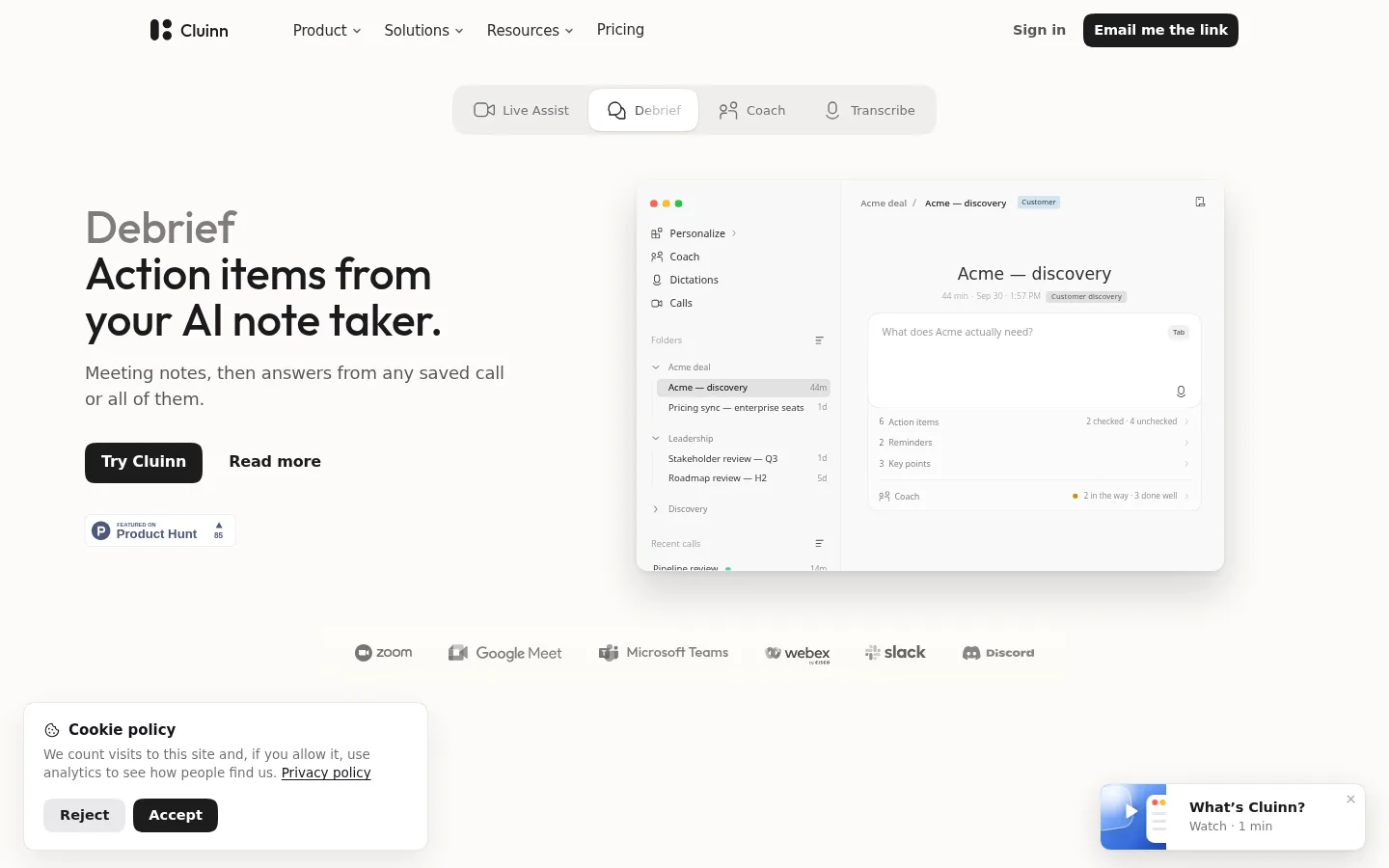
Cluinn is a Mac app from QooQee Inc. in Toronto that combines AI dictation with a call assistant. Dictation turns your speech into cleaned-up text and types it at the cursor in any app. During calls it listens through your microphone and Mac audio, writes a live transcript, answers questions you type and lists action items when the call ends. No bot joins the meeting.
Dictation in any app. Speak and Cluinn types cleaned-up text where your cursor is, in any app or text field. On a recent Apple silicon Mac with an active plan, speech is transcribed on the device.Official source 1 ↗
Personas, snippets and dictionary. Personas rewrite your speech in a chosen tone and switch by app or website. Snippets expand a spoken trigger into saved text, and the dictionary teaches it names and jargon.Official source 1 ↗
35 languages and translation. Dictate in 35 languages with automatic detection. Smart translation types your words in the language of the app you are writing in, after you finish speaking.Official source 1 ↗
Live Assist during calls (Pro). A live transcript of the call with answers to questions you type mid-call. The Calls bar opens on its own for Zoom, Google Meet, Webex, Slack huddles and other apps, and Smart Cards flag unanswered questions.Official source 1 ↗
Speaker names without a bot. Cluinn listens from your Mac rather than joining the meeting, and names speakers by reading the meeting window.Official source 1 ↗ · Official source 2 ↗
Debrief and Coach (Pro). When a call ends it lists action items, reminders and key points. You can ask questions about one call or all saved calls, and Coach checks calls against a goal you set.Official source 1 ↗ · Official source 2 ↗
Pricing & free limits
Basic
$9Per month, or $7/month billed yearly ($84)
Dictation in any app, personas, snippets and dictionary, 35 languages and Smart translation.Official source 1 ↗
Pro
$15Per month, or $10/month billed yearly ($120)
Everything in Basic plus Calls: Live Assist, Smart Cards, live transcript, call takeaways, questions about saved calls and Coach goals.Official source 1 ↗ · Official source 2 ↗
Billing details
The 14-day trial takes your card, includes all Pro features with a fixed pool of hours, and is limited to one per person. When it ends, the plan you picked is charged.Official source 1 ↗ · Official source 2 ↗
Payments go through Stripe and are non-refundable except where the law requires; cancelling keeps access until the end of the paid period.Official source 1 ↗ · Official source 2 ↗
Upgrades apply at once with credit for unused time; downgrades apply at renewal. An annual plan cannot move to monthly before the year ends.Official source 1 ↗
Free access & limits
There is no free plan: the app downloads free, but dictation and calls need a trial or subscription.Official source 1 ↗
Paid plans have fair-use caps on monthly dictation and call hours, call length and questions per saved call.Official source 1 ↗
Get action items after calls and search across past calls.Official source 1 ↗
Apple silicon Macs only. It needs an M1 or later Mac on macOS 12 or later; there is no Windows, Intel Mac or mobile app.Official source 1 ↗
Text goes to servers for AI. Clean-up, answers, takeaways and Coach send text to Cluinn's servers and an AI provider. During a trial, audio is also sent to its servers for transcription. Call answers always need a connection.Official source 1 ↗ · Official source 2 ↗
You must tell participants. Cluinn does not announce itself on calls, so you need to tell people you are transcribing; some regions require everyone's consent.Official source 1 ↗
No refunds. Payments are non-refundable, including unused time, except where required by law.Official source 1 ↗
Teams desktop detection. The Teams desktop app may not be detected automatically, so those calls must be started by hotkey.Official source 1 ↗



 Submit a tool