


Ordalin
Submit a tool

Website-checked tool profile

Harbor

Search notes, scanned documents and recordings with OCR and AI connections.

Sources checked

Visit website ↗
Pricing
Harbor has a free plan with starter limits and one paid plan, Harbor Unlimited, at $9.99 a month or $99 a year. Students and teachers can get it for $35 a year. The company commits to no price increase for 3 years, then at most 10% a year. Official source 1 ↗ · Official source 2 ↗
Available as
Native apps for Mac, Windows, iPhone, iPad and Android, plus a web app; everything works offline and syncs on reconnect. The Web Clipper supports Chrome, Edge, Firefox and Safari. Official source 1 ↗ · Official source 2 ↗
Primary group
Productivity

Also consider

See all 6 similar tools ↓

What it does

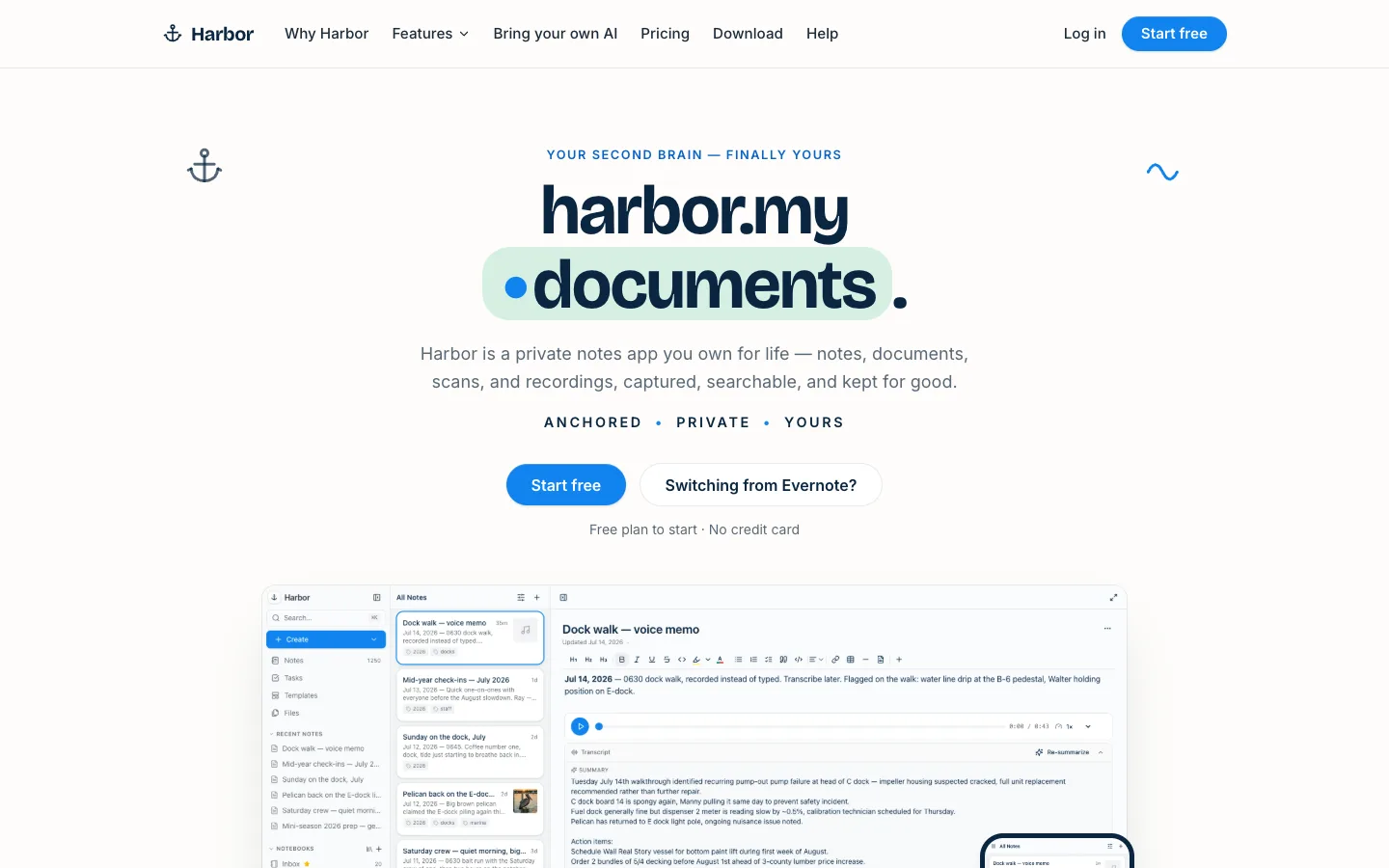
Harbor is a cross-platform notes app and Evernote alternative for notes, documents, scans and recordings. It OCRs photos, PDFs and handwriting for search, transcribes recordings with speaker labels, and offers optional zero-knowledge encryption. Instead of a built-in AI assistant, it connects to ChatGPT, Claude or other tools through an API, CLI and MCP server.

Official source 1 ↗

Features

  • OCR search inside files. Photos, scans and PDFs are OCR'd automatically, including handwriting, and matches are highlighted on the page. Word, Excel, PowerPoint and text files are searchable too, with tag:, notebook: and date operators. Official source 1 ↗
  • Recording and transcription. Record audio, including system audio on web and Mac, then transcribe it into a speaker-labelled, searchable transcript with an optional summary. Official source 1 ↗
  • Watched folders with optional AI filing. Point Harbor at a scanner folder on Mac or PC, Google Drive or Dropbox and each file becomes a note. Optional switches send the OCR text to an AI to suggest a title or pick the notebook; both are off by default. Official source 1 ↗
  • Bring your own AI via API, CLI and MCP. Connect ChatGPT, Claude, Cursor or your own tools through the API, CLI or MCP server to search, add and organize notes; available on the free plan as well. Official source 1 ↗ · Official source 2 ↗
  • Optional zero-knowledge encryption. Encrypt any note or notebook on your device (Argon2id and AES-256-GCM) so only you hold the key; encrypted content is not indexed, OCR'd or reachable by connected AI. Official source 1 ↗
  • Notes, tasks and version history. A notebooks-and-tags editor with checklists, tables and slash commands, tasks with due dates and recurrence, templates, public read-only links and full version history with one-click restore. Official source 1 ↗
  • Evernote import and full export. One-step import of Evernote notebooks, tags, checklists, attachments and clips, and export of everything as HTML, Markdown or Evernote ENEX. Official source 1 ↗ · Official source 2 ↗

Pricing & free limits

Free

$0ongoing

All features including capture, OCR search, encryption, Web Clipper and API/CLI/MCP, with starter storage and upload limits and help-centre support. Exact limits were still being finalized. Official source 1 ↗

Harbor Unlimited

$9.99/month or $99/yearmonthly or annual (annual saves 17%)

Unlimited notes, notebooks and devices, storage headroom, all apps and features, and email support from a person. Student and teacher price: $35 a year. Official source 1 ↗

Billing details

First purchases have a 30-day money-back guarantee. If you stop paying, the account becomes read-only, and you can still export or delete everything. There is no family plan yet. Official source 1 ↗

Free access & limits

Free accounts have a usage allowance; beyond it the account becomes read-only until you upgrade. Inactive free accounts eventually lock and expire after reminder emails. AI-based watched-folder titles are limited to 100 notes a day from Drive and Dropbox folders. Official source 1 ↗ · Official source 2 ↗

Best for & limitations

Scan mail, receipts, warranties and handwritten recipes with your phone and find them years later by searching the words on the page. Official source 1 ↗

Move an existing Evernote library into Harbor with one import, then test it on the free plan with a notebook or two. Official source 1 ↗

Record a meeting and keep it as a searchable, speaker-labelled transcript next to your notes. Official source 1 ↗
  • No built-in AI assistant. Harbor does not include its own AI chat; AI features beyond transcription and optional folder filing rely on connecting your own ChatGPT, Claude or other tool. Official source 1 ↗
  • Encrypted notes are not searchable. Notes you encrypt are excluded from search and OCR. Official source 1 ↗
  • Free plan is for trying. The free plan is intended for evaluation and its exact limits were not yet published. Official source 1 ↗
Harbor product screenshot
Website previewFixed desktop viewport · 1440 × 900

Similar tools

Published tools that share its categories.

CuriousLMFree private AI assistant that runs fully on your phone or browser, with its own small model, offline journal and scam warnings.
ProductivityFreeChecked Nov 5
Visit
VowiseVoice dictation and transcription app that turns spoken notes into a journal, reviews and AI memory.
Voice & SpeechFree planChecked Nov 3
Visit
BaseTabA new-tab dashboard extension with widgets, Google integrations, AI chat widgets and AI-generated widgets.
ProductivityFree planChecked Nov 1
Visit
SpecsightTurns your codebase into a plain-language product spec, map and changelog that update on every release.
ProductivityPaidChecked Nov 1
Visit
IntrascopeA shared AI workspace that gives a company's team 120+ models with admin controls, budgets and shared context.
ProductivityPaidChecked Oct 31
Visit
TwinMindAI memory app that transcribes your meetings and day, builds a second brain, and gives any AI your context.
ProductivityFree planChecked Oct 22
Visit