


Ordalin
Submit a tool

Reviewed tool profile

Voyager

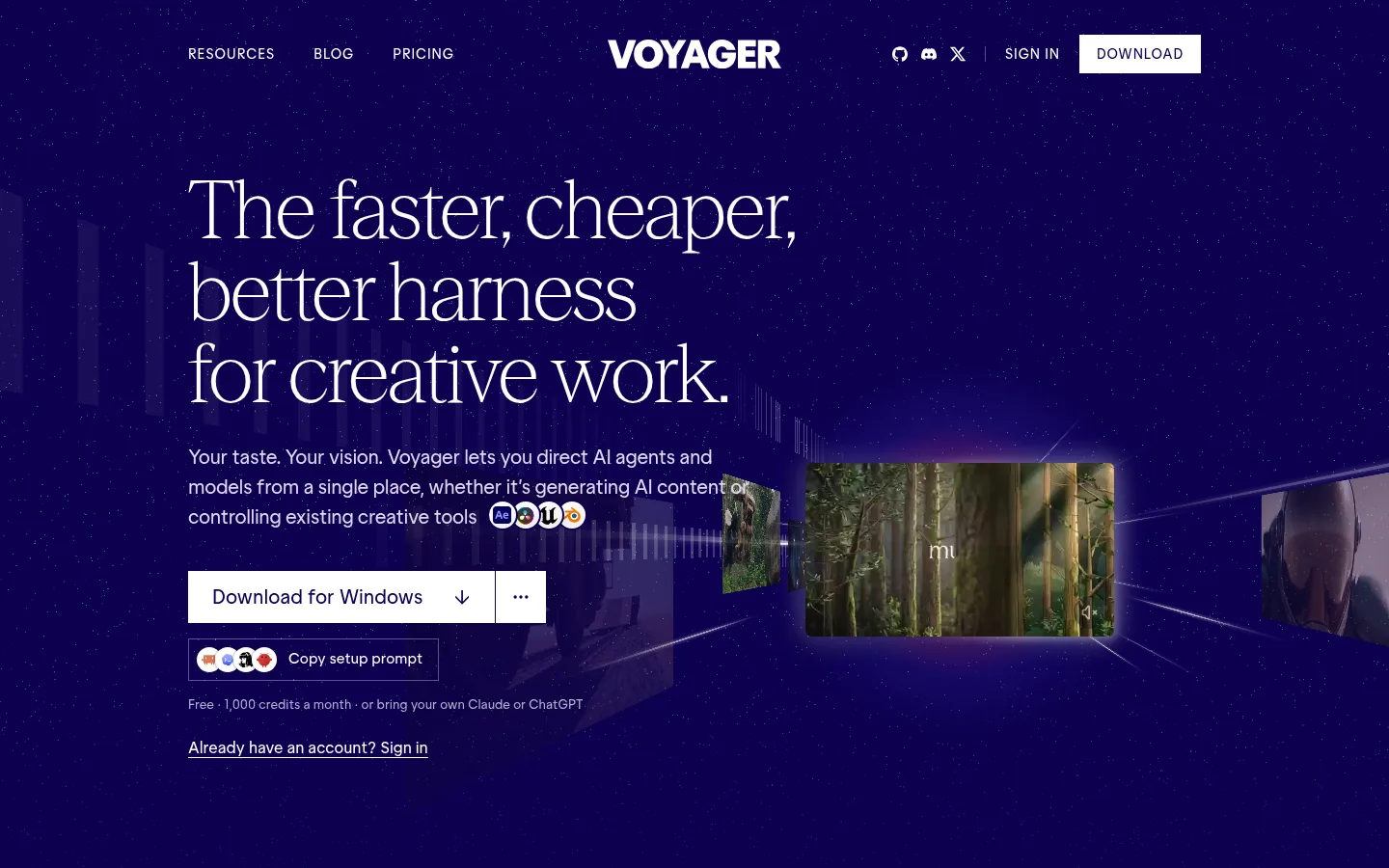
Desktop agent harness for creative work that drives Photoshop, Premiere, Resolve and Blender and generates video, images, voice and music.

Sources checked

Visit website ↗
Pricing
Freemium, in USD, billed in credits worth 1¢ of the provider's cost with no markup. Free gives 1,000 credits a month (at most 500 in any 5 hours) and works with your own Claude or ChatGPT subscription and your own model keys. Paid plans are Starter $19/month (1,800 credits), Creator $49 (4,900), Ultra $149 (16,000) and GigaMax $500 (60,000); annual billing is 15% off, and new subscribers get extra launch-bonus credits for their first 3 months. Official source 1 ↗
Available as
Desktop app for Macs with Apple silicon on macOS 15 or later, Windows 11 (x64) and Linux (x64, AppImage or .deb). Intel Macs are not supported, and mobile apps are announced as coming soon. A plugin also brings Voyager's creative skills into Claude Code and Codex. Official source 1 ↗
Primary group
Video & Animation

Also consider

See all 6 similar tools ↓

What it does

Voyager is a desktop app from Nullframe, Inc., the company behind Moda, where an AI agent does creative work on your computer. You describe the outcome and give feedback; the agent drives creative apps you already own (Photoshop, After Effects, Premiere Pro, DaVinci Resolve, Blender, Ableton Live and others), generates images, video, voice and music with current models, and finishes the work in Voyager's own design, video and music engines. It calls itself a harness for creative work, comparable to what Claude Code is for code.

Official source 1 ↗ · Official source 2 ↗

Features

  • Agent drives your creative apps. The agent works inside Photoshop, Illustrator, After Effects, Premiere Pro, DaVinci Resolve, Final Cut Pro, Blender, Unity and Ableton Live with your own licences, and its skills also cover tools such as Cinema 4D, Houdini, REAPER, OBS and Remotion. Official source 1 ↗ · Official source 2 ↗
  • Built-in design, video and music engines. Voyager Design, Voyager Video and Voyager DAW come free with the app, run on your machine and add no watermark or project limits, so Adobe or Ableton is not required. Official source 1 ↗
  • Generation across many models. It generates images, video, voice and music with models including Veo 3.1, Seedance, FLUX 3 Max, Kling, MiniMax H3, Wan, Nano Banana, GPT Image and ElevenLabs, then cuts, captions and scores the clips in an editor so the project stays editable. Official source 1 ↗
  • Bring your own agent and keys. Connect Claude, Codex with a ChatGPT sign-in, Voyager's own agent or API models, and add your own fal, Google, ElevenLabs or Higgsfield keys; the provider then bills you directly. Official source 1 ↗
  • Skills, MCP and a Claude Code plugin. About 40 built-in skills are picked per task and you can save your own; any MCP server can be added, and a plugin brings the same skills to Claude Code or Codex. Official source 1 ↗
  • Review by commenting on the frame. You watch each version in Voyager, comment on a moment, a time range or a spot in the frame, and the agent makes the next version. Everything is saved as ordinary files on your computer. Official source 1 ↗

Pricing & free limits

Starter

$19per month

1,800 credits a month (2,700 for the first 3 months), every model, 6 parallel generations. Official source 1 ↗

Creator

$49per month

4,900 credits a month (7,350 at launch), 12 parallel generations. Official source 1 ↗

GigaMax

$500per month

60,000 credits a month (75,000 at launch), 36 parallel generations, priority support. Official source 1 ↗

Billing details

One credit equals 1¢ of what the model provider charges, with no markup; an 8-second MiniMax H3 clip with audio costs 48 credits and a Seedance 2.5 clip about 184. Paid plans can top up with credit packs from $11 (1.1¢ a credit) or auto-reload, and pack credits last 12 months while monthly credits reset. Official source 1 ↗ · Official source 2 ↗

Subscriptions renew automatically; cancelling takes effect at the end of the paid period, and uninstalling the app does not cancel. Payments are generally non-refundable, with no prorated refunds for unused time or credits, except where law or the order says otherwise. Team plans for 2 to 25 people are priced per person. Official source 1 ↗ · Official source 2 ↗

Free access & limits

Free has 1,000 credits a month for the whole workspace with a 5-hour cap of 500, up to 25 images and 3 voice generations a month, and no credit packs. Unused credits don't roll over. Video generation on Free needs your own fal, Google or Runway key. Official source 1 ↗ · Official source 2 ↗ · Official source 3 ↗

Best for & limitations

Have an agent turn an idea into a finished launch or product video, with generated shots, voiceover, music and titles cut together. Official source 1 ↗ · Official source 2 ↗

Let an agent do production steps in apps you already use, such as cutting a trailer in DaVinci Resolve or a previs in Blender. Official source 1 ↗ · Official source 2 ↗

Use an existing Claude or ChatGPT subscription and your own model keys for creative work without paying for a Voyager plan. Official source 1 ↗ · Official source 2 ↗
  • Desktop only, no Intel Macs. Voyager needs an Apple-silicon Mac on macOS 15+, Windows 11 or Linux; Intel Macs aren't supported and mobile apps aren't out yet. Official source 1 ↗
  • No computer control on Linux. Controlling apps through computer control works only on macOS and Windows. Official source 1 ↗
  • Files go to model providers. Projects stay local, but the agent sends the files and context a task uses to the chosen model provider, and usage statistics are reported by default until you turn them off. Official source 1 ↗
  • Not open source. Despite the 'open harness' tagline, the Voyager app is proprietary software. Official source 1 ↗
  • Generally non-refundable. Payments are generally non-refundable and unused time or credits aren't prorated. Official source 1 ↗ · Official source 2 ↗
  • Adults only. You must be at least 18 to use Voyager. Official source 1 ↗
Voyager product screenshot
Website previewFixed desktop viewport · 1440 × 900

Similar tools

Published tools that share its categories.

TakesFree, open-source Mac app for talking-head videos: teleprompter recording, then Claude Code storyboards, edits and drafts social posts.
Video & AnimationFreeChecked Oct 13
Visit
ngramAI video maker for business teams: onboarding, training, demos and explainers from a prompt, screen recording or doc, edited by chatting.
Video & AnimationFree planChecked Oct 13
Visit
ReelsyAI product video and image studio for small ecommerce teams, with multi-model video generation, a chat-based Video Agent and a Codex/ChatGPT plugin.
Video & AnimationFree planChecked Oct 13
Visit
OpenScreenFree, MIT-licensed screen recorder and editor for Windows, macOS and Linux with on-device Whisper captions, text-based cuts and an optional bring-your-own-key AI editing agent.
Video & AnimationFreeChecked Oct 12
Visit