What it does
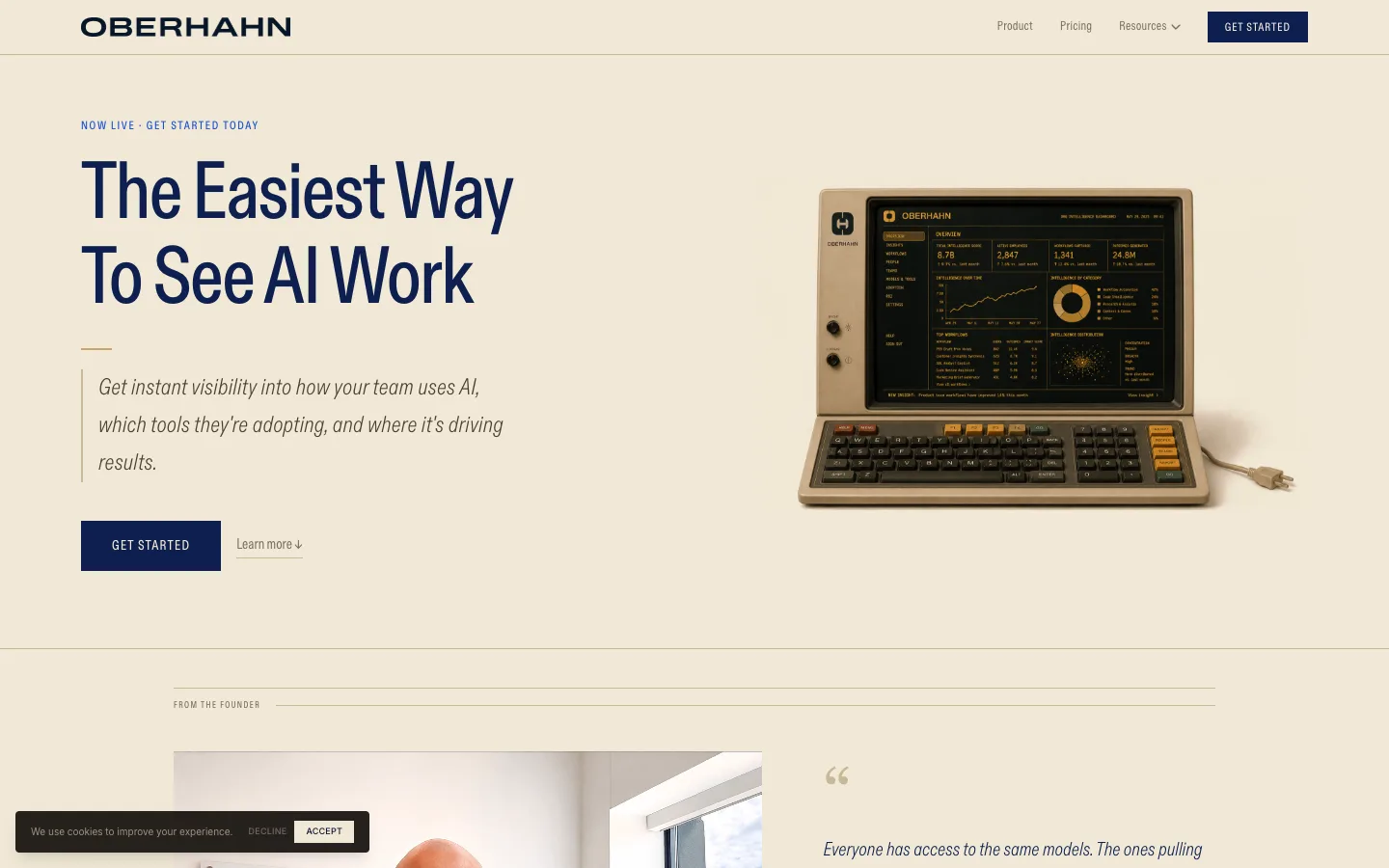
Oberhahn is an organizational intelligence platform for how companies use AI. It connects to the model providers, coding agents, gateways and SDKs a team already uses, normalizes every model call into one ledger, and attributes usage and cost to a person, team, project and workflow, so managers can see which AI work produces results and spread the patterns that do.
Official source 1 ↗ · Official source 2 ↗ · Official source 3 ↗Features
- Spend ledger down to the session. One row per session across every connected source, filterable by source, team, project, tag or consumer, with a query syntax such as source:codex cost:>5; any session can be opened and read in full. Official source 1 ↗
- Spend linked to tracker issues. Sessions are linked to Linear, Jira and GitHub issues by branch, commit, session declaration or AI linking, giving cost per estimate point and what shipped versus what did not. Official source 1 ↗
- Month-end forecasts. Projects month-end spend from a rolling run-rate with a confidence reading, and breaks the forecast out by source or any other dimension. Official source 1 ↗
- Savings opportunities. Flags oversized models, week-over-week spikes, cache misses, runaway sessions and duplicated work across teams, ranked by the spend affected and linked to the underlying activity. Official source 1 ↗
- Prompt and tool-call security checks. Checks prompts and tool calls for credential leaks, environment dumps and risky commands as they happen and over stored history, prioritized by severity. Official source 1 ↗
- Built-in copilot over your data. An overview shows projected month-end, cost per session, spend per user, context-window use and an efficiency score; a built-in copilot answers questions from your own usage data. Official source 1 ↗
- Broad no-code integrations. Connects OpenAI, Anthropic, Gemini, self-hosted vLLM and SGLang, LiteLLM, Claude Code, Cursor, GitHub Copilot, Devin, LangChain, LlamaIndex, the Vercel AI SDK, OpenTelemetry and work tools such as GitHub, Jira, Linear, Slack and Salesforce. Most sources connect with a one-line setup or config change; webhooks and a REST API cover the rest. Official source 1 ↗
- New-model comparison on real workflows. Measures a newly released model against the current baseline task by task on the organization's real workflows. Official source 1 ↗
Pricing & free limits
For two people (you and a work buddy). Sessions tied to workflows, side-by-side pattern comparison, cost per result tracking and all AI tools connected in one setup. 30-day free trial, no credit card. Official source 1 ↗
Everything in Individual for up to 100 people, plus finding which tools, models and prompts deliver, rolling out strong workflows and tracking team efficiency over time. 30-day free trial, no credit card. Official source 1 ↗
Adds SSO, RBAC, audit logs and SOC 2. Official source 1 ↗
Billing details
Both plans are billed monthly. The 30-day free trial needs no credit card or sales call, and plans can be cancelled at any time. Official source 1 ↗
Free access & limits
Free access and its limits were not established by the checked official sources.
Best for & limitations
An engineering lead sees which coding agents and models each team uses, what they cost per session and which issues the spend moved, then right-sizes oversized models. Official source 1 ↗ · Official source 2 ↗
A platform team tracks AI spend against a monthly budget and gets flagged before month-end when the forecast runs over. Official source 1 ↗
A manager spreads the prompts and workflows that work for one person across the team and gives new hires those patterns on day one. Official source 1 ↗ · Official source 2 ↗
- Documentation not yet published. The product and API documentation pages are marked as coming soon. Official source 1 ↗