What it does
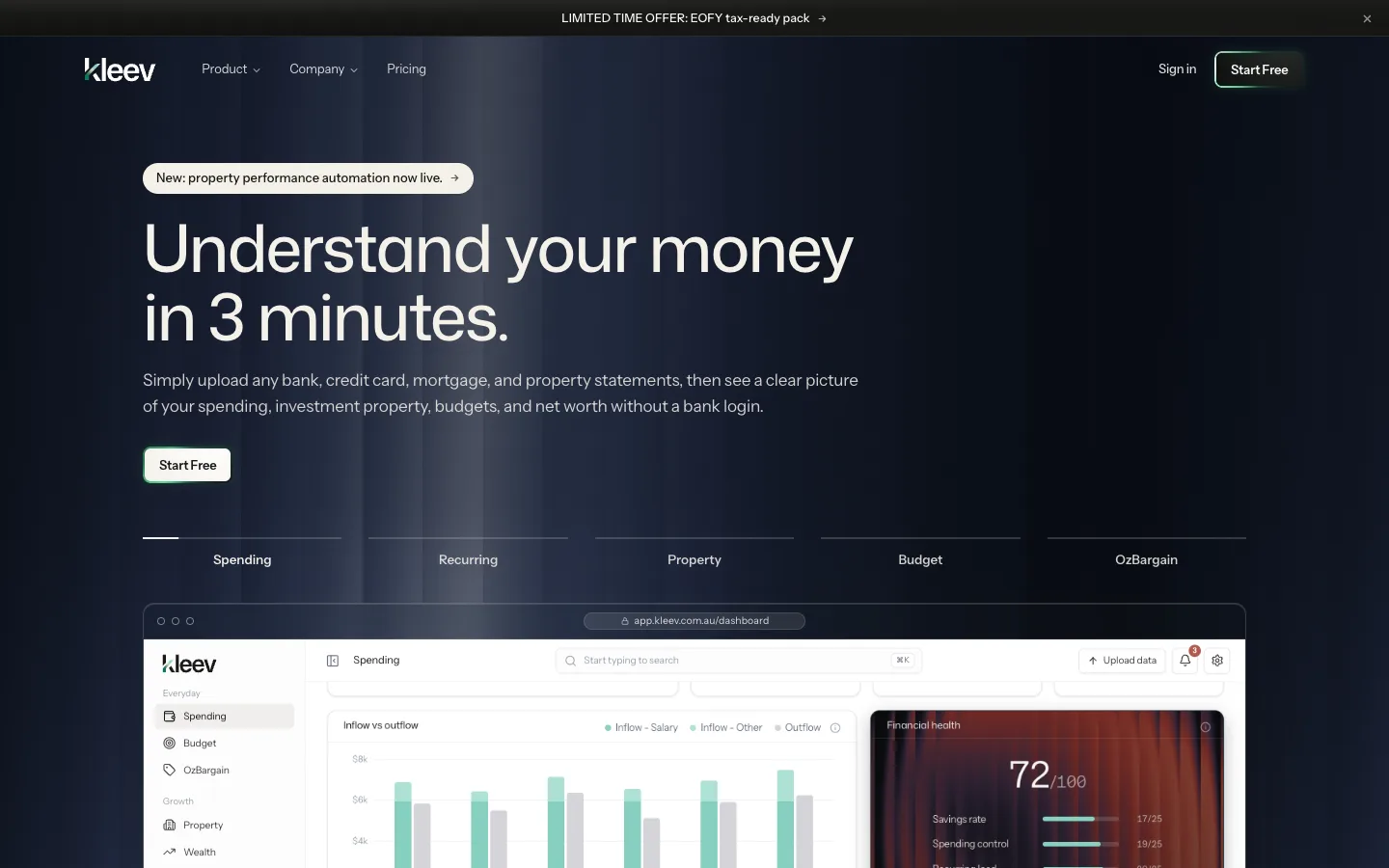
Kleev is a personal-finance app for Australians. You export statement CSVs from your own online banking and upload them; Kleev categorises the transactions with AI and builds spending, recurring-charge, budget, investment-property and net-worth views. It never connects to your bank, and it describes your own data rather than giving financial advice.
Official source 1 ↗ · Official source 2 ↗Features
- CSV import from any Australian bank. Direct parsers cover eleven banks, including CBA, ANZ, NAB, Westpac, Macquarie and ING; other layouts go through an AI column mapper that you confirm once and Kleev remembers. Official source 1 ↗
- AI categorisation with saved rules. Every transaction is categorised by AI. Recategorise a merchant once and save it as a rule for future imports, or apply it only once; you can also add your own categories beyond the 42 built-in ones. Official source 1 ↗ · Official source 2 ↗
- Transfer, payback and refund cleanup. Kleev nets off transfers between your own accounts, excludes credit-card repayments, matches friends paying you back and pairs refunds with the original purchase so totals reflect real spending. Official source 1 ↗ · Official source 2 ↗
- Recurring charge tracking. Repeating charges are detected with their price trend and next expected date; you can set an alert or mark a charge for cancelling from the table. Official source 1 ↗
- Investment property dashboard. Track capital growth, rental yield, gearing, tax deductibles and cash-on-cash return for investment properties. Each property gets its own email address: property-manager statements sent there are read, categorised and queued for your approval. Official source 1 ↗ · Official source 2 ↗
- Net worth balance sheet. Combine imported bank balances with property, super, investments, vehicles and debts such as HECS or car loans, and see net worth traced month by month. Official source 1 ↗
- Budgets and OzBargain deal alerts. Set budgets and goals, have Kleev suggest category budgets from your spending, and get OzBargain deal picks and smart alerts matched to where you spend. Official source 1 ↗ · Official source 2 ↗
Pricing & free limits
AI auto-categorisation and AI reads on spending; 10 files and 2,000 transactions per upload, 1,000 transactions a month, 3 spending patterns; budgets, goals and net-worth tracking; 1 investment property with 2 years of statement grid history; 2 OzBargain deal refreshes a day and 2 smart alerts. Official source 1 ↗
Adds deep AI insights, an EOFY tax pack with Excel export and a monthly CFO report; 20 files and 5,000 transactions per upload, 10,000 transactions a month, 6 spending patterns, recurring cancel help and price alerts, goal projections, 2 investment properties with 10 years of history, 5 deal refreshes a day and 5 smart alerts. First year on annual is A$169.50. Official source 1 ↗
Everything in Pro with the EOFY tax pack for unlimited properties; 30 files and 10,000 transactions per upload, unlimited transactions, 9 spending patterns, unlimited properties and statement grid history, unlimited deal refreshes and alerts, priority support. First year on annual is A$212.00. Fair use applies to unlimited features. Official source 1 ↗
For brokers, agencies and advisers: multi-client workspaces, custom onboarding and priority support. Official source 1 ↗
Billing details
You can cancel anytime and keep the plan until the paid period ends, then drop to Free. Upgrades are prorated immediately. There are no refunds. Failed payments are retried; if they still fail, the account moves to Free without deleting data. Official source 1 ↗
Free access & limits
The free plan has no time limit. It allows 10 files and 2,000 transactions per upload, 1,000 transactions a month, 1 investment property and 2 years of statement grid history. Each file can be up to 5 MB. Official source 1 ↗ · Official source 2 ↗ · Official source 3 ↗
Best for & limitations
Upload statements from several Australian bank and credit-card accounts to see what you actually spent each month, net of transfers and refunds. Official source 1 ↗ · Official source 2 ↗
Keep an investment property's books by forwarding property-manager statements and reviewing the categorised lines before they reach the statement grid. Official source 1 ↗
Find subscriptions that renewed at a higher price and mark the ones to cancel. Official source 1 ↗
- Transaction data is sent to an AI provider. The CSV file is parsed in the browser, but the transaction details are sent to Anthropic for categorisation and other AI features. Official source 1 ↗
- Not financial advice. Kleev describes your own data and does not give personal financial, tax or investment advice. Official source 1 ↗
- No independent security audit yet. The hosting providers hold SOC 2 Type II reports, but Kleev itself is not independently audited under those frameworks. Official source 1 ↗
- Manual CSV exports. There is no bank connection; you export a CSV from each account's online banking yourself. Official source 1 ↗