Free includes 30 questions per month. Pro costs $15/month for 300 questions and terminal voice typing; Max costs $69.99/month for 1,000 questions. The fetched page uses dollar prices without naming the currency.Official source 1 ↗
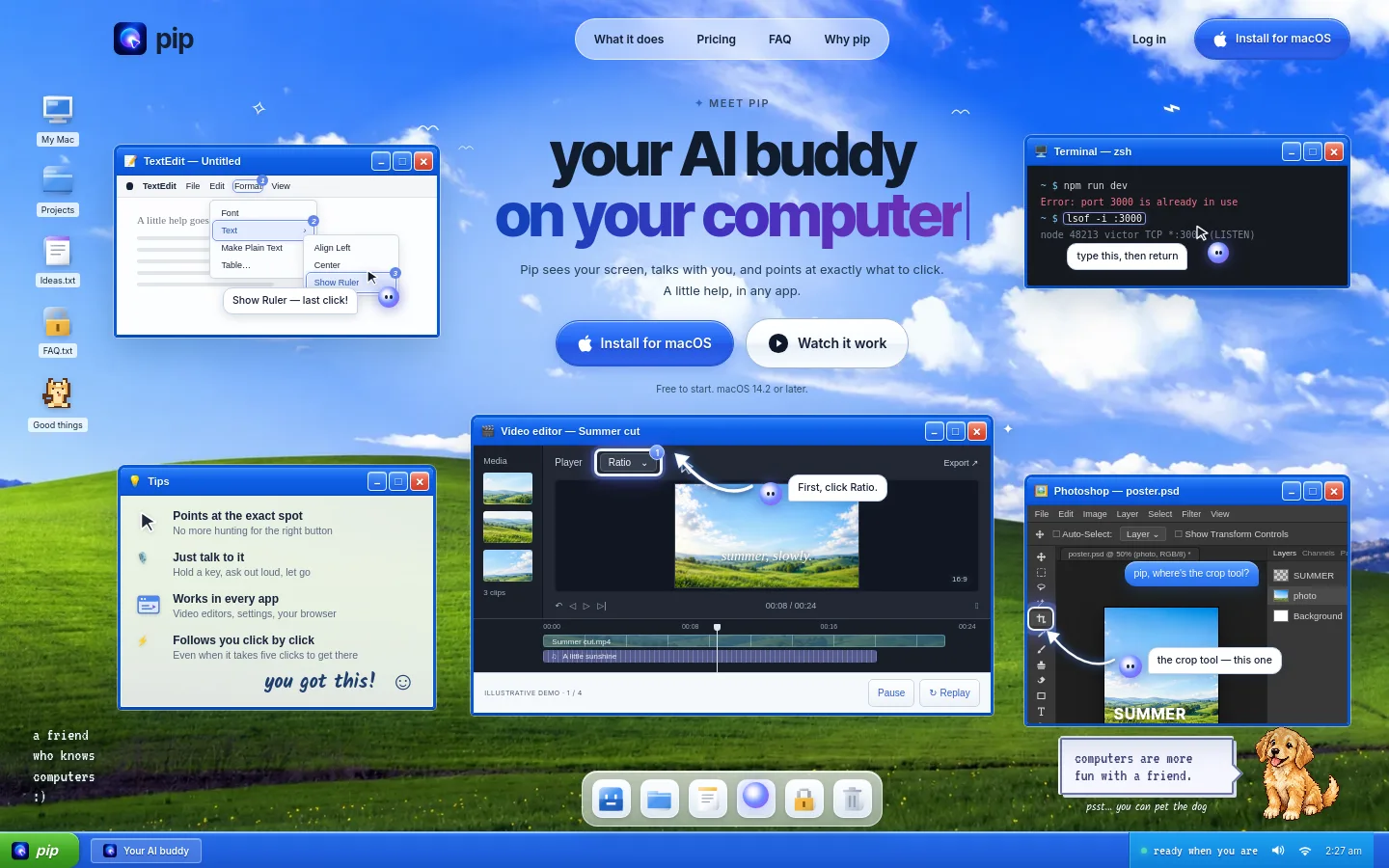
Pip is a Mac AI assistant that answers spoken or typed questions about the current screen and points to the relevant controls. It provides step-by-step guidance while the user performs the clicks.
Screen-aware help. Ask about an app and receive a spoken answer with an indicator pointing at the relevant screen control.Official source 1 ↗
Multi-step guidance. Pip follows the user through sequences of clicks, finding each subsequent step locally on the Mac.Official source 1 ↗
Terminal voice typing. Pro and Max can dictate into a terminal for Claude Code or Codex without consuming the question allowance.Official source 1 ↗
Local system actions. On request, change volume or appearance, arrange windows, set timers or create reminders. Sending or deleting waits for confirmation.Official source 1 ↗
Pricing & free limits
Free
$0Ongoing free plan
30 questions/month, all pointing styles, six pets and natural voice; no card required.Official source 1 ↗
Pro
$15 (currency not specified)Per month, billed monthly
300 questions/month, terminal voice typing and all Free features.Official source 1 ↗
Max
$69.99 (currency not specified)Per month, billed monthly
The free plan allows 30 questions per month with no card required.Official source 1 ↗
Best for & limitations
Learn a video editor or design tool by asking Pip to locate the right panel or effect while you operate the app.Official source 1 ↗
Guidance is not automatic clicking. Pip points to controls while you click; it does not move the mouse.Official source 1 ↗
Cloud processing for questions. Screen questions send screenshots and conversation context to OpenAI; voice input goes to AssemblyAI and spoken answers to ElevenLabs. Provider retention follows their API terms.Official source 1 ↗




 Submit a tool