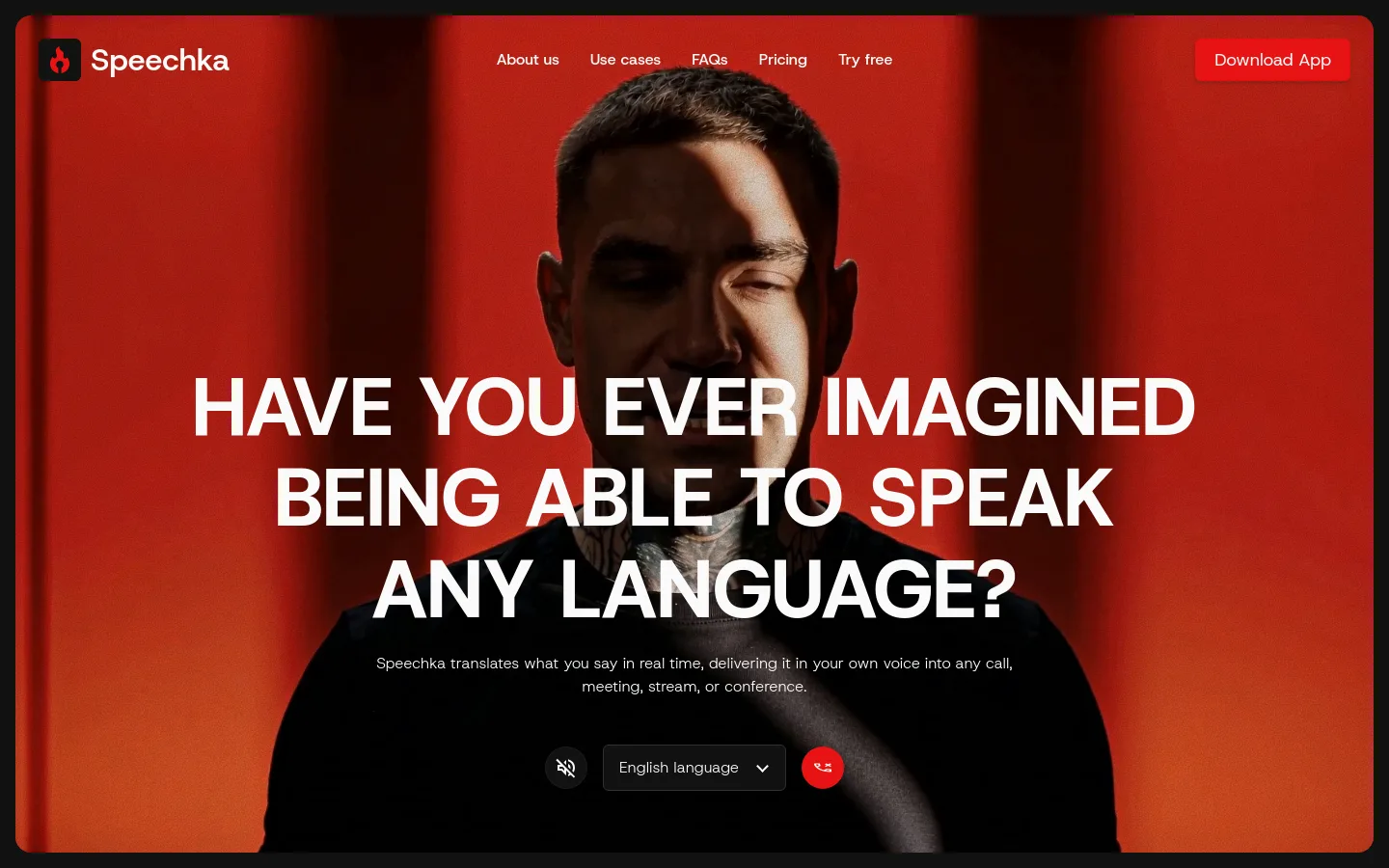
Personal translated voice. A recorded voice sample is used to generate translations that retain the speaker’s voice.Official source 1 ↗
Listen and broadcast modes. Listen Mode plays translations privately; Broadcast Mode sends them through the microphone to other participants.Official source 1 ↗
Microphone app integration. Translated audio works with microphone-based apps including Zoom, Google Meet, Teams, Discord and OBS.Official source 1 ↗
Context and playback order. The translation handles pauses and sentence timing while preserving the order of translated sentences.Official source 1 ↗
Pricing & free limits
Free trial
$07 days
10 credits to try meetings, calls, presentations or livestreams; the trial says it has no feature limitations.Official source 1 ↗
Pro
$19.99Per month
180 credits every month for ongoing voice translation. Additional credits can be purchased separately.Official source 1 ↗
Billing details
Extra credit packs cost $9.99 for 60 credits, $24.99 for 180 or $39.99 for 360.Official source 1 ↗
Free access & limits
The app trial lasts seven days with 10 credits. The website demo separately provides five free minutes.Official source 1 ↗
Best for & limitations
A presenter can speak in one language while Speechka delivers translated speech to a multilingual conference audience.Official source 1 ↗
Voice permission required. Creating and using a personal voice requires permission to use that voice.Official source 1 ↗
Quality and latency tradeoff. Faster mode prioritizes lower latency, while High quality prioritizes voice and translation quality.Official source 1 ↗




 Submit a tool