



Ordalin
Submit a tool

Website-checked tool profile

x1

AI app studio for planning, designing, building, testing, and publishing iPhone apps.

Sources checked

Visit website ↗
Pricing
You can start free without a credit card; the free preview includes idea validation, a name and icon, a product plan and generated screens. Paid plans are $29 a week or $199 a year (about $3.83 a week) and add build credits plus 500 credits a week. Official source 1 ↗
Available as
x1 runs on the web and builds iPhone apps. You preview with Expo Go, share betas via TestFlight and submit to the App Store, which needs an Apple Developer account. Official source 1 ↗
Primary group
Coding & Development

Also consider

See all 6 similar tools ↓

What it does

x1 is a Y Combinator-backed AI app builder for iPhone apps. You describe your idea, and x1 asks questions, suggests a name and icon, designs and builds each screen, lets you test the app on your phone, and prepares the App Store listing and submission. Apps are built in React Native and no coding is required.

Official source 1 ↗

Features

  • Guided app planning. x1 asks questions to decide how the app works and suggests available names; you can generate an icon with AI, pick a preset or upload your own. Official source 1 ↗
  • Screen-by-screen build. You pick a design direction, then prompt screen by screen while x1 designs and builds each one before moving on. Official source 1 ↗
  • Test on your iPhone. Apps can be opened on your phone, previewed in the browser or shared with others to try. Official source 1 ↗
  • App Store launch kit. x1 generates App Store screenshots from your real screens, writes the listing description and keywords, and walks you through submission. Official source 1 ↗
  • Source code export. On a paid plan you can export the full React Native source as a ZIP and own the app. Official source 1 ↗
  • Templates. Example apps made with x1 can be tried and used as templates for your own version. Official source 1 ↗

Pricing & free limits

Free

$0No credit card

Interactive app preview: idea validation, a name and icon, a product plan and generated screens you can share. Official source 1 ↗

Weekly

$29per week · cancel anytime

1,500 build credits to start, then 500 credits a week. Official source 1 ↗

Yearly

$199per year · about $3.83 a week

2,500 build credits to start, then 500 credits a week. Official source 1 ↗

Billing details

The weekly plan renews every week and can be cancelled anytime; the yearly plan is billed once a year. Official source 1 ↗

Free access & limits

The free tier stops at an interactive preview; publishing requires an upgrade. Official source 1 ↗

Best for & limitations

Non-developers turning an app idea into a working iPhone app without writing code. Official source 1 ↗

Founders validating an idea with a shareable preview before paying. Official source 1 ↗

Preparing and submitting an App Store listing with screenshots, copy and keywords. Official source 1 ↗
  • iPhone only. x1 builds iPhone apps; Android is not mentioned, and App Store publishing needs your own Apple Developer account. Official source 1 ↗
  • Code export needs a paid plan. Exporting the React Native source is available on paid plans only. Official source 1 ↗
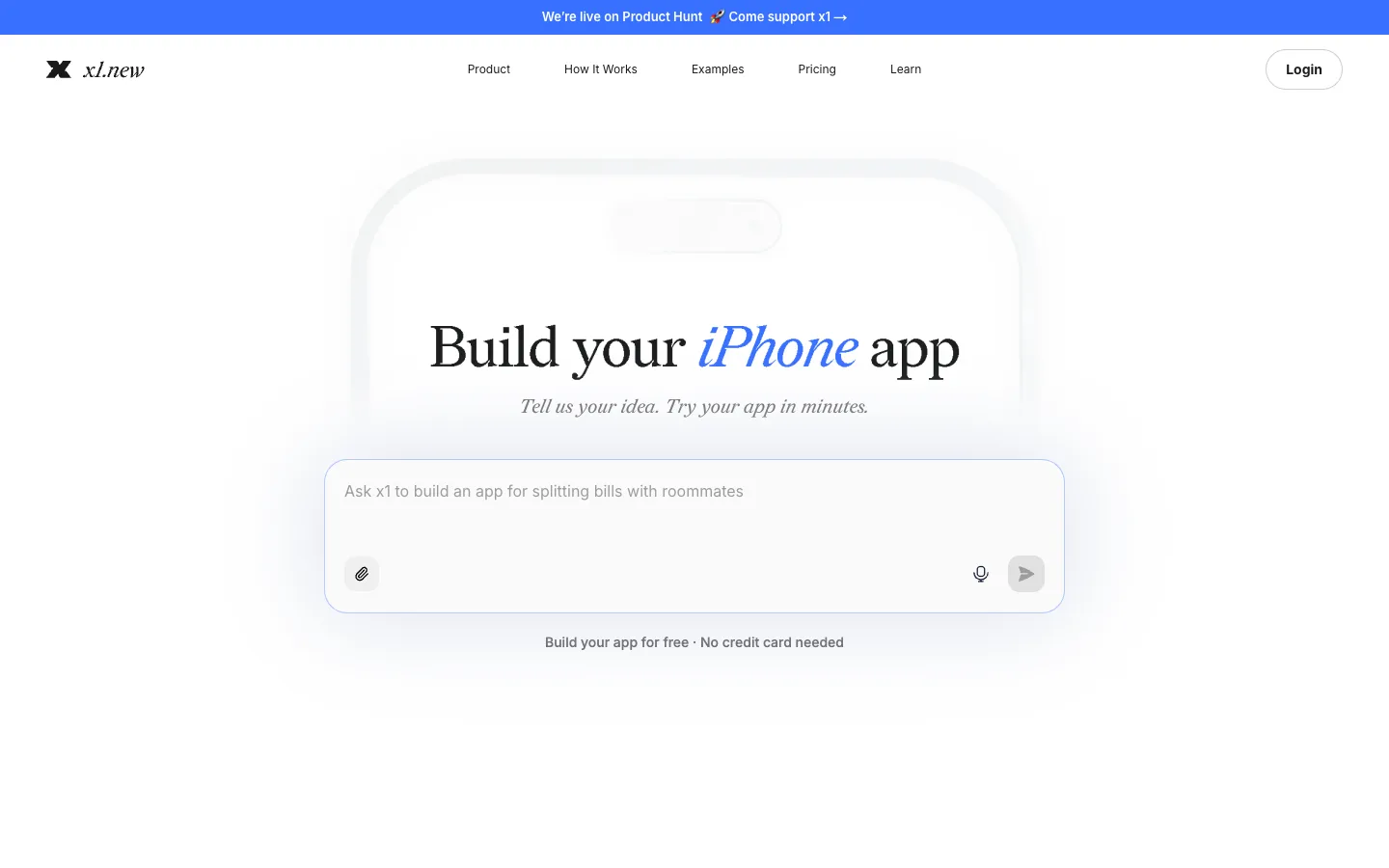
x1 product screenshot
Website previewFixed desktop viewport · 1440 × 900

Similar tools

Published tools that share its categories.

DessnDesign canvas that runs your real app from its codebase, so teams prototype and audit with production components.
Coding & DevelopmentFree planChecked Nov 5
Visit
ColdteaControl layer for AI-written software: map every pull request, test the flows it touches with agents and watch it in production.
Coding & DevelopmentFree planChecked Aug 23
Visit
DaytwoMac app that lets marketing teams edit a custom Next.js or Astro site by describing changes, with review and Git commits; €29 per site a month.
Coding & DevelopmentFree trialChecked Nov 11
Visit