What it does
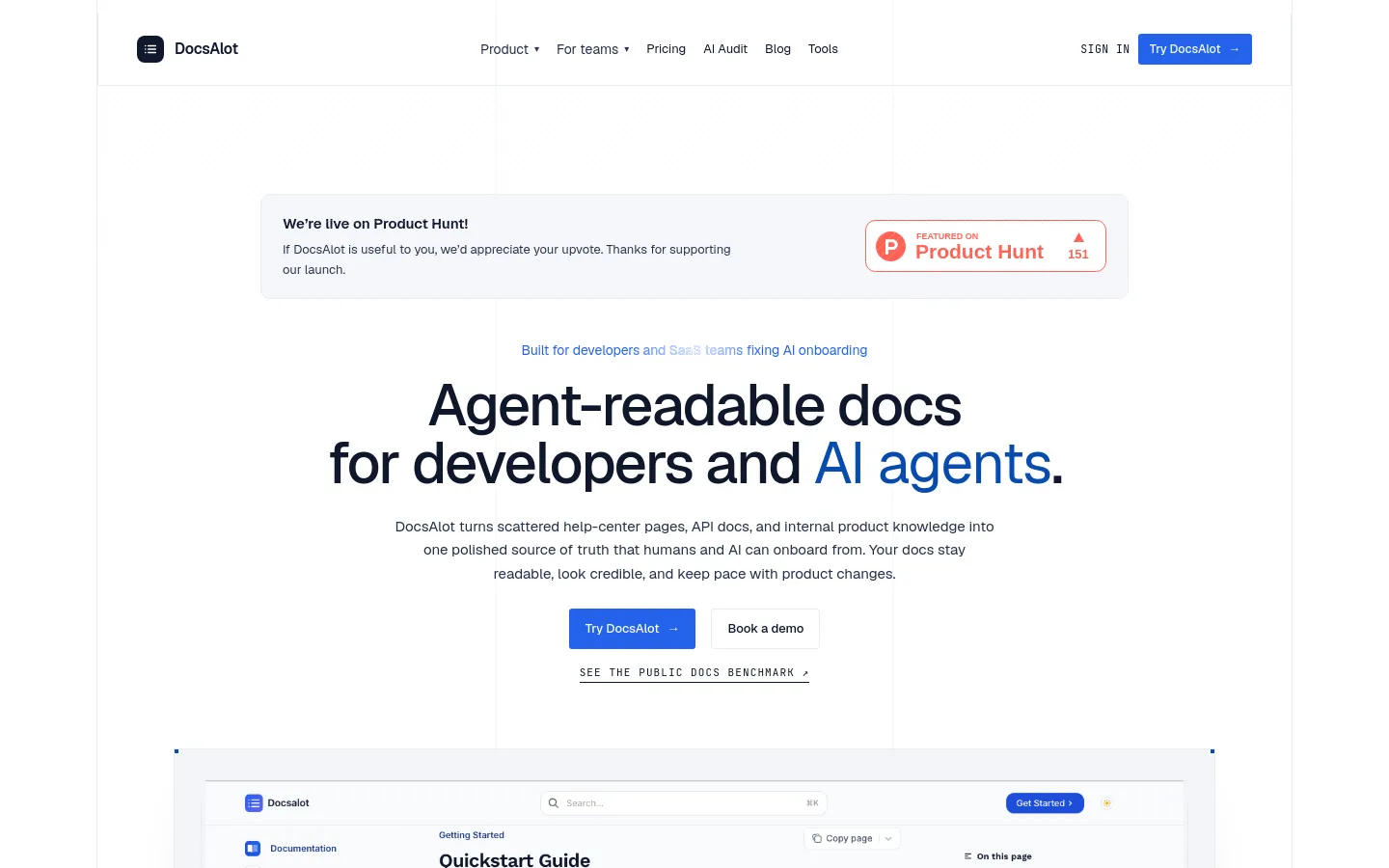
DocsAlot turns scattered help-centre pages, API docs and internal product knowledge into one hosted documentation site, and packages the same content for AI agents as markdown, llms.txt, skill.md and MCP-ready chunks.
Official source 1 ↗Features
- Agent-readable outputs. Publishes the human docs together with markdown views, llms.txt, skill.md and a hosted MCP surface from one source, so the agent-facing files do not drift from the docs. Official source 1 ↗
- Connect existing sources. Imports GitHub docs, help-centre articles, API references, READMEs, changelogs and product notes into one docs workspace. Official source 1 ↗
- AI drafting in the editor. Every plan includes AI drafting and upkeep, AI suggestions inside the editor and an AI help-centre widget, at plan-dependent capacity. Official source 1 ↗
- Agentic setup through CLI. Install the CLI and DocsAlot skill, then ask Codex, Cursor, Claude or another repo-aware agent to create the first docs for a project. Official source 1 ↗
- SDKs and CLIs from OpenAPI. From an OpenAPI spec, DocsAlot generates API docs, SDKs, cross-platform CLIs for Windows, macOS and Linux, and hosted MCP servers. Official source 1 ↗
- AI visibility audit. Each publish produces a shareable benchmark report showing which AI answers cited the docs, which source they used and what to fix next. Official source 1 ↗
- Free hosted MCP server. Separately from the paid plans, DocsAlot offers to turn the product context you send by email into a hosted MCP endpoint for free. Official source 1 ↗
Pricing & free limits
One public docs site and a hosted MCP endpoint at startup traffic capacity, core AI drafting and upkeep, AI editor suggestions, basic source integrations, AI help-centre widget, 2 languages; no per-seat charge. Official source 1 ↗
Everything in Startup plus production hosting, higher traffic capacity, custom domain and subfolder hosting, private docs and authenticated help centres, 250 AI messages a month, unlimited publishes, 5 languages and review workflows. Official source 1 ↗
Everything in Team plus unlimited seats, automated drift checks, detailed analytics, SSO (SAML) and SCIM, dedicated onboarding and migration support, and custom integrations. Official source 1 ↗
Billing details
Hosting, domains, theming, redirects and analytics are fixed-price; plans differ by AI capacity, privacy controls and rollout help. Migration and AI-visibility work are sold separately as add-on service packs. Official source 1 ↗
Free access & limits
Free access and its limits were not established by the checked official sources.
Best for & limitations
A founder without a docs team keeps quickstarts, setup docs and help-centre answers current to cut repeated support questions. Official source 1 ↗
A SaaS team with an OpenAPI spec publishes API docs, SDKs, a CLI and an MCP server from that one spec. Official source 1 ↗
- Custom domain and private docs need Team. The $39 Startup plan covers one public docs site; your own domain and private docs require upgrading to Team or above. Official source 1 ↗
- Enterprise is sales-only. SSO, SCIM and the Enterprise tier cannot be bought through self-serve checkout. Official source 1 ↗