Free plan with 60 credits a month and watermarked clips. Starter is $15 a month (monthly only) with 150 credits. Pro is $29 a month, or $14.50 a month billed annually ($174 a year), with 300 credits. Business pricing is custom.Official source 1 ↗
Available as
Runs in the browser. Pro accepts links from YouTube, Google Drive, Vimeo, Zoom, Twitch, Loom, Riverside and other sources as well as uploads, and there is a video API and MCP connector.Official source 1 ↗
Primary group
Video & Animation
What it does
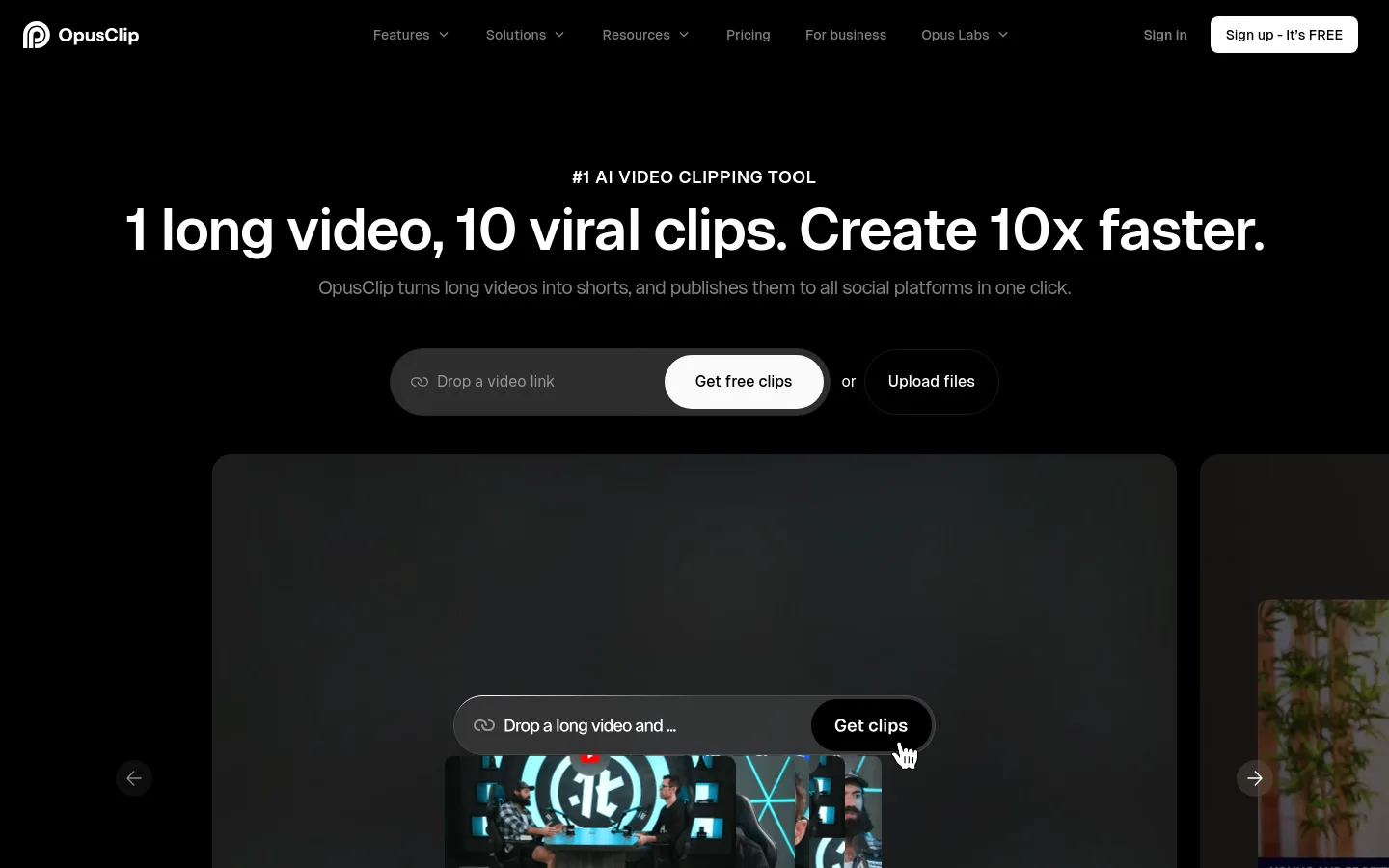
OpusClip is a web app that turns long videos into short clips and publishes them to social platforms.
ClipAnything highlight detection. Picks highlight moments from any genre of video, not only talking heads, and accepts natural-language prompts to clip a specific moment.Official source 1 ↗ · Official source 2 ↗
AI reframing with subject tracking. Resizes clips for each platform and keeps moving subjects centred, with manual tracking when you want to choose the subject.Official source 1 ↗
Animated captions in 20+ languages. Adds animated captions with emoji and keyword highlights; the paid plans caption in more than 20 languages.Official source 1 ↗
Text and timeline editor. Paid plans can edit clips by transcript or timeline, trim and extend, add B-roll, text overlays and music, and remove fillers and pauses.Official source 1 ↗ · Official source 2 ↗
Social scheduling. Posts or schedules clips to YouTube Shorts, TikTok and Instagram Reels; Pro adds a scheduler for several connected accounts.Official source 1 ↗
Export to Premiere Pro and DaVinci Resolve. Pro exports an XML folder with the clip timeline, SRT captions and source segments for finishing in a professional editor.Official source 1 ↗
Pricing & free limits
Free
$0per month
60 credits a month, clips up to 1080p with a watermark, no editing, and clips stop being exportable after 3 days.Official source 1 ↗
Starter
$15per month, monthly billing only
150 credits a month, virality score, captions in 20+ languages, auto-posting, the editor, one brand template and no watermark.Official source 1 ↗
Pro
$29 monthly, or $14.50/month billed annuallyper month
300 credits a month with two months of rollover, two seats, AI B-roll, 9:16, 1:1 and 16:9 output, scheduler, XML export and limited API access.Official source 1 ↗
Business
Customcontact sales
Custom credits, seats and social connections, API and custom integrations, dedicated storage and priority support.Official source 1 ↗
Billing details
New users get a 7-day Pro trial; trial exports carry a watermark and trial users cannot post or schedule directly to social media.Official source 1 ↗ · Official source 2 ↗
Free access & limits
The free plan includes 60 credits a month, adds a watermark, has no editing, and keeps clips exportable for only 3 days.Official source 1 ↗
Best for & limitations
Podcasters and creators turning a long episode or vlog into several short clips for YouTube Shorts, TikTok and Reels.Official source 1 ↗ · Official source 2 ↗
Editors who want AI to find candidate clips and then finish them in Premiere Pro or DaVinci Resolve.Official source 1 ↗
Teams and agencies producing branded clips with shared workspaces and brand templates.Official source 1 ↗
Free clips expire and are watermarked. Free-plan clips carry a watermark, cannot be edited and can only be exported for 3 days.Official source 1 ↗
Key editing exports need Pro. Starter is billed monthly only; multiple aspect ratios, the scheduler and XML export are listed under Pro.Official source 1 ↗

 Submit a tool