
Ordalin
Submit a tool

Reviewed tool profile

Cleanvoice AI

AI podcast editor that removes filler words, silences, mouth sounds and background noise from audio and video, with timeline export and an API.

Sources checked

Visit website ↗
Pricing
Pricing is credit-based on hours of processed audio, and every plan includes all features. A free trial needs no credit card. Pay-as-you-go packs cost $11 for 5 hours, $20 for 10 hours or $45 for 30 hours, with credits valid for 2 years. Subscriptions cost $11 for 10 hours, $28 for 30 hours or $90 for 100 hours a month. Custom plans cover 200+ hours a month. Prices exclude VAT. Official source 1 ↗
Available as
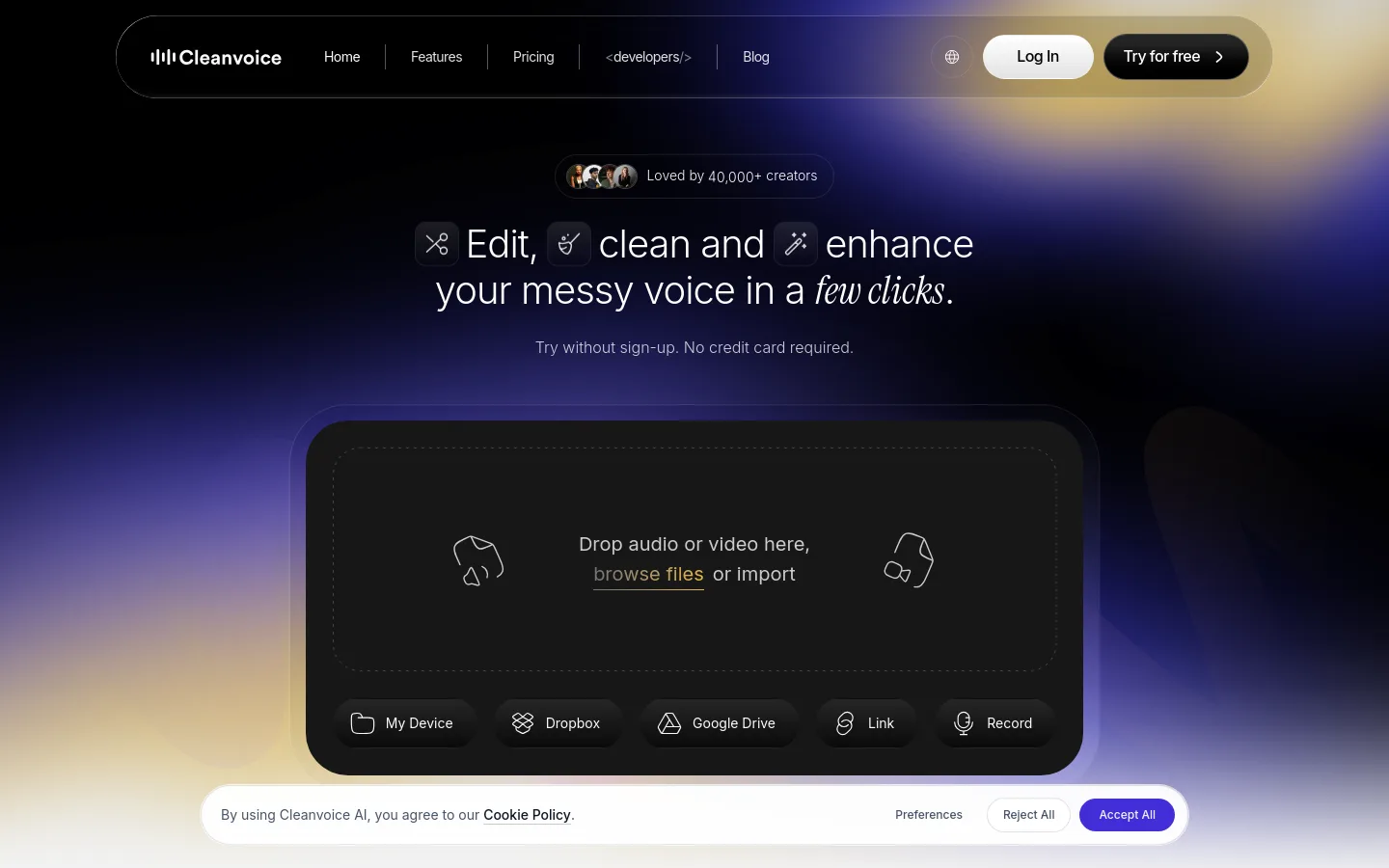
Recordings are uploaded and edited in the browser from a device, Dropbox, Google Drive, a link or a new recording. · Developers can use official Python and JavaScript SDKs (Node.js, Deno, Bun and edge runtimes), the REST API, a native Make.com module or n8n HTTP nodes. Official source 1 ↗ Official source 1 ↗
Primary group
Music & Audio

What it does

Cleanvoice AI edits spoken-word audio and video: it removes background noise, filler words, mouth sounds and silences from podcasts and similar recordings, and returns the edited file or an editable timeline.

Official source 1 ↗

Features

  • Filler word and dead-air removal. Finds filler words and long pauses and cuts them out; stutters, hesitations and breaths can also be removed. Official source 1 ↗ · Official source 2 ↗

  • Noise, mouth-sound and echo cleanup. Strips background noise, hum, echo, mouth sounds and breaths from a recording automatically. Official source 1 ↗
  • Studio Sound enhancement and loudness. An audio enhancer lifts a raw take toward studio sound, with optional loudness normalization; it is language-agnostic. Official source 1 ↗ · Official source 2 ↗
  • Multitrack editing. Filler words and dead air are cut from every speaker's track in one pass, keeping the tracks in sync. Official source 1 ↗
  • Timeline and marker export. Edits can be exported as markers or a timeline to Adobe Audition, Adobe Premiere, DaVinci Resolve, Reaper, Audacity or any editor that reads EDL files, so you can review and adjust each cut yourself. Official source 1 ↗ · Official source 2 ↗
  • Video podcast editing. Video files are supported: the audio is cleaned and returned inside the original video container. Official source 1 ↗
  • Transcripts, summaries and social content. Optional outputs include a transcript, a summary with chapters and key learnings, and social content such as tweets, LinkedIn posts and show notes. Official source 1 ↗
  • Developer SDKs and API. The Python and JavaScript SDKs wrap upload, job polling and download in one call; files can be passed as a public URL, local path or NumPy array, and results can be delivered to your own storage via a pre-signed URL. Official source 1 ↗ · Official source 2 ↗

Pricing & free limits

Pay as You Go

$11 (5 hours), $20 (10 hours) or $45 (30 hours)one-time credit purchase

For occasional use; $2.20 to $1.50 per processed hour, credits valid for 2 years, all features included. Official source 1 ↗

Subscription

$11 (10 hours), $28 (30 hours) or $90 (100 hours)per month; monthly or yearly billing

$1.10 to $0.90 per processed hour; unused credits roll over up to three times the plan limit; all features included. Official source 1 ↗

Custom Plan

Custom pricingcontact sales

200+ hours of processed audio, custom API endpoints, priority support and custom billing. Official source 1 ↗

Billing details

Credits are billed on file duration with a 1-minute minimum, rounded up; enabled features and SDK versus API calls do not change consumption. Failed uploads are not charged. Official source 1 ↗

Prices are listed without VAT; sales tax or VAT may be added depending on location, and European companies can buy without VAT using a VAT ID. The page can show prices in EUR or USD. Official source 1 ↗

Free access & limits

The free trial covers 30 minutes of audio and can be started without signing up or entering a credit card. Official source 1 ↗ · Official source 2 ↗

Best for & limitations

Cleaning a podcast episode recorded outdoors or in an untreated room before publishing. Official source 1 ↗

Fixing a remote interview where the guest's laptop speakers caused echo. Official source 1 ↗

Letting the AI propose cuts, then finishing the edit manually in your own audio editor from the exported timeline. Official source 1 ↗

Adding automated audio cleanup, transcription and show-note generation to an app or production pipeline through the SDK or API. Official source 1 ↗ · Official source 2 ↗
  • Recorded files only. The API and SDK work on already recorded audio or video and do not support real-time editing; you cannot preview results before processing. Official source 1 ↗
  • 3 GB file limit and 7-day retention. Each file can be up to 3 GB, and uploaded and edited files are deleted after 7 days. Official source 1 ↗
  • No multitrack in the SDK. The SDK does not currently offer stable multitrack processing; multitrack audio requires the API. Official source 1 ↗
  • Processing stops without credits. Requests fail once credits run out until you upgrade or buy more credits. Official source 1 ↗
Cleanvoice AI product screenshot
Website previewFixed desktop viewport · 1440 × 900

Similar tools

Published tools that share its categories.

AlituBrowser-based podcast maker that records calls, cleans up audio automatically, edits by transcript or waveform, and hosts and publishes episodes.
Music & AudioFree trialChecked Oct 6
Visit
CastmagicAI content platform that turns podcast episodes and other recordings into transcripts, show notes, clips, newsletters and social posts.
Music & AudioPaidChecked Oct 6
Visit
RiversideBrowser-based studio that records podcasts and video in separate local tracks, with a text-based editor and AI cleanup, clips and show notes.
Music & AudioFree planChecked Oct 6
Visit
SpliceRoyalty-free sample library with 3M+ sounds, presets and MIDI, AI Search with Sound, in-DAW integrations and rent-to-own plugins.
Music & AudioFree trialChecked Oct 6
Visit
SFX EngineAI sound effect generator that turns text prompts into royalty-free SFX, with background music, DJ transitions and a stem splitter.
Music & AudioPaidChecked Oct 6
Visit