What it does
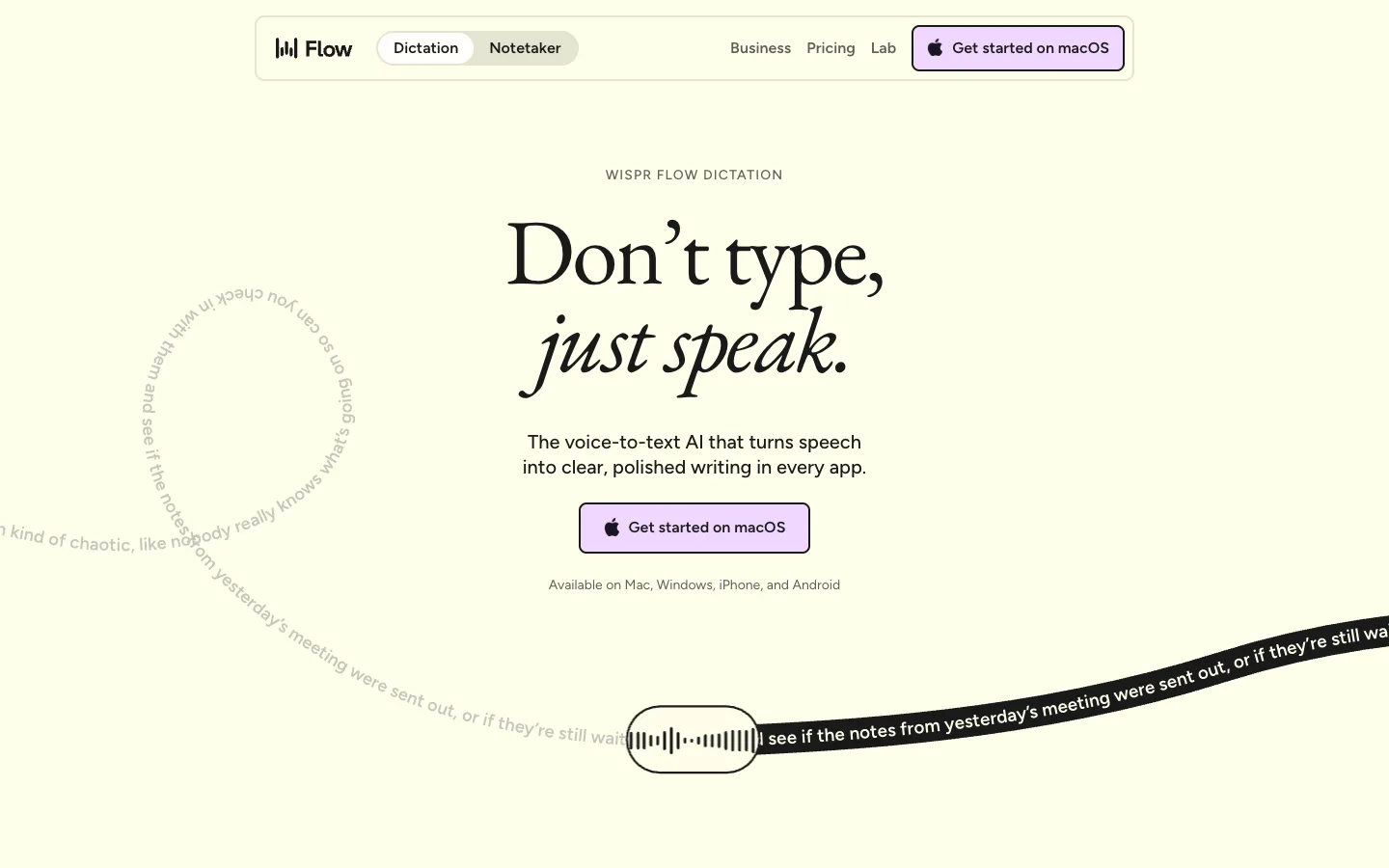
Wispr Flow is a voice-to-text app that types wherever your cursor is, removing filler words, catching mid-sentence corrections and formatting the result as you speak. It runs on Mac, Windows, iPhone and Android and supports 100+ languages. Since August 2026 the same app and subscription also include Wispr Notetaker, a bot-free meeting notetaker for Mac and Windows. Wispr Flow is made by Wispr AI, Inc.
Official source 1 ↗ · Official source 2 ↗Features
- Dictation in any app. Speak instead of typing in any app where you can type, with no plugins or per-app integrations. Official source 1 ↗
- Automatic cleanup and corrections. Flow removes filler words, adds punctuation and formatting, and keeps only the final version when you correct yourself mid-sentence. Official source 1 ↗
- 100+ languages. Flow detects and transcribes the language you are speaking; for best accuracy Wispr recommends selecting the specific language rather than relying on auto-detect. Official source 1 ↗ · Official source 2 ↗
- Personal dictionary and snippets. Flow learns names and jargon or lets you add words, and spoken shortcuts expand into saved text such as emails, links and addresses. Teams can share dictionaries and snippets. Official source 1 ↗ · Official source 2 ↗
- Per-app writing styles. Set a different tone for messages, work chats and emails. Official source 1 ↗
- Wispr Notetaker. Bot-free meeting capture on Mac and Windows with speaker-named transcripts, topic summaries, next steps, pre-meeting briefs and questions across your meeting history. Meeting audio is deleted after a limited period and no voiceprints are created. Official source 1 ↗ · Official source 2 ↗ · Official source 3 ↗ · Official source 4 ↗
- Meeting notes in AI tools via MCP. Notetaker content can be used in Claude, ChatGPT, Gemini and other MCP tools, including on the free plan. Official source 1 ↗ · Official source 2 ↗ · Official source 3 ↗
- Imports from Otter and Granola. Previous Otter or Granola notes can be imported into Notetaker. Official source 1 ↗ · Official source 2 ↗
- Data controls. Users can opt out of model training, turn off dictation cloud storage so audio is discarded after transcription, disable context awareness, and auto-delete local history after 24 hours. Stored data is encrypted with AES-256, and the SOC 2 Type II report covers every Wispr product on every plan. Official source 1 ↗ · Official source 2 ↗
- Team administration and compliance. Paid team plans add shared workspaces and centralized billing; Growth adds SAML SSO, HIPAA enforcement and admin control over model training; Enterprise adds SCIM, audit logs, MDM and domain capture. Since October 2, 2026, model training is off and locked for every member on Growth and Enterprise plans, and admins can turn Notetaker on or off for their organization. Official source 1 ↗ · Official source 2 ↗ · Official source 3 ↗ · Official source 4 ↗
- Canto speech model. Since September 17, 2026, Flow runs on Canto, Wispr's first in-house speech model, rolled out to all users automatically; a preview was announced with the Series B in August 2026. Official source 1 ↗ · Official source 2 ↗
Pricing & free limits
Dictation on all four platforms with 2,000 words per week on desktop and limited weekly use on mobile; dictionary and snippets; limited Notetaker access with a weekly meeting limit; MCP access to meeting notes. Official source 1 ↗ · Official source 2 ↗
Unlimited dictation, higher Notetaker limits and longer history, shared dictionary and snippets, team workspace, centralized billing, usage analytics and priority support. No minimum seats. Official source 1 ↗
Everything in Pro plus SAML SSO, org-wide HIPAA enforcement with a signed BAA, multiple domains, admin control over model training, individual usage reporting and admin tools. Official source 1 ↗ · Official source 2 ↗
Everything in Growth plus free IT admin seats, model training locked off, SCIM provisioning, audit logs, MDM deployment, domain capture, custom terms and invoice/PO billing. Official source 1 ↗
Billing details
Annual billing is about 20% cheaper than monthly. Pro has no commitment and can be cancelled anytime; paid plans renew automatically, and refunds are only issued where required by law. Official source 1 ↗ · Official source 2 ↗
Students and educators with an education email get 50% off Pro, and non-profits get a discounted rate. Official source 1 ↗
Teams buying Growth as dictation-only were offered full Notetaker access at no extra cost through October 31; members move to a limited Notetaker plan afterwards and the price does not increase automatically. Official source 1 ↗
Wispr acquired Yapify, an email voice agent, on December 15, 2025 and moved Yapify users onto Flow. On August 17, 2026 it announced a $280 million Series B at a $2 billion valuation led by Menlo Ventures. Official source 1 ↗ · Official source 2 ↗
Growth became a self-serve plan in the admin portal on August 28, 2026, with dictation-only or unlimited-Notetaker options; first-time team joiners get a 14-day trial before they are billed. Official source 1 ↗
Free access & limits
Free dictation is limited to 2,000 words per week on desktop and to limited weekly use on mobile; Pro and higher plans are unlimited. Official source 1 ↗ · Official source 2 ↗
Free Notetaker access has a weekly meeting limit that resets every week; recordings under five minutes do not count. Pro raises the limit and keeps meetings for longer. Official source 1 ↗
Best for & limitations
Write emails, chat messages and documents by speaking in tools such as Gmail, Slack, iMessage and Notion, with filler words and false starts cleaned up. Official source 1 ↗
Dictate prompts and code-related text into terminals, code editors and AI tools such as ChatGPT, Claude and Cursor. Official source 1 ↗
Capture Zoom, Google Meet, Teams or in-person meetings without a bot and get speaker-named transcripts, summaries and next steps. Official source 1 ↗ · Official source 2 ↗
Healthcare and other regulated users can sign a BAA for HIPAA-ready dictation on any plan, with zero data retention when data sharing and dictation cloud storage are off. Wispr announced HIPAA support on August 6, 2025. Official source 1 ↗ · Official source 2 ↗
- Transcription always runs in the cloud. There is no offline or on-device transcription mode; turning off cloud storage only means audio is discarded after cloud transcription. Official source 1 ↗
- Free plan caps desktop dictation at 2,000 words per week. Mobile use on the free plan is also limited weekly; Wispr does not publish the exact mobile or free meeting limits on the pricing page. Official source 1 ↗
- Notetaker is Mac and Windows only. There is no Notetaker on iPhone or Android yet; dictation itself is available on all four platforms. Official source 1 ↗ · Official source 2 ↗
- A HIPAA BAA disables Notetaker and Scratchpad. Accepting the Business Associate Agreement turns off Notetaker and Scratchpad on that account. Official source 1 ↗ · Official source 2 ↗
- No bot means no automatic notice to participants. Notetaker records locally, so participants may not be notified; users must obtain consent themselves. Official source 1 ↗
- Notetaker supports 21 languages, fewer than dictation. Meeting transcription officially covers 21 languages; other languages may give mixed results. Official source 1 ↗
- Some Notetaker features use third parties without zero retention. Features such as Notetaker briefs rely on third-party AI providers not covered by zero data retention, though those providers cannot train on the data. Usage statistics are collected regardless of data controls. Official source 1 ↗
- Bluetooth earbuds reduce accuracy. Wispr recommends against AirPods and other Bluetooth earbuds because they compress audio and can miss the start of speech. Official source 1 ↗